Bunsy · iOS & Android
YouTube Shorts, at the rate Shorts demand
One idea, one vertical cut, today.
Or open the download link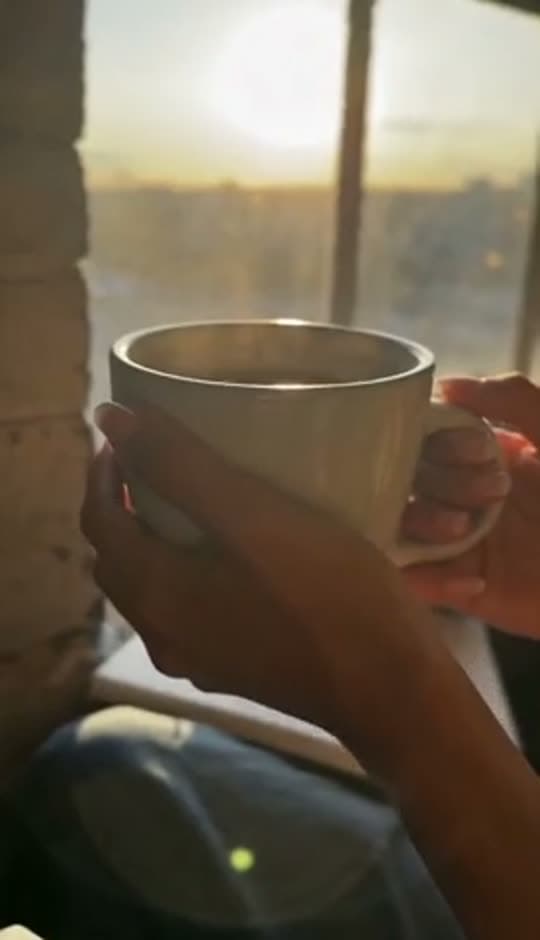
Inside the app
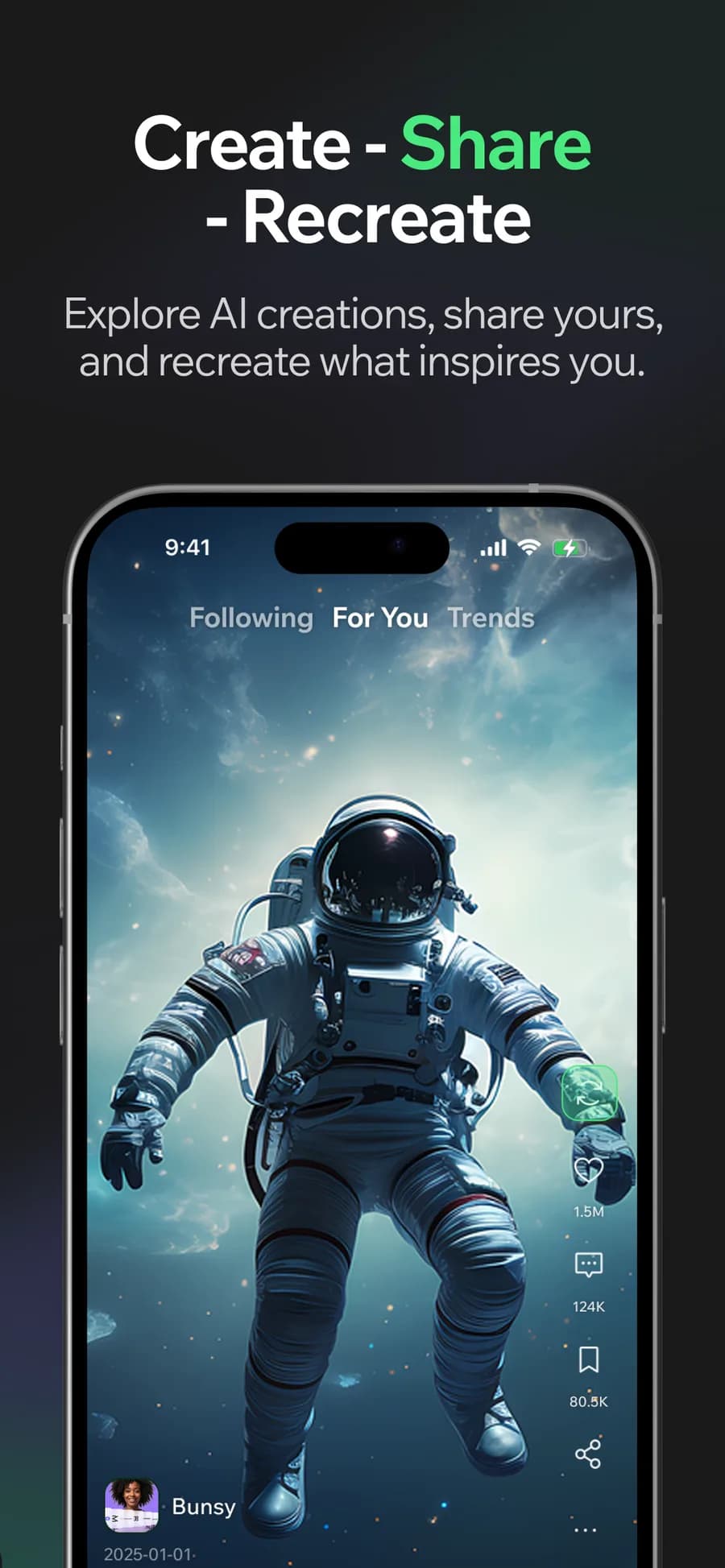
YouTube Shorts need a clear opening, a few focused beats and a finish. Generate the footage for each beat, then cut the pieces together with narration and captions on the timeline.
Build YouTube Shorts shot by shot
Generate each beat separately and cut them tight. A Short is a structure, and structure is easier to iterate on when each piece is its own clip.
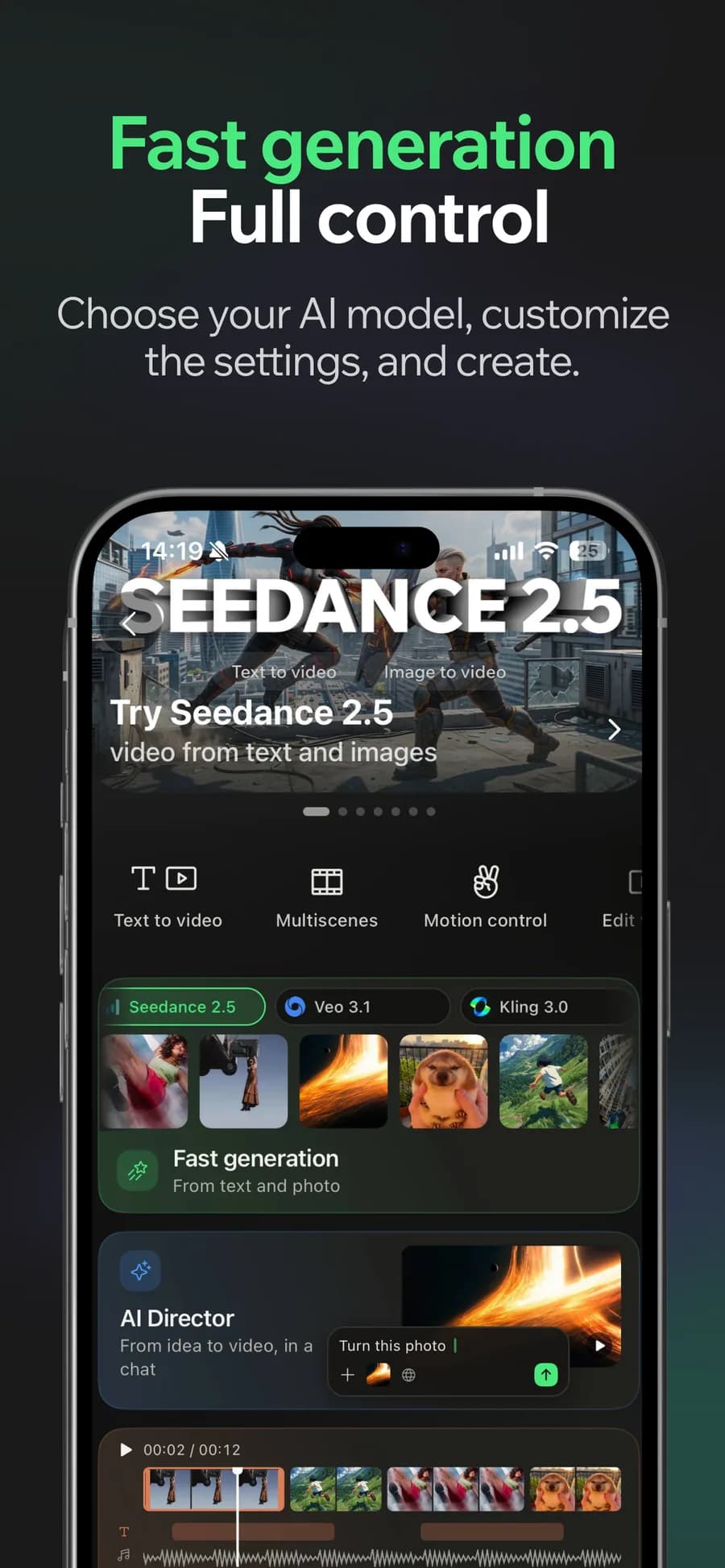
01
Generate
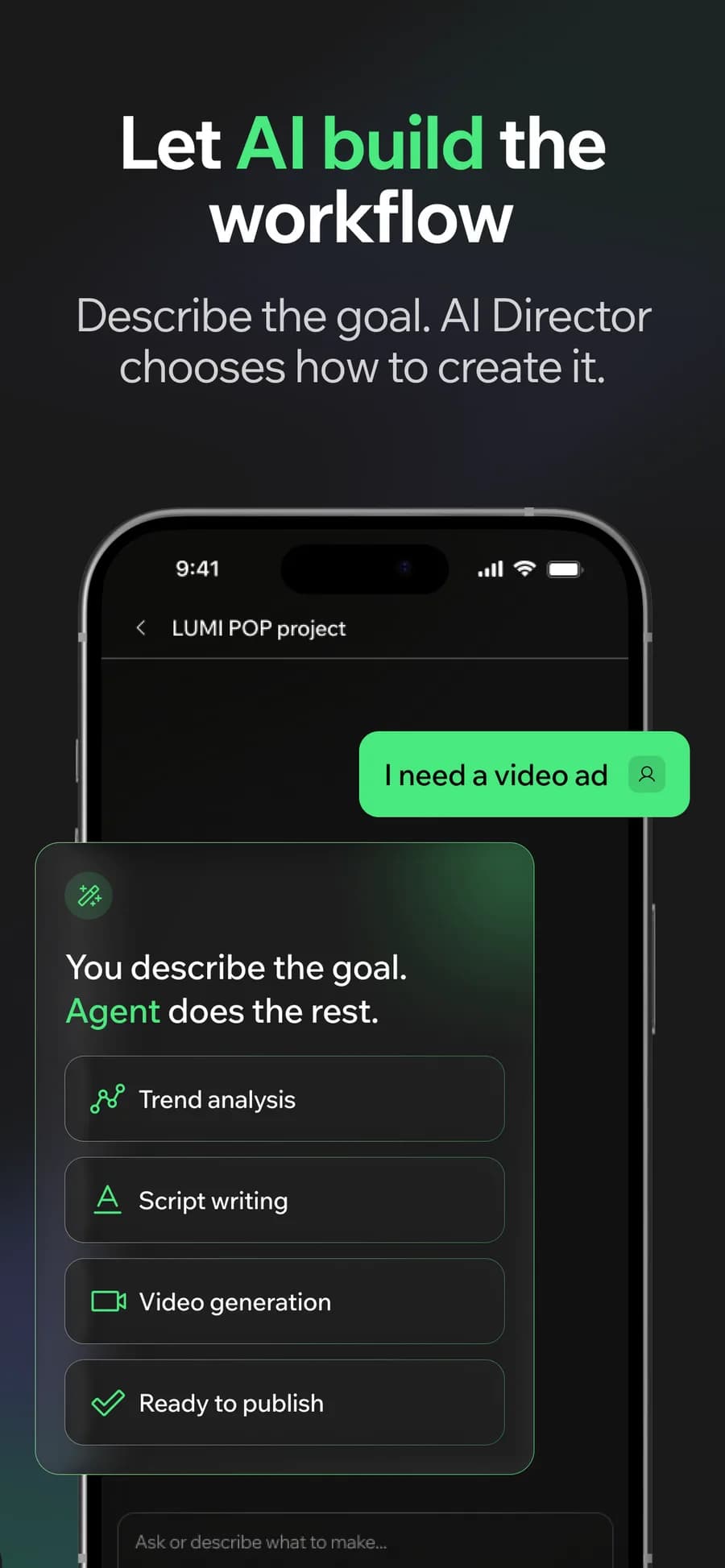
02
Or let the AI Director do it
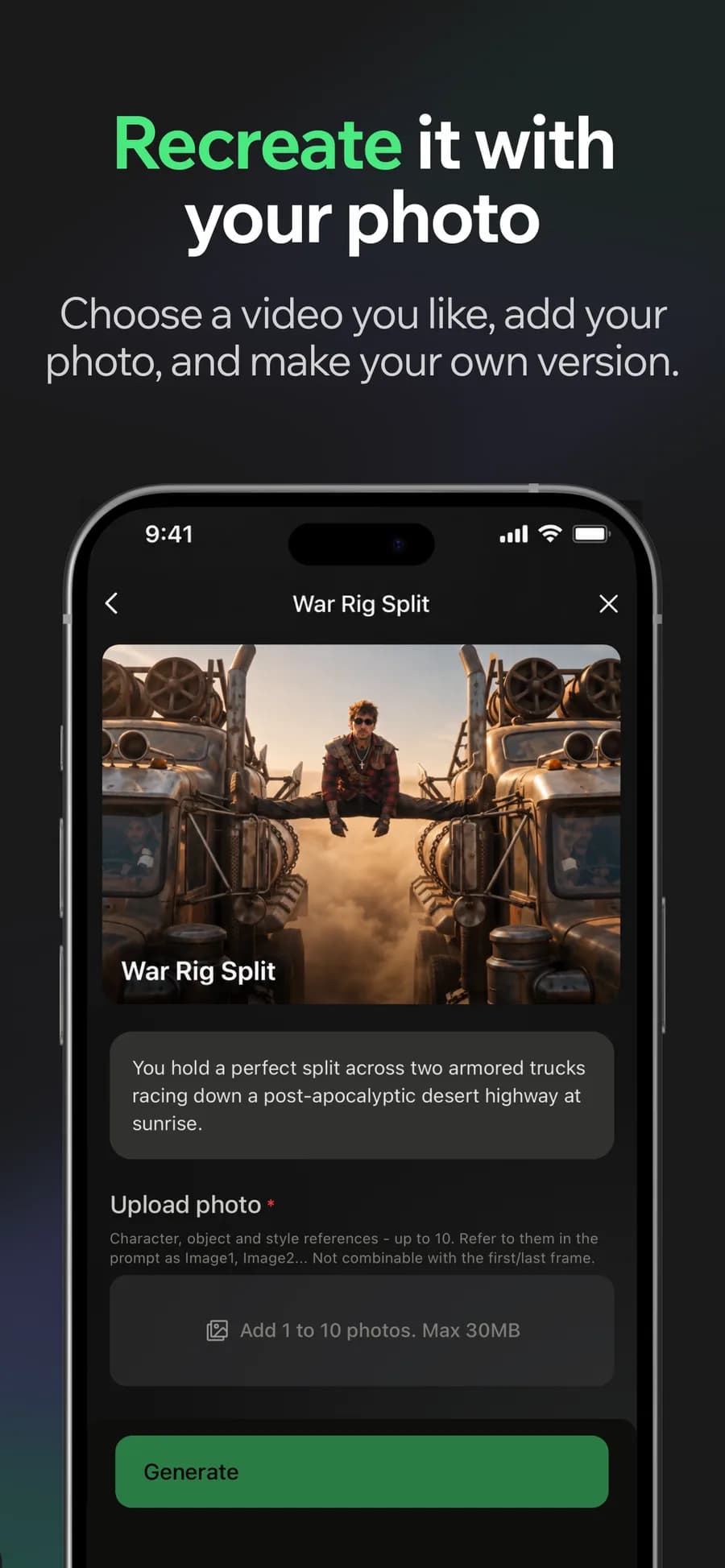
03
Make it yours
04
Post it
Why it holds up
Narration without a recording setup
A generated voiceover turns a written script into audio, so the episode does not wait on you finding a quiet room.
Captions that survive muted playback
Subtitles come from the audio and burn into the export, which is what keeps a Short watchable in the half of sessions that never turn sound on.
Made in Bunsy
What it produces
Clips made in Bunsy, exactly as they came out of the app.
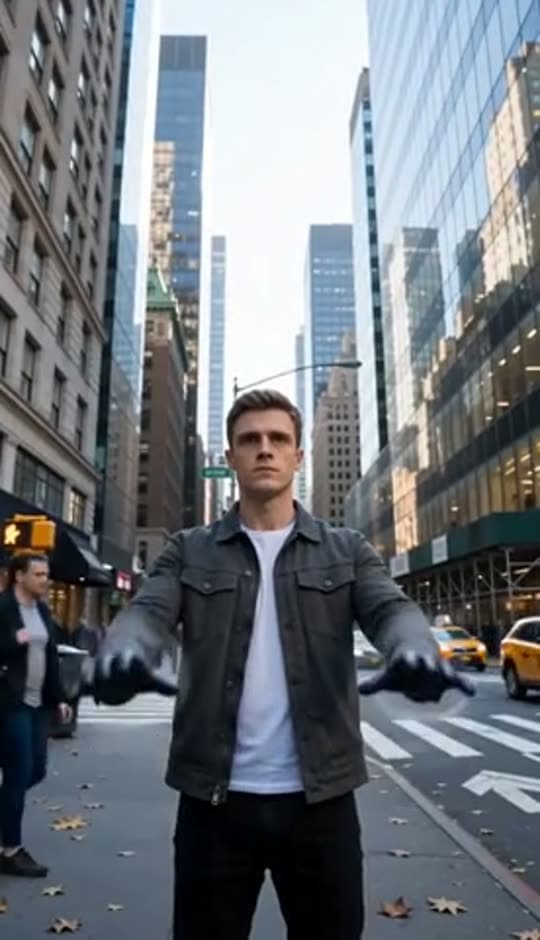
A man on a Manhattan street
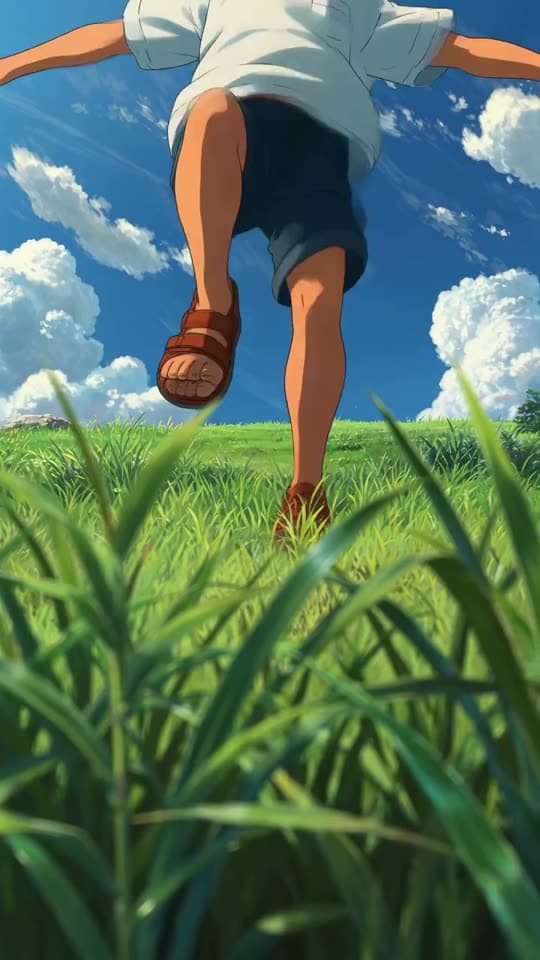
An anime kid running through tall grass
A mug of coffee at sunrise
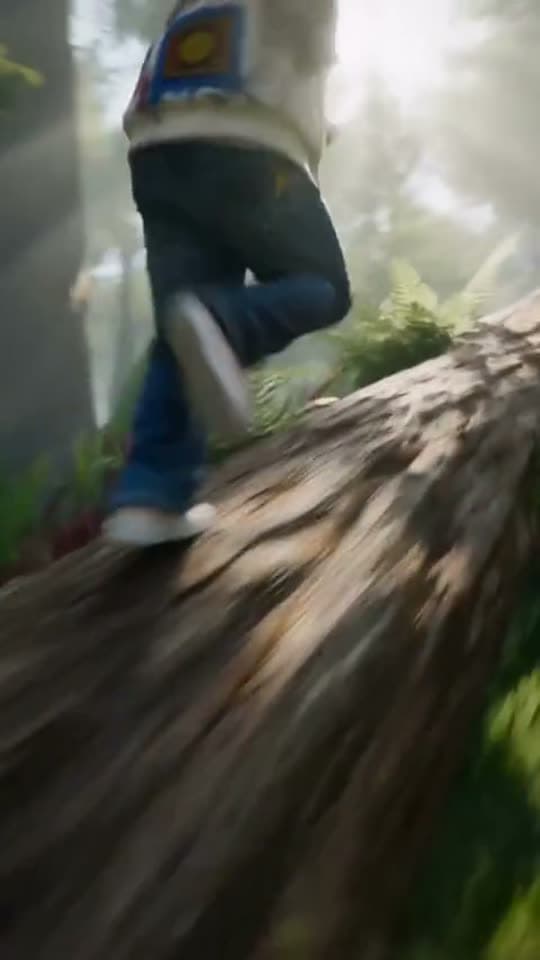
Running over a fallen tree in a forest
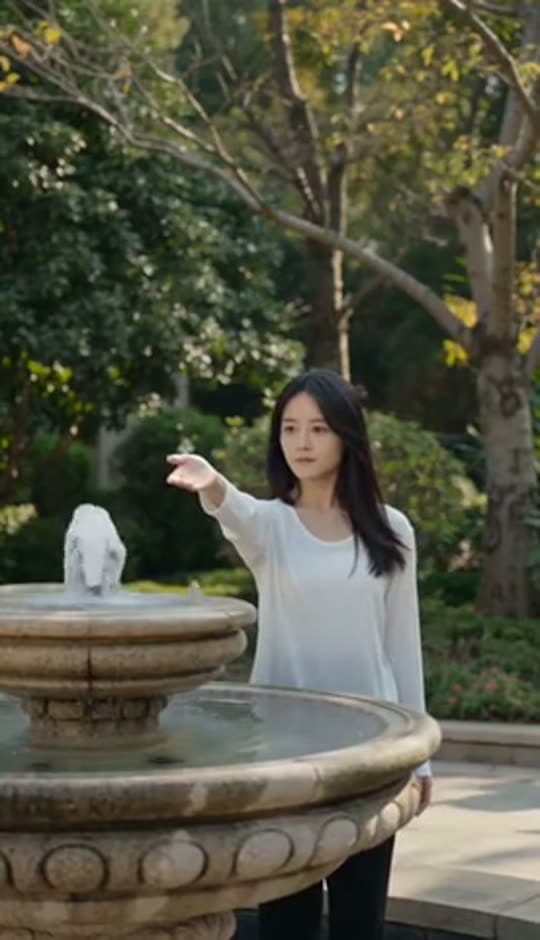
A woman reaching towards a park fountain
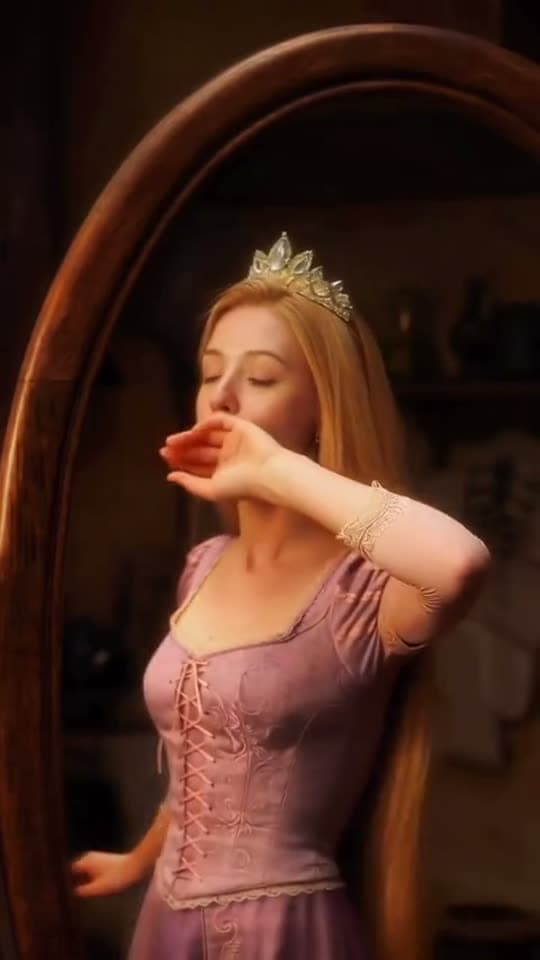
A princess at a mirror, generated in Bunsy
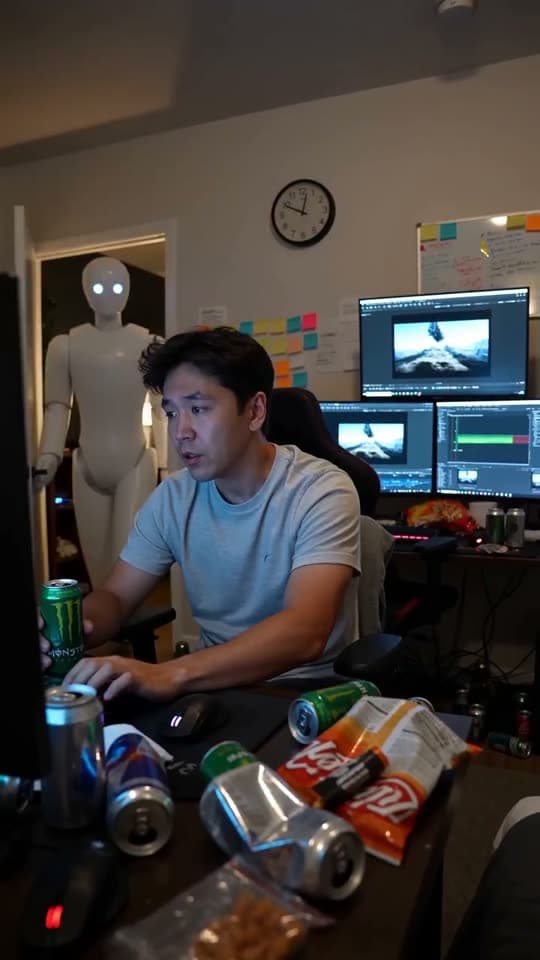
A robot watching over an editor at work
Questions
Are AI-generated YouTube Shorts against YouTube policy?
No, but YouTube requires disclosure for realistic synthetic content and demonetises mass-produced, repetitive uploads. Original scripts and disclosed synthetic footage are on the right side of both rules.
What resolution should I export?
Vertical 9:16 is the format Shorts serves. Generate in that aspect rather than cropping a wide clip, so the framing is composed for the frame viewers actually see.
Can I reuse a Short as a TikTok or a Reel?
Yes — the export is a normal vertical video file. Most creators change only the caption and the on-platform sound choice per network.
Your first clip is
a minute away.
Free to download. Nothing to set up.