Bunsy · iOS & Android
A music video for a track nobody funded
Your song. Shots that did not exist.
Or open the download link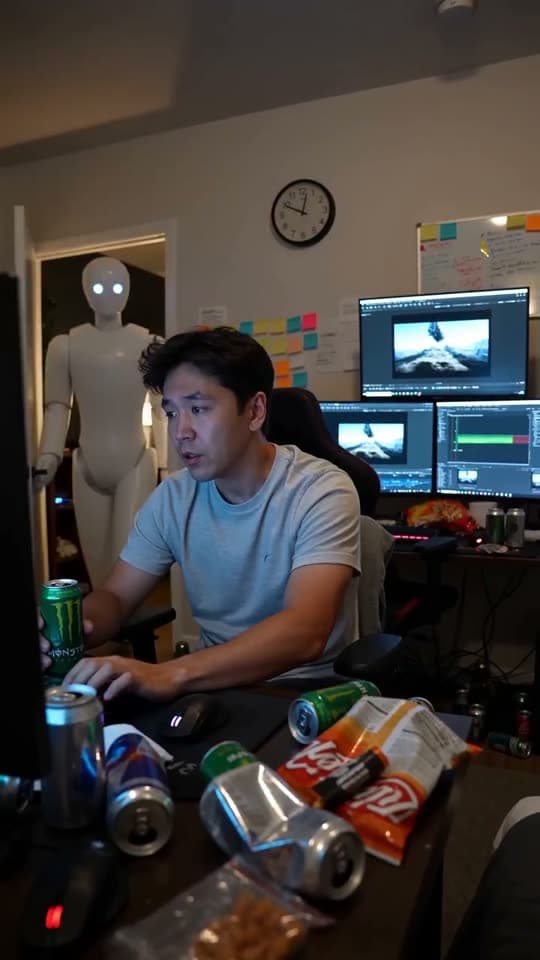
On the timeline
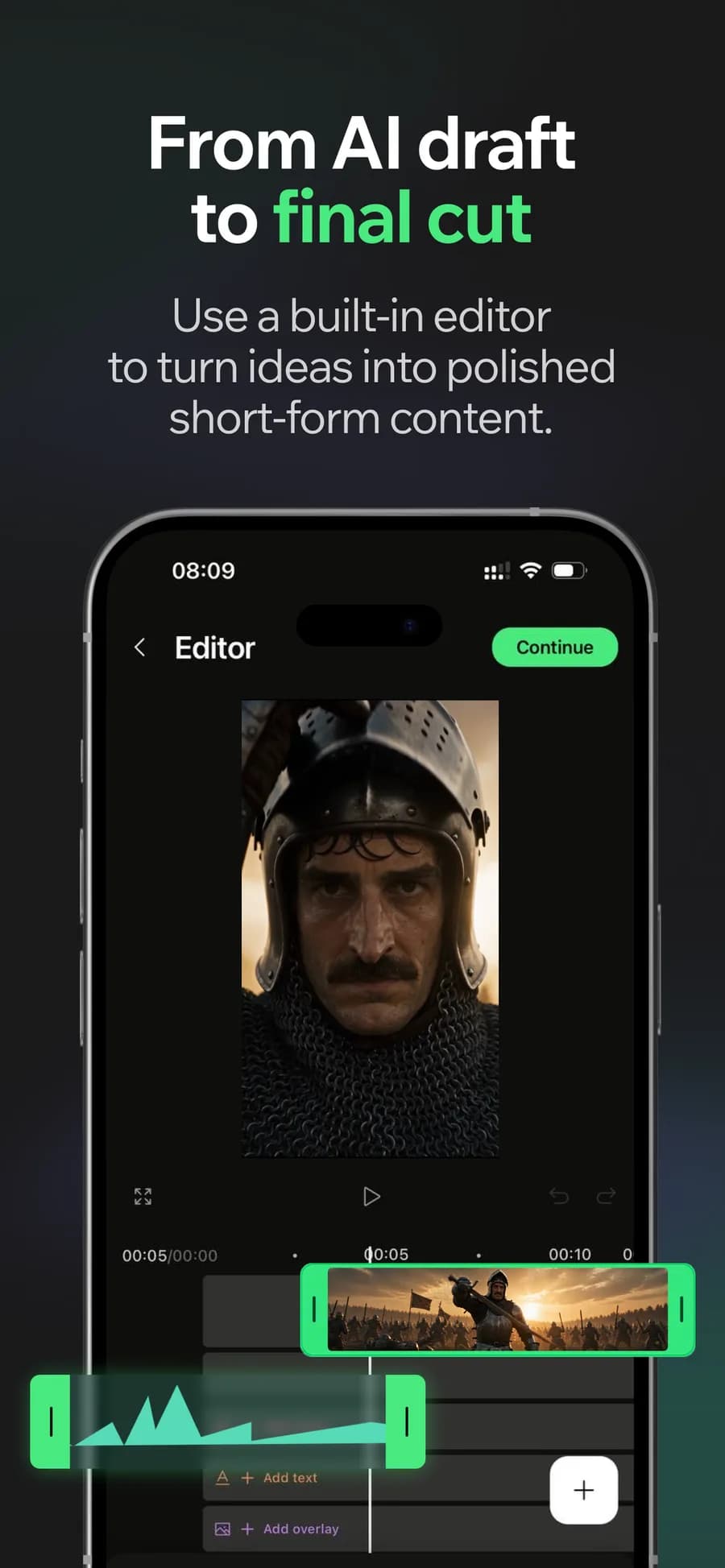
A music video used to require a budget before it required an idea, which is why most tracks never get one. Generation moves the cost from the shoot to the imagination, and the timeline is where the shots become a video that follows the song.
Music video shots that follow the song
Generate the image the lyric implies instead of settling for footage that happens to exist. A verse can have its own world and the chorus another.
Why it holds up
Cut on the beat
Lay the track down first, then trim the shots against it. Editing to audio is what makes a sequence of clips read as a music video.
Hold a look across the runtime
Reusing the same model and prompt structure per section keeps the grade and the world consistent, so three minutes read as one piece.
Made in Bunsy
What it produces
Clips made in Bunsy, exactly as they came out of the app.
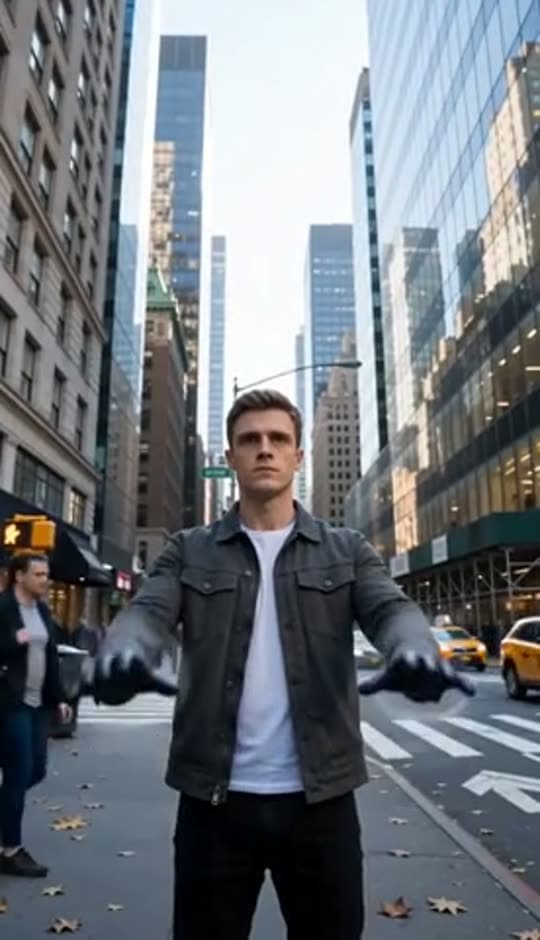
A man on a Manhattan street
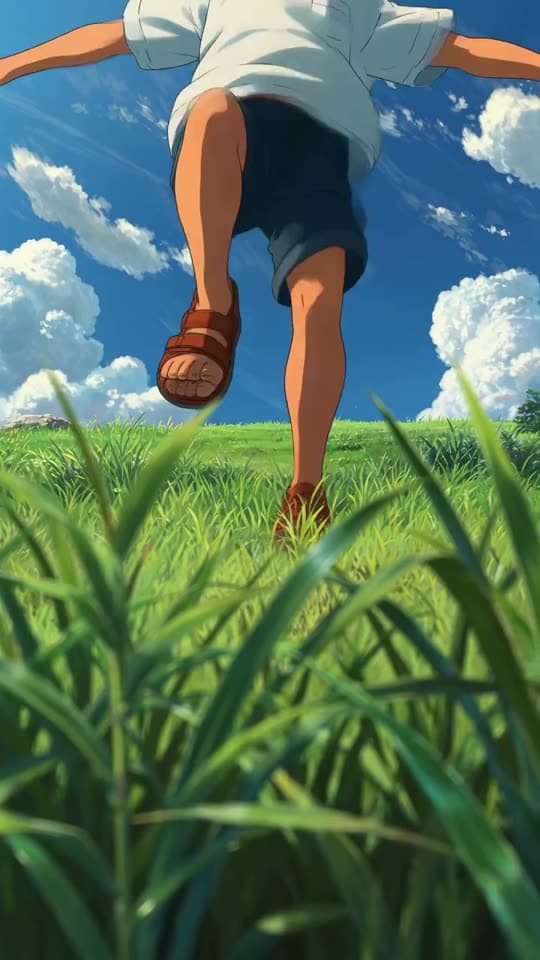
An anime kid running through tall grass
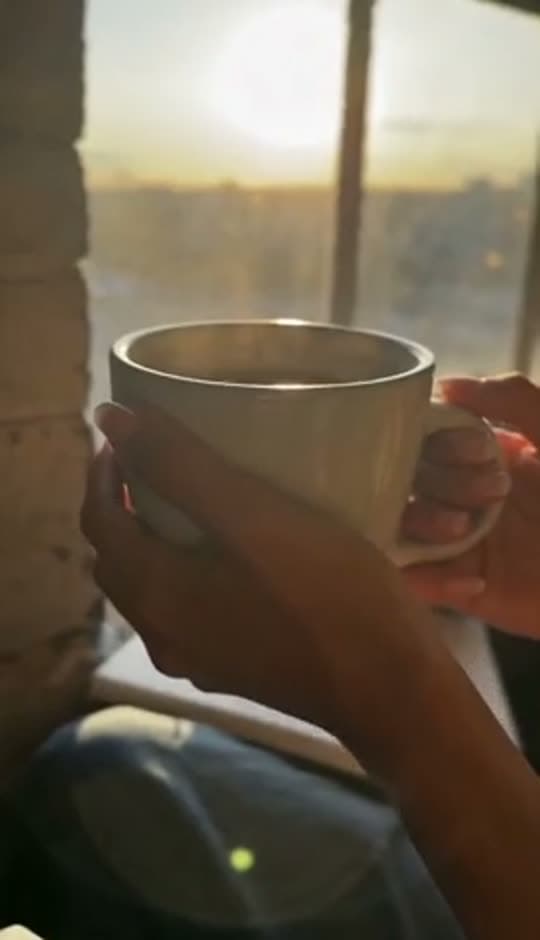
A mug of coffee at sunrise
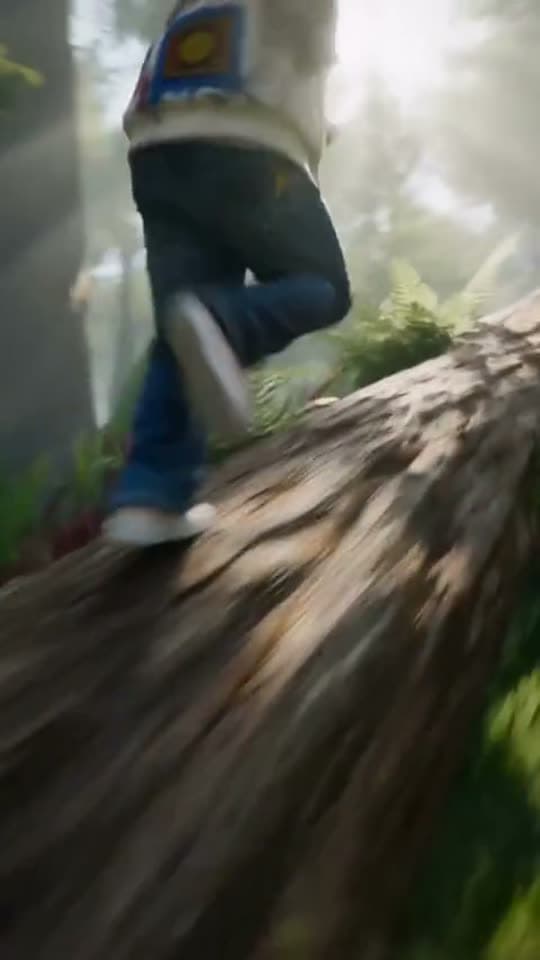
Running over a fallen tree in a forest
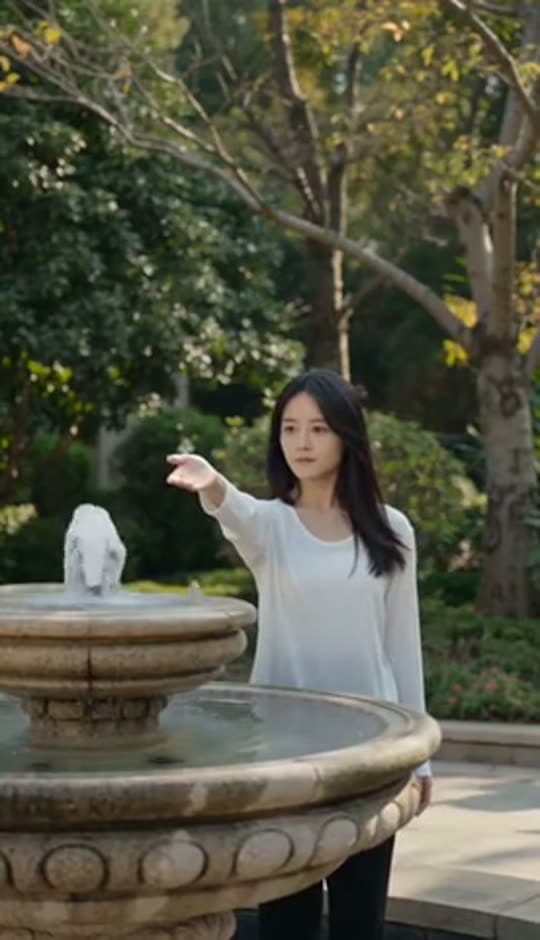
A woman reaching towards a park fountain
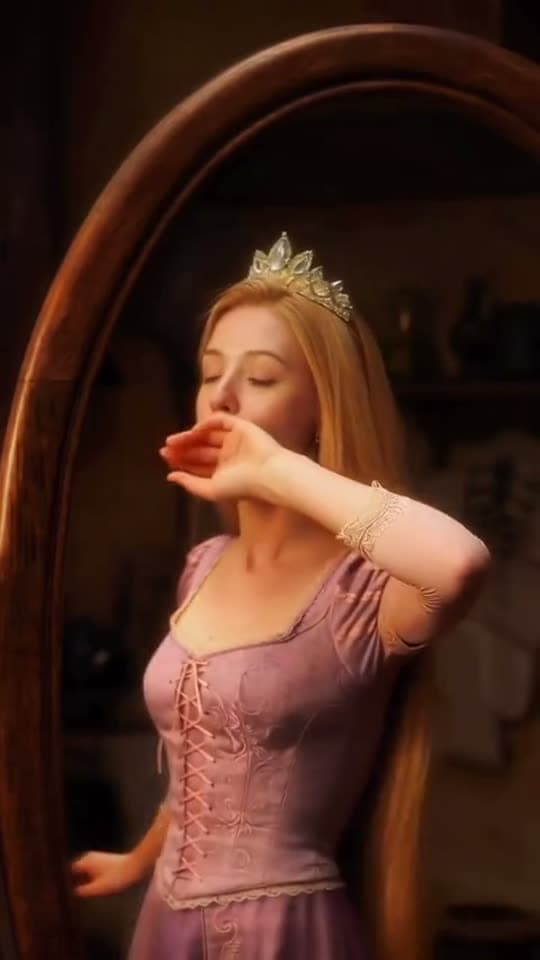
A princess at a mirror, generated in Bunsy
A robot watching over an editor at work
Questions
Can I use my own audio for a music video?
Yes — bring the track into the project and cut against it. The video is built around your audio rather than around a stock bed.
What about rights to the music?
Use audio you own or are licensed to use. Generated visuals do not change what a platform's rights systems do to an unlicensed track.
How do I keep a character consistent between shots?
Start shots from stills rather than from text, and use first-and-last-frame generation for continuity. Text prompts alone drift between takes.
Your first clip is
a minute away.
Free to download. Nothing to set up.