Bunsy · iOS & Android
Product video from a photo you already have
The shot exists. It just is not moving yet.
Or open the download link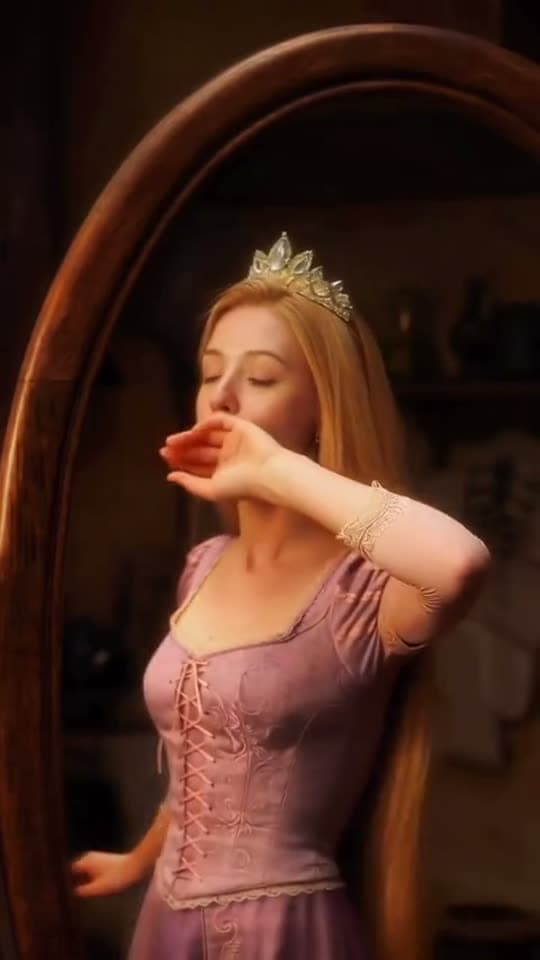
Models, chained
A product video can start with the still image you already have. Use it as a visual reference for the generated shot, review the product details and cut the result for the placement.
Product video from the shot you own
Animate the existing product photo rather than describing your product to a model that has never seen it. What is in frame stays your product.
Ferrari Testarossa 1980

Ferrari Testarossa driving along a Sicilian coastal cliff road at golden hour, cinematic shot.
Why it holds up
Move the camera, not the object
A slow push, an orbit or a rack focus reads as production value. First-and-last-frame generation is how you specify one instead of hoping for it.
Cut it for the placement
The same footage becomes a vertical ad, a square feed post and a wide hero loop, because aspect and length are decided per export.
Made in Bunsy
What it produces
Clips made in Bunsy, exactly as they came out of the app.
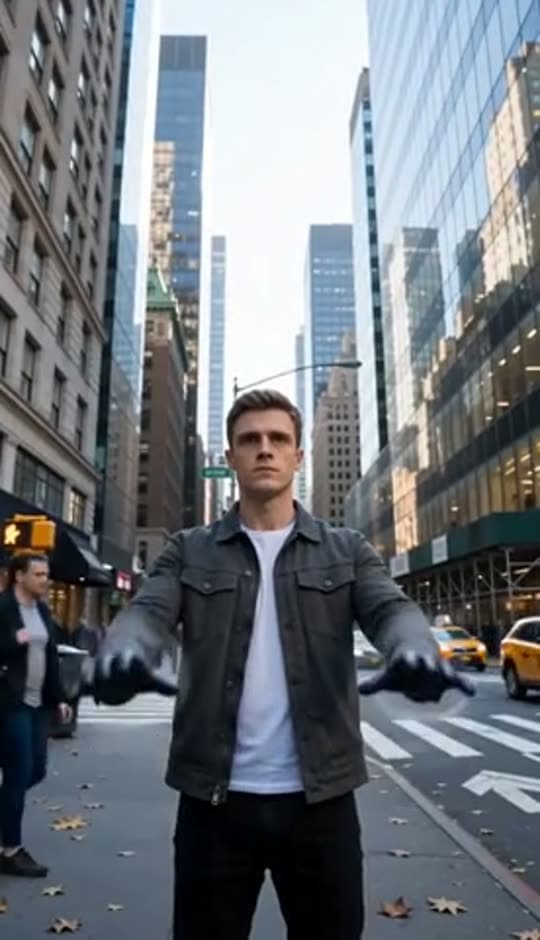
A man on a Manhattan street

An anime kid running through tall grass

A mug of coffee at sunrise
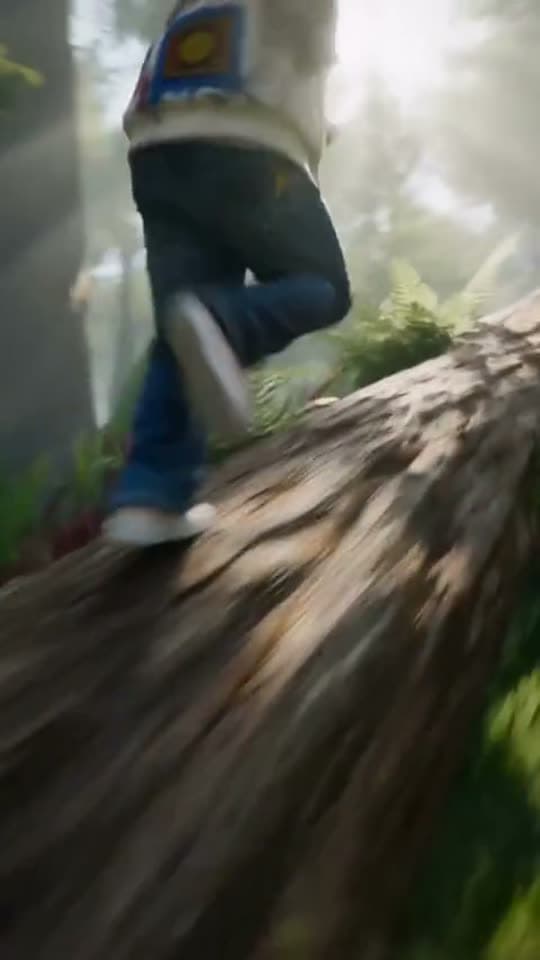
Running over a fallen tree in a forest
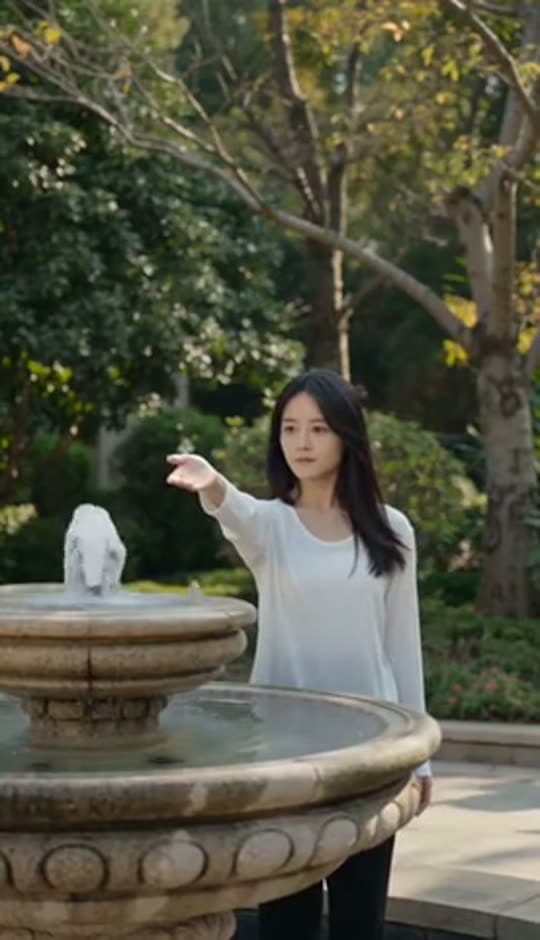
A woman reaching towards a park fountain
A princess at a mirror, generated in Bunsy
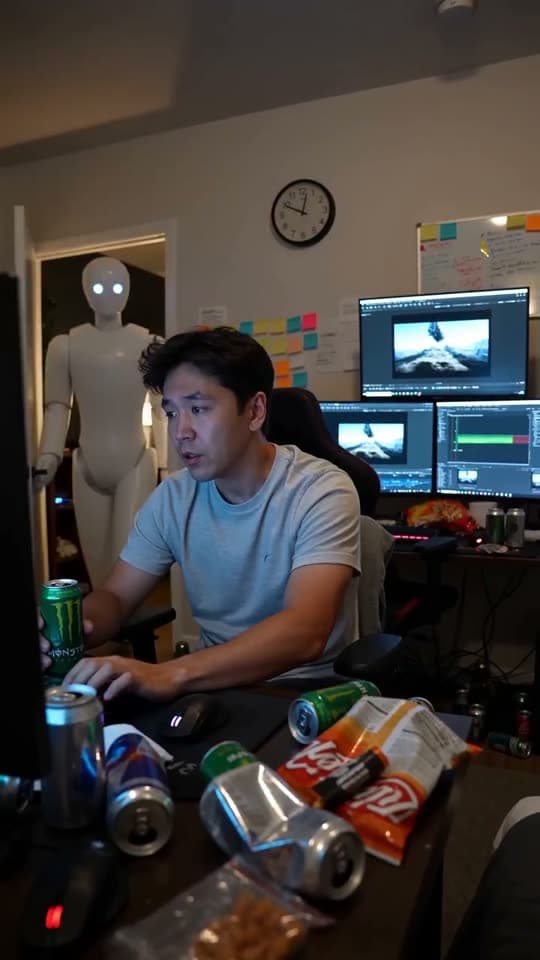
A robot watching over an editor at work
Questions
Will a generated product video keep my product details?
Starting from your photo is what protects that. A generated shot built from a text description invents the object; one built from your still animates it.
Can I use this for a store listing or a marketplace?
Yes, subject to that platform's own rules on generated imagery. Keep the product depiction accurate — a video that shows something the buyer will not receive is a returns problem before it is a policy one.
What makes a good product still to start from?
Clean lighting, a clear subject and some room around it. Tight crops leave the model nowhere to move the camera.
Your first clip is
a minute away.
Free to download. Nothing to set up.