Bunsy · iOS & Android
Image to video, from a still you already have
Animate a photo, move a product, extend a frame.
Or open the download link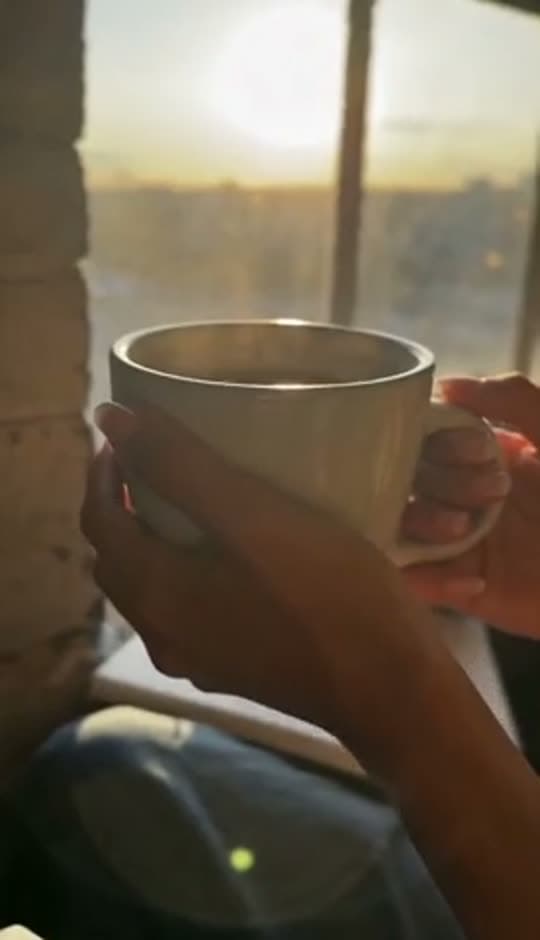
Models, chained
Image-to-video generation starts with a picture: the subject, framing and look are already in the reference. Use the prompt to describe the motion, then review what the model keeps or changes.
Image to video from your own photo
Bring a portrait, a product shot or a piece of artwork to life without describing it from scratch.
Ferrari Testarossa 1980
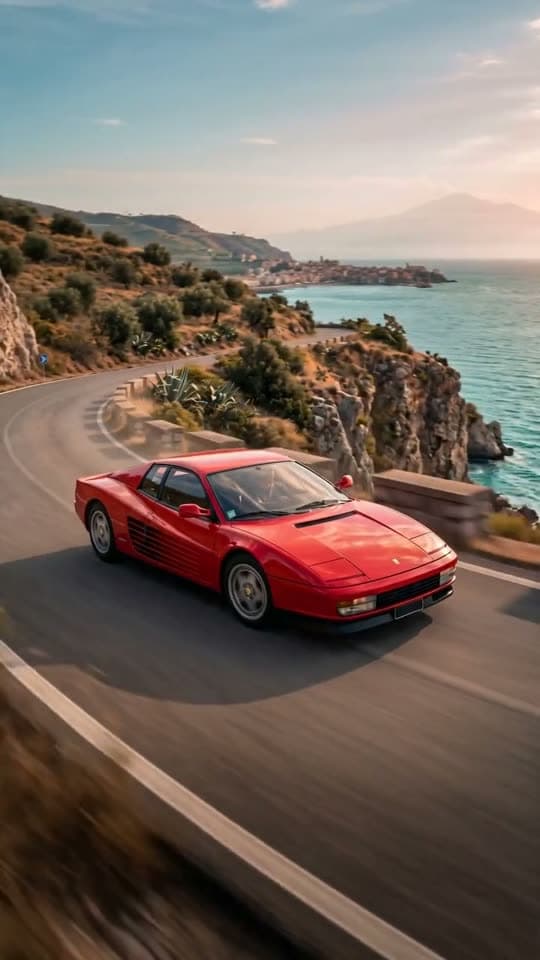
Ferrari Testarossa driving along a Sicilian coastal cliff road at golden hour, cinematic shot.
Why it holds up
First and last frame
Give two stills and let the model fill the shot between them — the closest thing to directing a specific move.
Straight into the cut
Animated stills sit on the timeline next to generated and filmed footage, with the same trimming, sound and subtitles.
Made in Bunsy
What it produces
Clips made in Bunsy, exactly as they came out of the app.
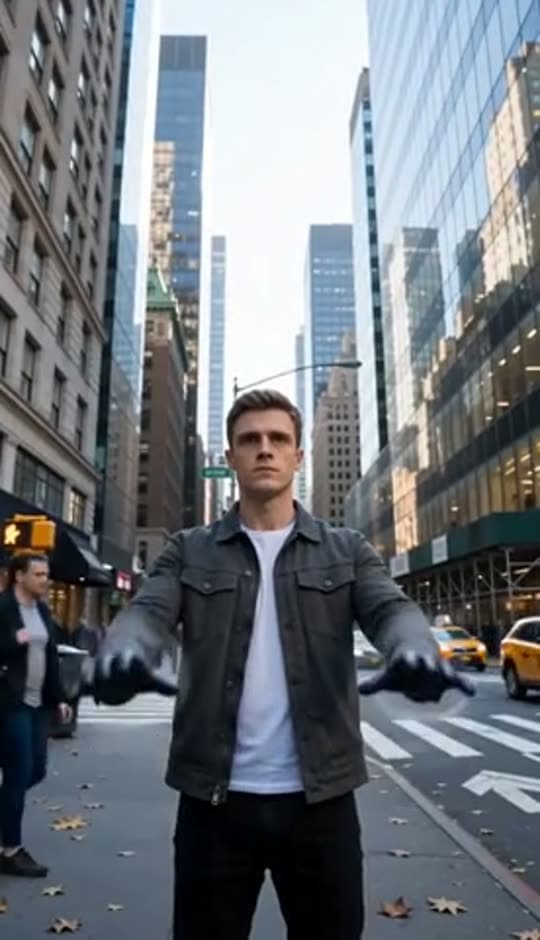
A man on a Manhattan street
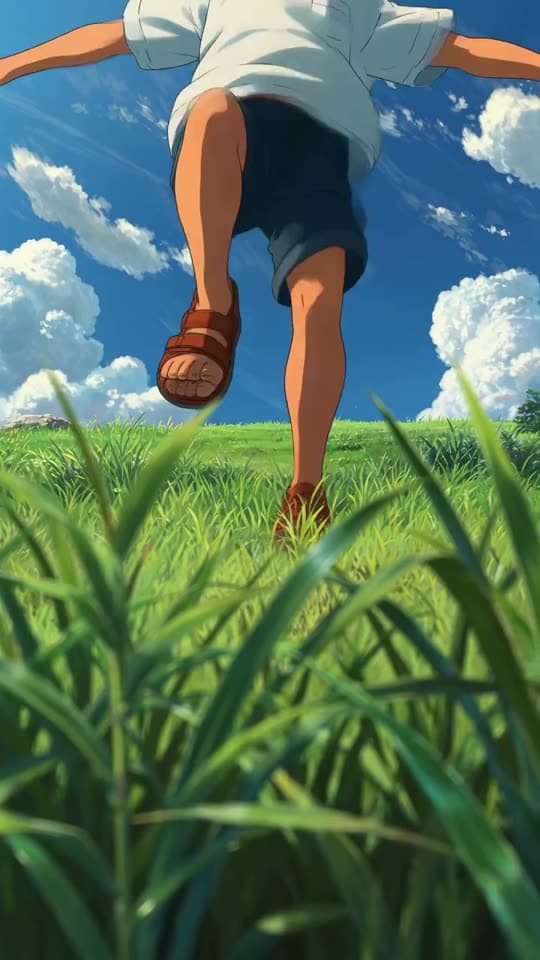
An anime kid running through tall grass
A mug of coffee at sunrise
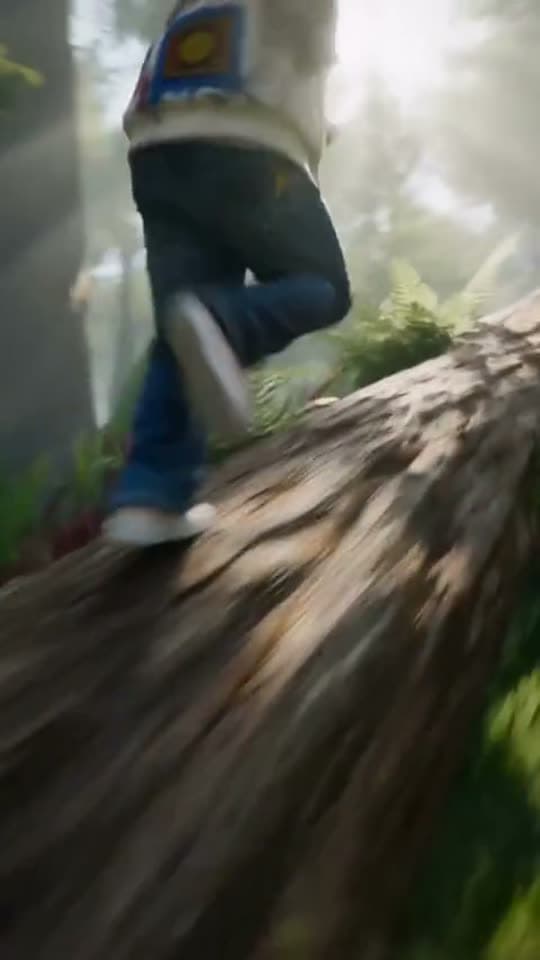
Running over a fallen tree in a forest
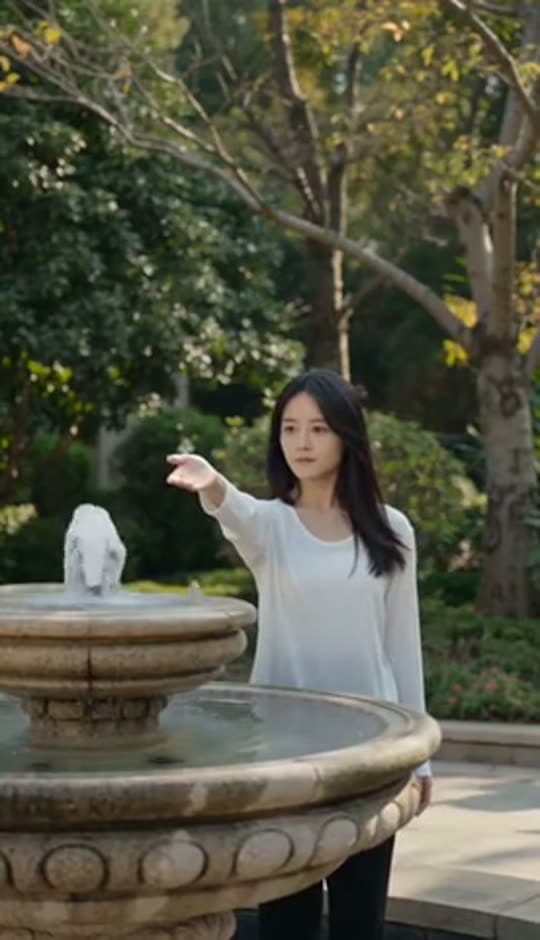
A woman reaching towards a park fountain
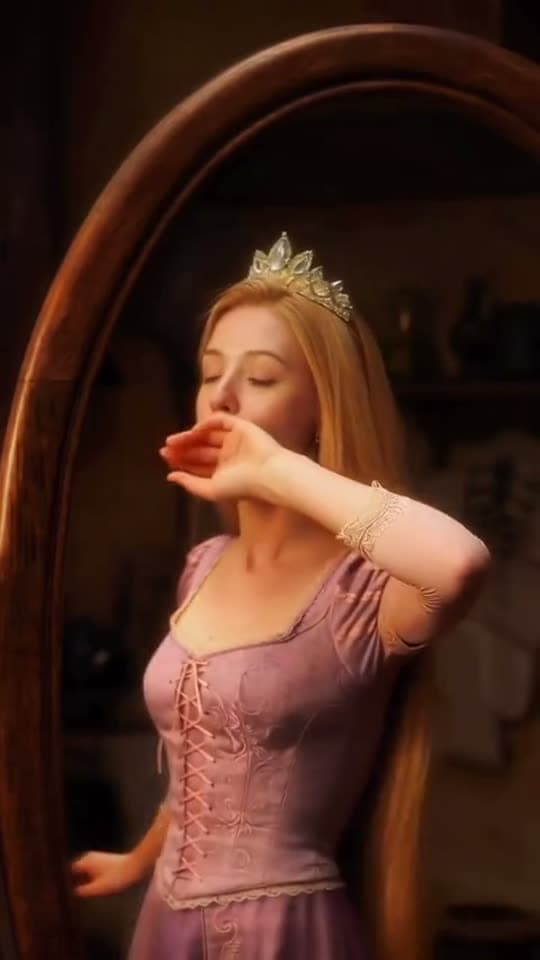
A princess at a mirror, generated in Bunsy
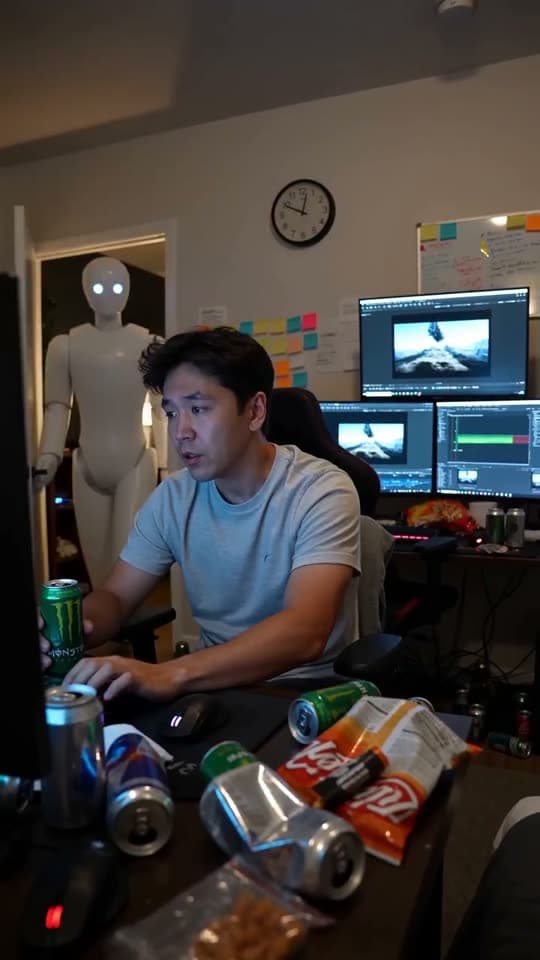
A robot watching over an editor at work
Questions
Which photos work best for image-to-video generation?
A clear subject, decent resolution and a composition with somewhere to move. Tight crops and heavy motion blur give models the least to work with.
Can I control the camera movement?
Yes, in two ways: describe the move in the prompt, or supply a first and last frame so the model has to interpolate between them.
Can I animate a photo of a person?
Yes, including talking avatars with lip sync. Use images you have the right to use — the acceptable use policy covers what is off limits.
Your first clip is
a minute away.
Free to download. Nothing to set up.