Bunsy · iOS & Android
An AI talking avatar from a single photo
A face, a voice you chose, and lips that match.
Or open the download link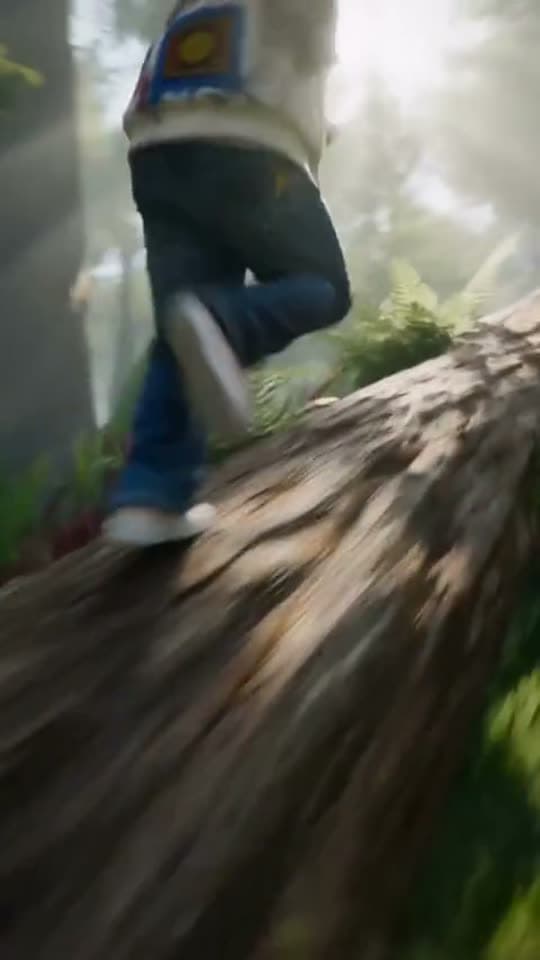
Inside the app
An AI talking avatar involves three choices: the face, the voice and the lip-sync result. Preview the voice before generating, then check the performance and edit the clip on the timeline.
Preview your AI talking avatar's voice
Every voice in the catalogue has a preview. Choose the delivery before you render, instead of after.
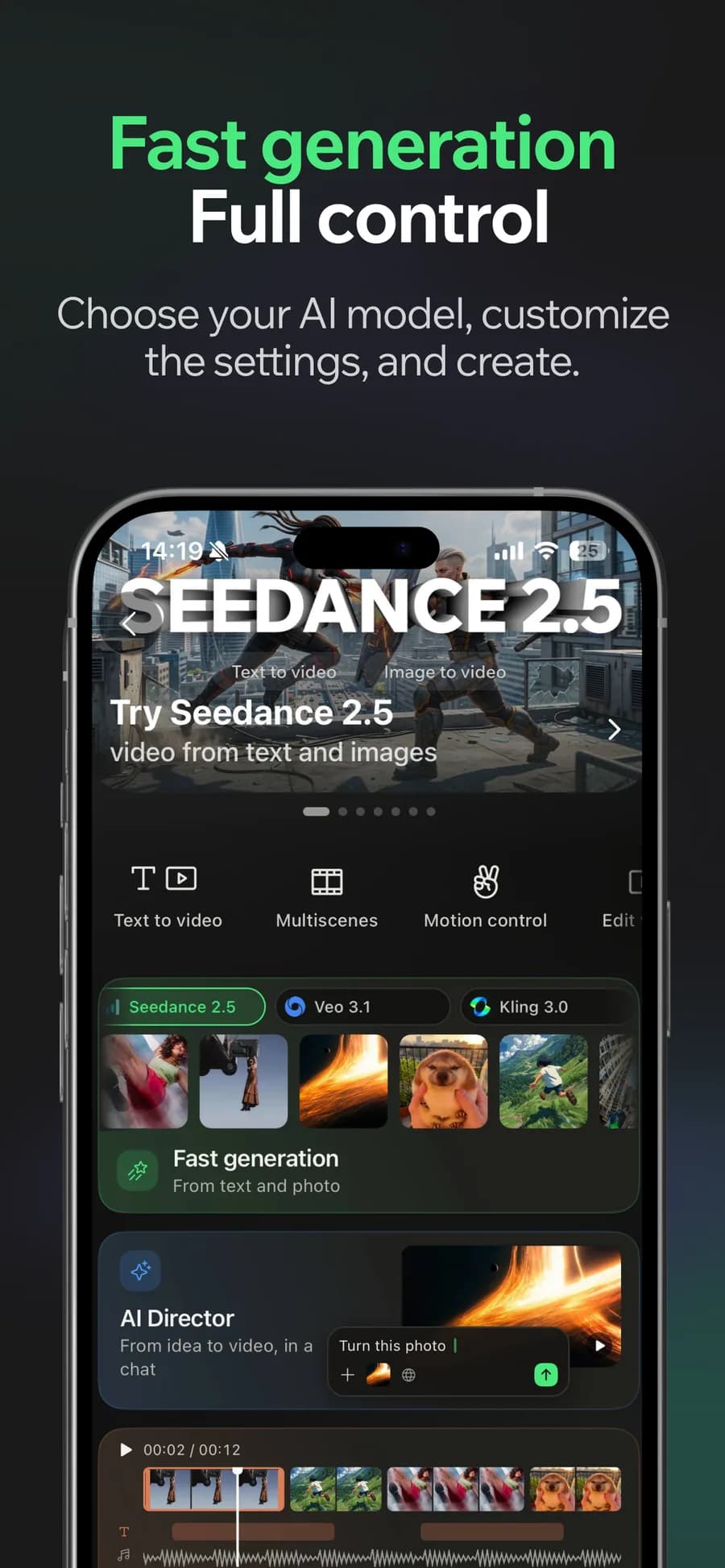
01
Generate
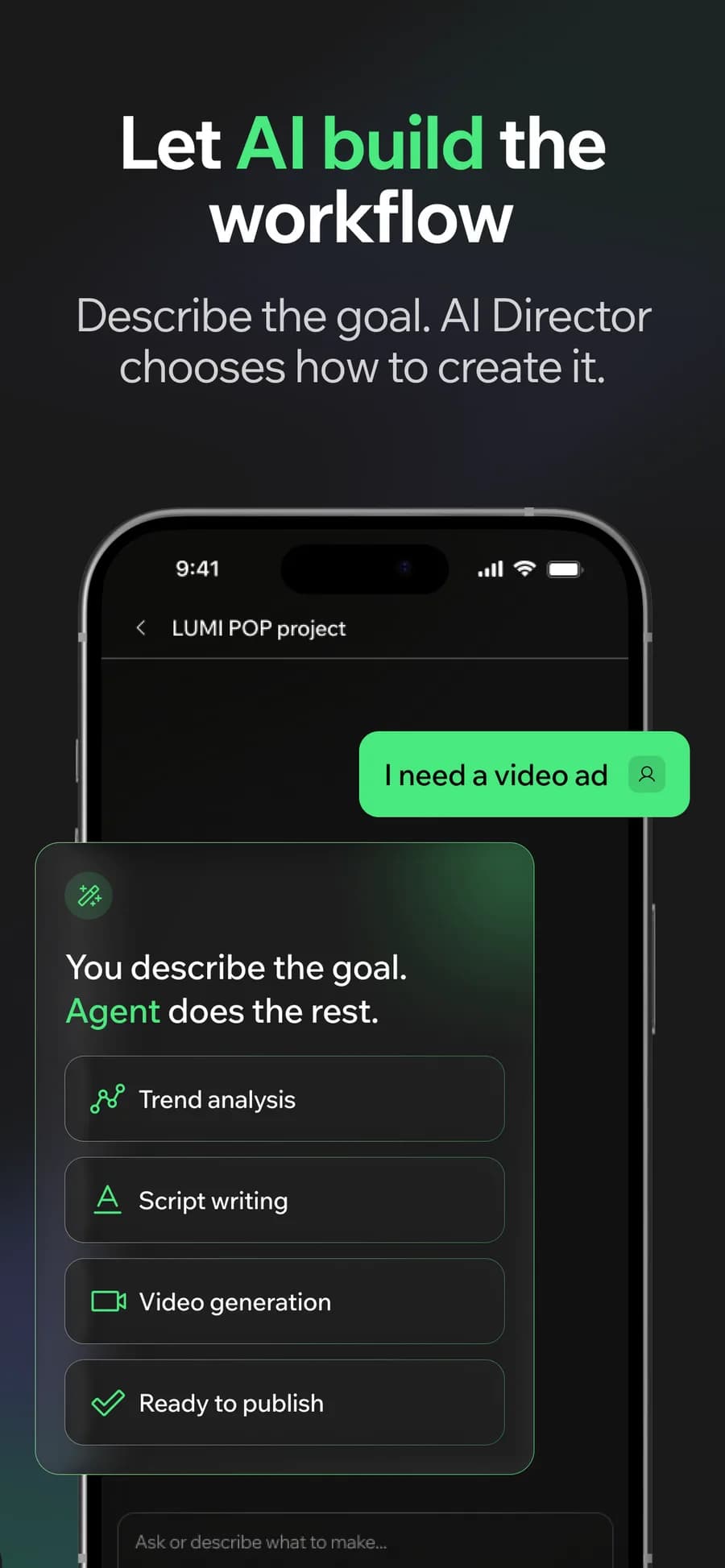
02
Or let the AI Director do it
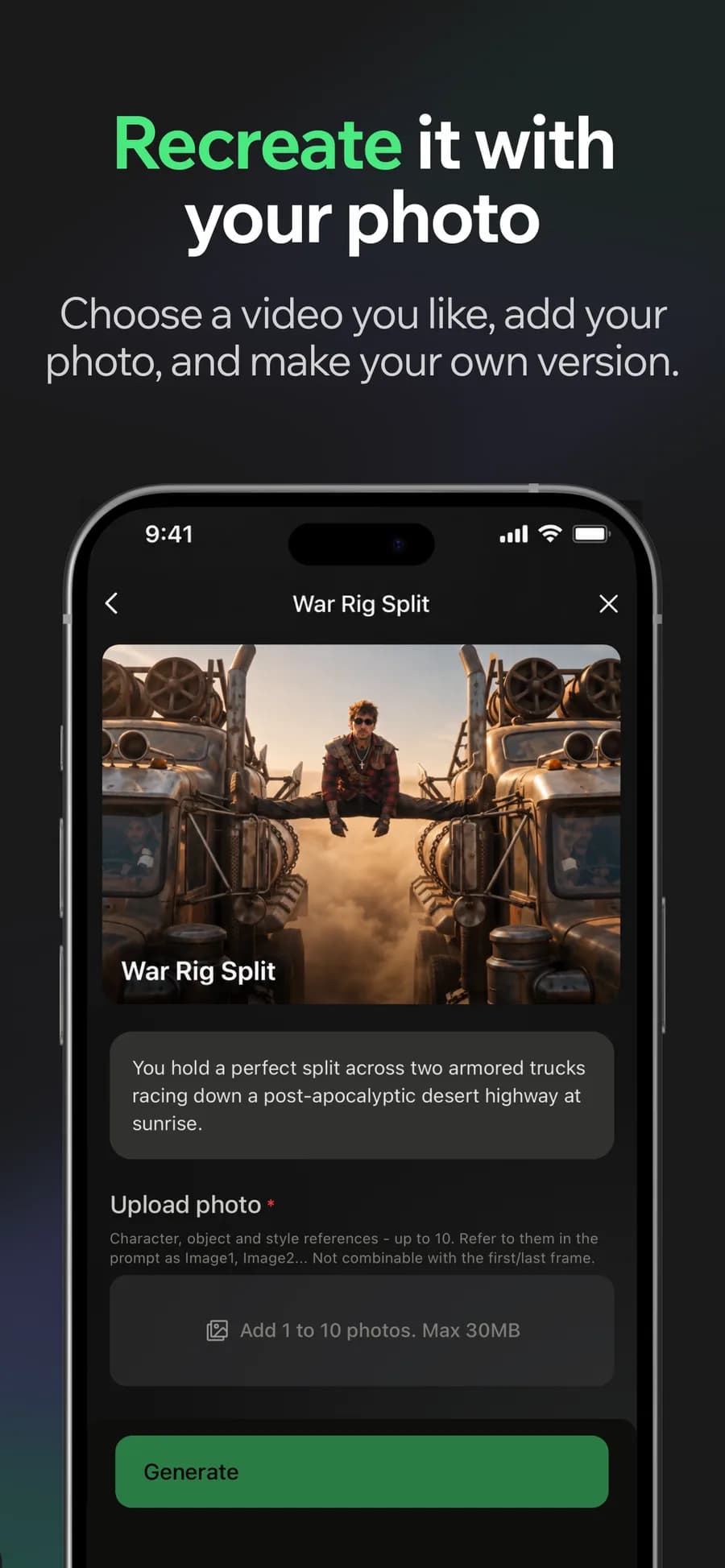
03
Make it yours
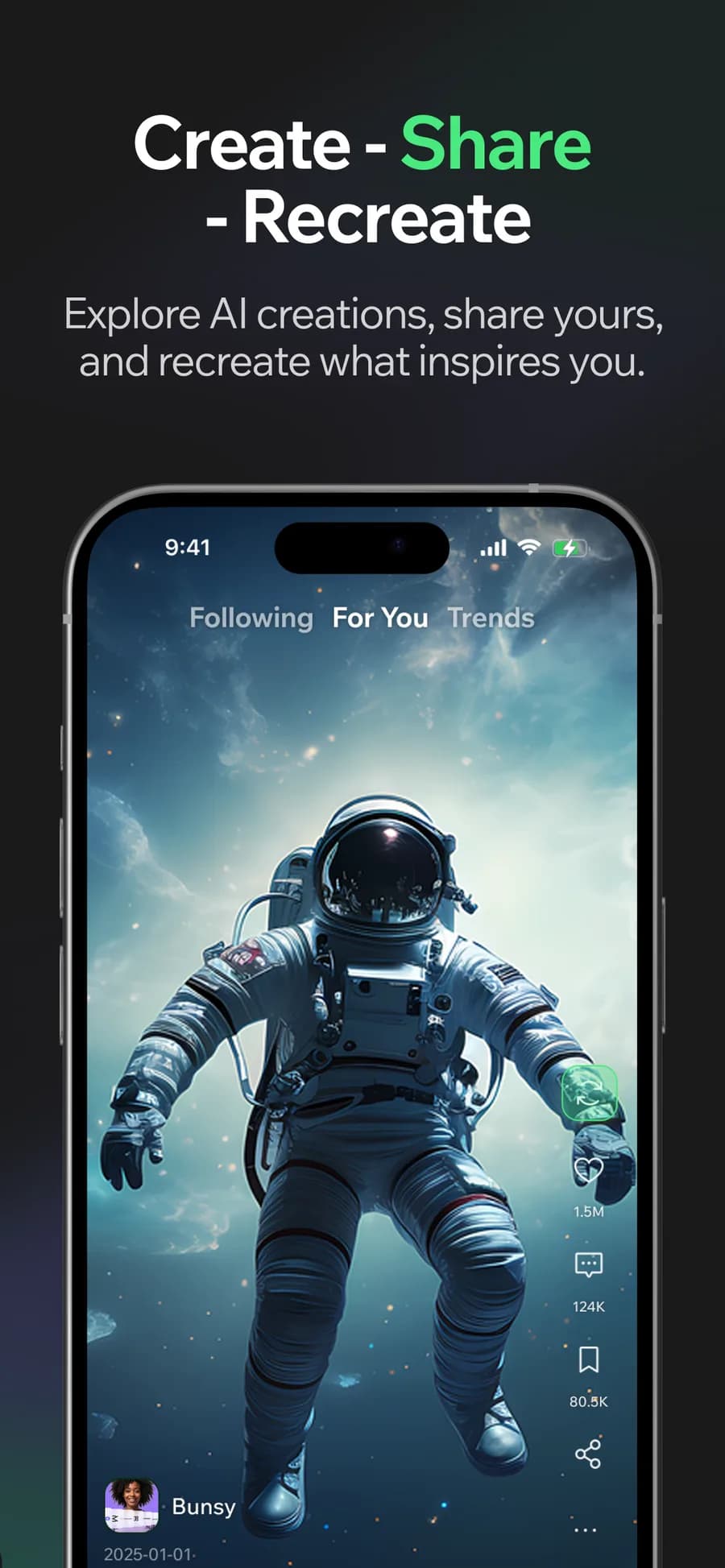
04
Post it
Why it holds up
Lip sync that holds up
Mouth movement is matched to the audio you supply — a script you typed, a voice you generated, or a recording of your own.
Then caption it
Automatic subtitles with speaker labels, editable cue by cue, because most of this footage is watched with the sound off.
Made in Bunsy
What it produces
Clips made in Bunsy, exactly as they came out of the app.
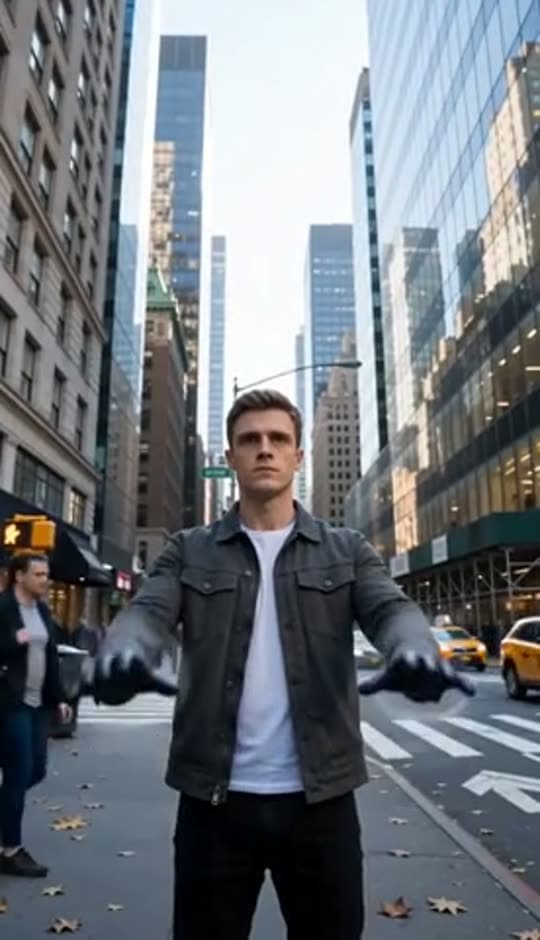
A man on a Manhattan street

An anime kid running through tall grass
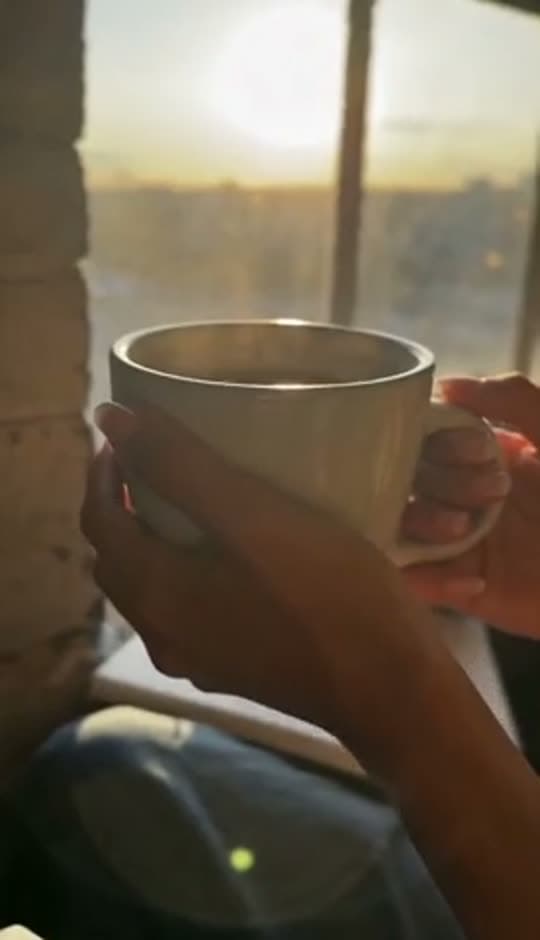
A mug of coffee at sunrise
Running over a fallen tree in a forest
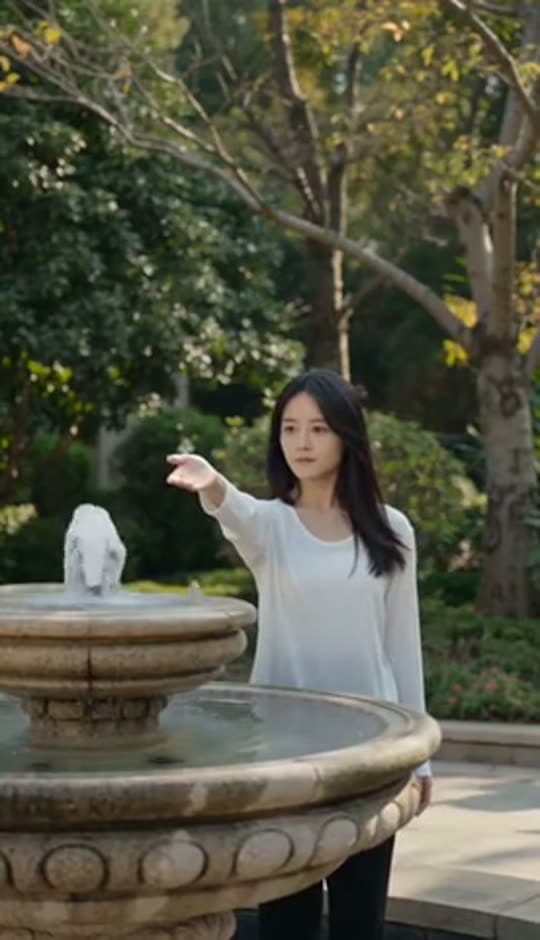
A woman reaching towards a park fountain
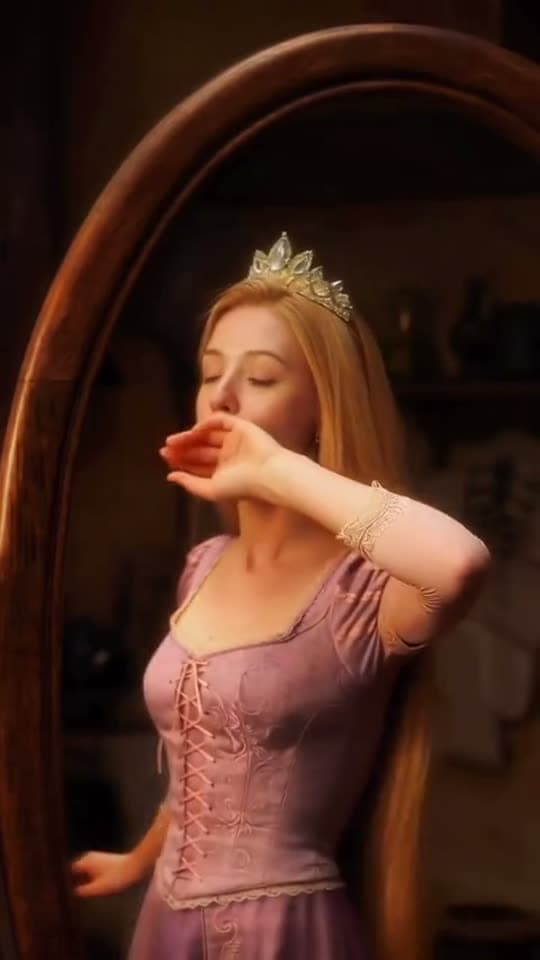
A princess at a mirror, generated in Bunsy
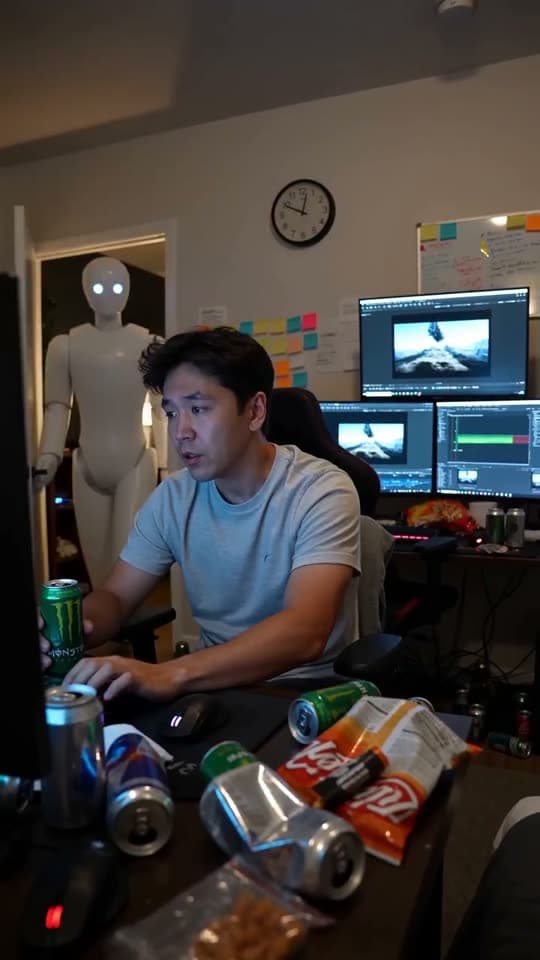
A robot watching over an editor at work
Questions
Do I need a video to create an AI talking avatar?
No — a single photo is enough for a talking avatar. A video source is only needed when you want to drive an existing performance.
Which languages are supported?
The voice catalogue is multilingual, and dubbing can put a different language over the same footage. Available languages depend on the voice you pick, which is shown before you generate.
Can I use someone else's face or voice?
Only with their permission. Impersonating a real person is prohibited by the acceptable use policy, and the same goes for cloned voices.
Your first clip is
a minute away.
Free to download. Nothing to set up.