Bunsy · iOS & Android
Video translation that keeps the performance
Dub it, sync it, subtitle it.
Or open the download link
On the timeline
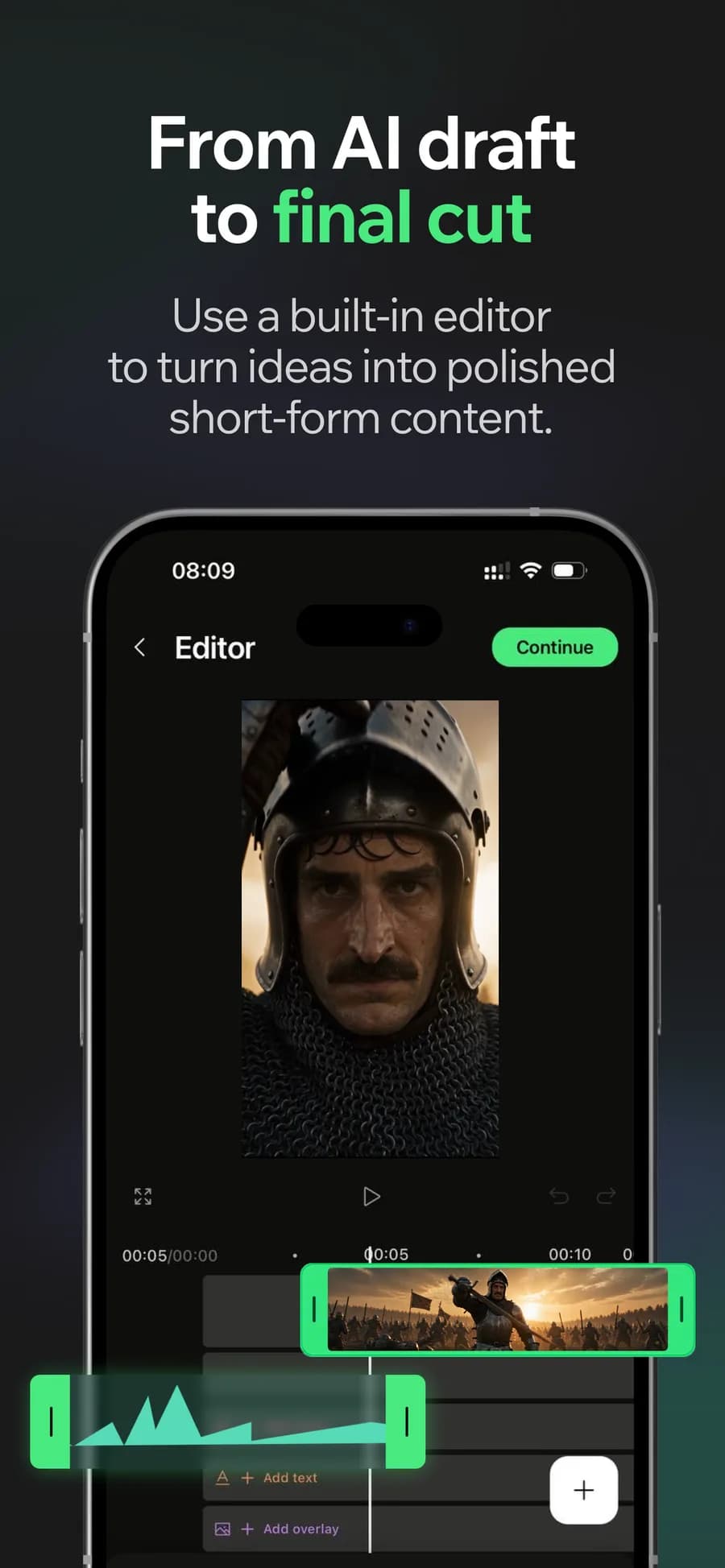
Video translation lets you adapt an existing performance for another language. Generate the dubbed audio, review the lip sync and add subtitles before exporting the new version.
Video translation with lip sync
Dubbing replaces the audio while lip sync realigns the mouth to it, so the new track does not read as a badly overdubbed import.
Why it holds up
Subtitles in the target language
Captions are generated from the dubbed audio, which means the on-screen text and the voice agree instead of drifting apart.
One source, several exports
The original cut stays intact. Each language is an audio pass over the same project rather than a fresh edit.
Made in Bunsy
What it produces
Clips made in Bunsy, exactly as they came out of the app.
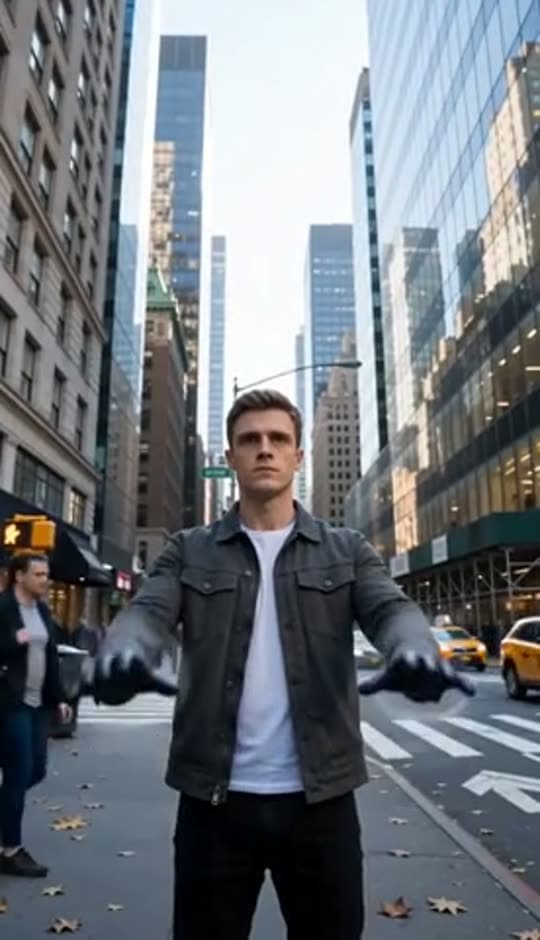
A man on a Manhattan street
An anime kid running through tall grass

A mug of coffee at sunrise
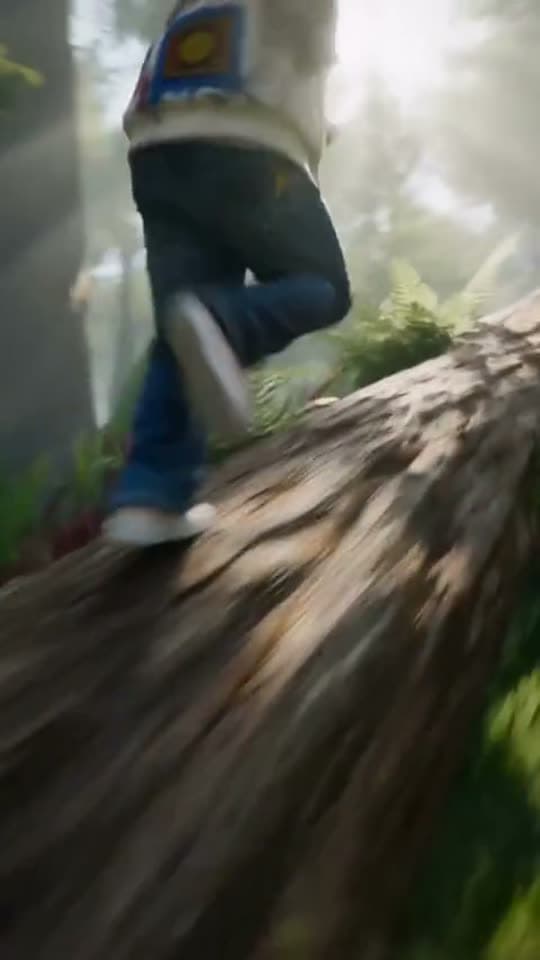
Running over a fallen tree in a forest
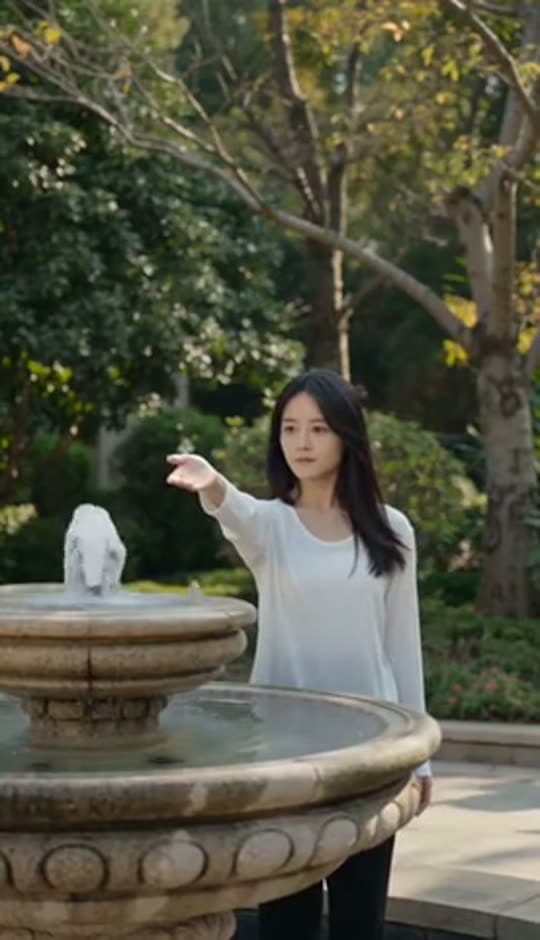
A woman reaching towards a park fountain
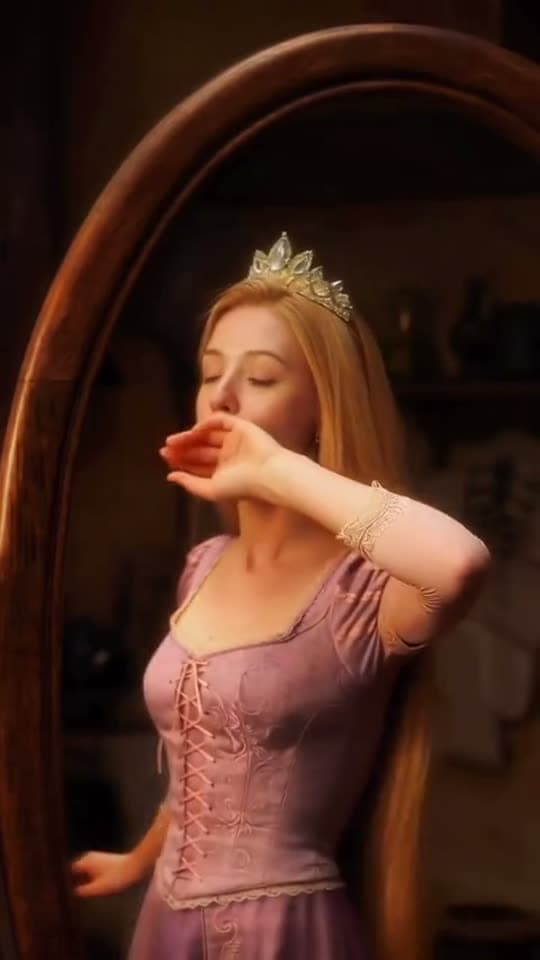
A princess at a mirror, generated in Bunsy
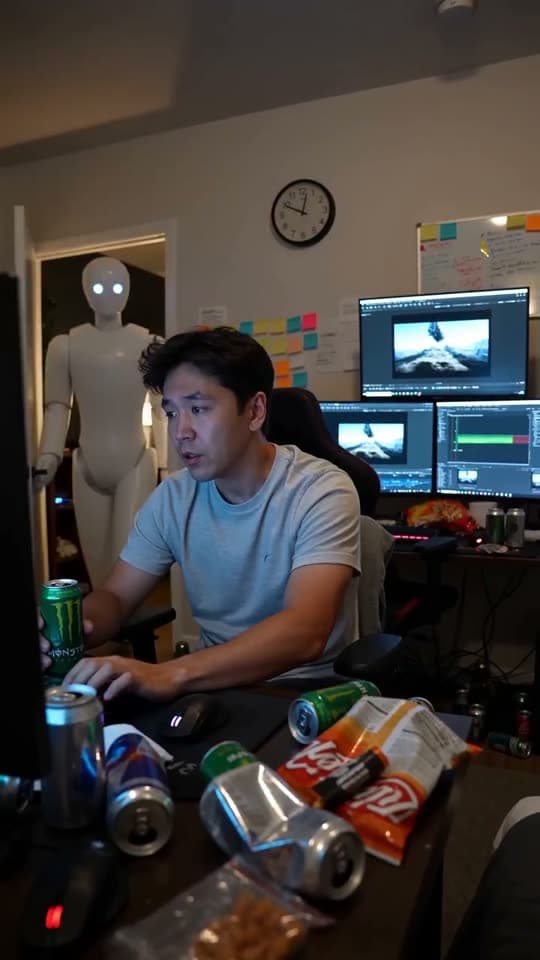
A robot watching over an editor at work
Questions
Does video translation keep lips in sync with the new language?
Lip sync realigns the mouth to the dubbed track. It works best on clear, front-facing footage — heavy motion and side angles are where any lip-sync model struggles.
Which languages can I dub into?
The available languages come from the voice models in the catalogue and change as those models do. The picker in the app is always the current list.
Can I translate a video I did not make?
Only with the rights to it. Dubbing does not create a licence for footage or a performance you do not own.
Your first clip is
a minute away.
Free to download. Nothing to set up.