Bunsy · iOS & Android
An AI image generator for stills you can animate
A picture first. Motion when you want it.
Or open the download link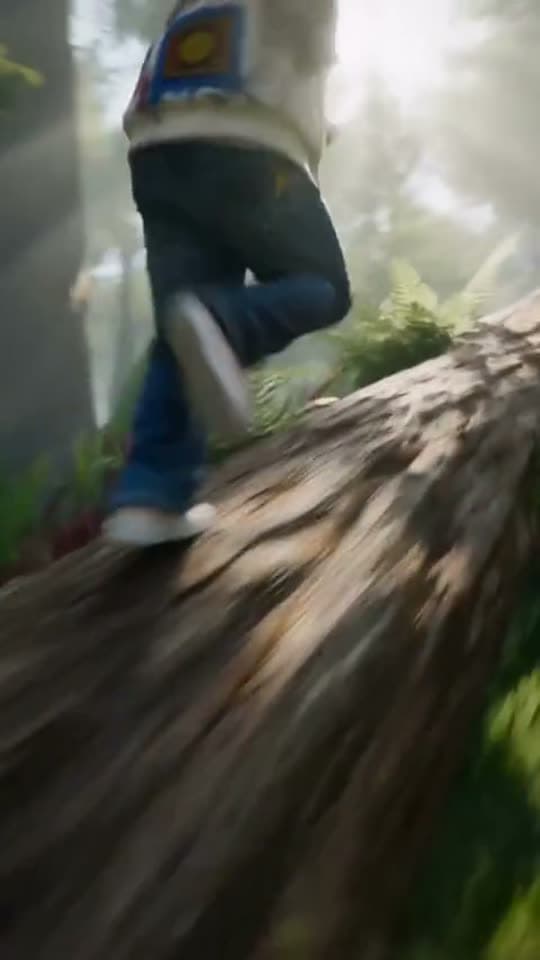
Prompt to video
Use an AI image generator to settle the subject, composition and lighting before animating a shot. In Bunsy, image and video models share a catalogue, so the approved frame is ready for the next step.
Set the frame with an AI image generator
Getting a look right takes several attempts, and attempts are cheaper as stills. Fix the subject, the framing and the light first, then spend a video render on the version that earned it.
Real prompt, real output. Only the wait is sped up — a render takes a few minutes.
Why it holds up
The same prompt box
Image models live beside the video models behind one prompt box, so choosing between them is a decision about the shot rather than a move to a different product.
Then it moves
Any still you generate can be handed to an image-to-video model, or used as the first or last frame of a shot — which is the most controllable way to direct a specific camera move.
Made in Bunsy
What it produces
Clips made in Bunsy, exactly as they came out of the app.
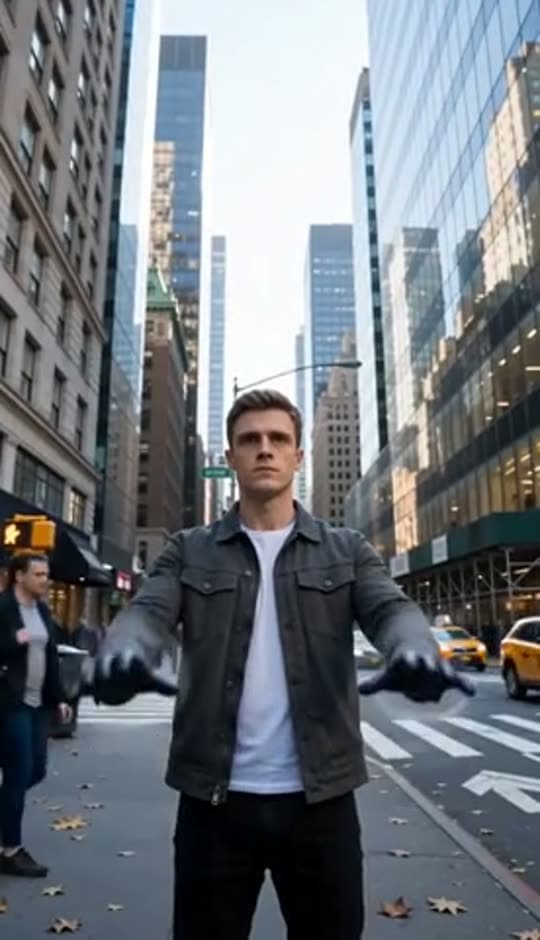
A man on a Manhattan street
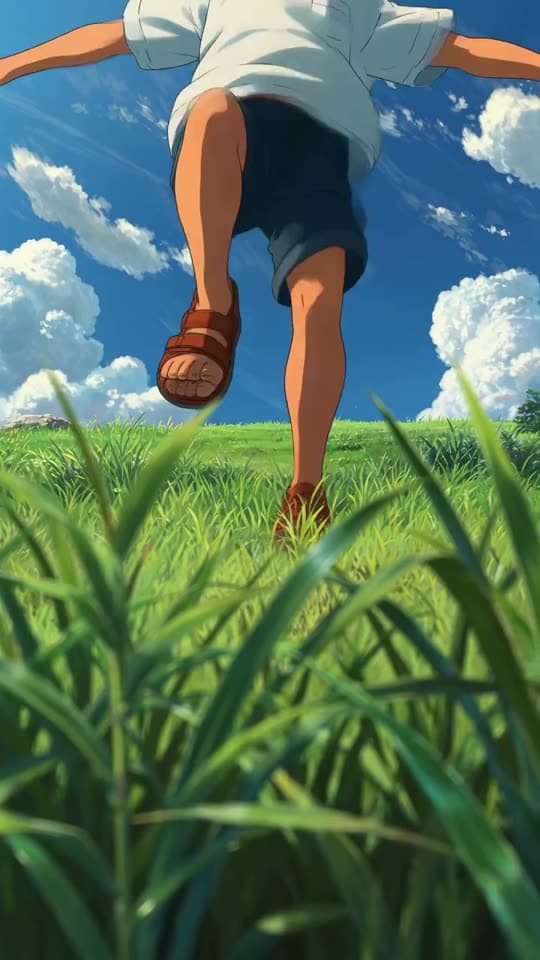
An anime kid running through tall grass
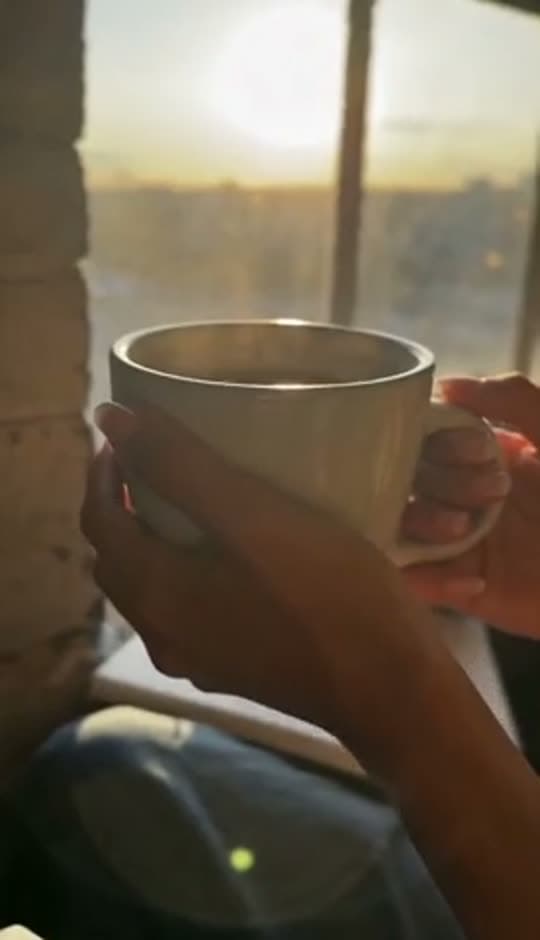
A mug of coffee at sunrise
Running over a fallen tree in a forest
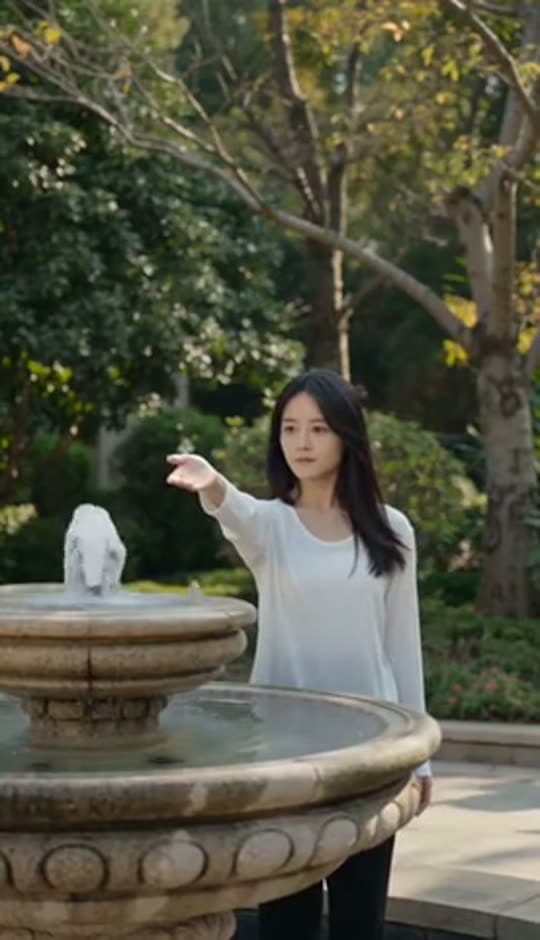
A woman reaching towards a park fountain
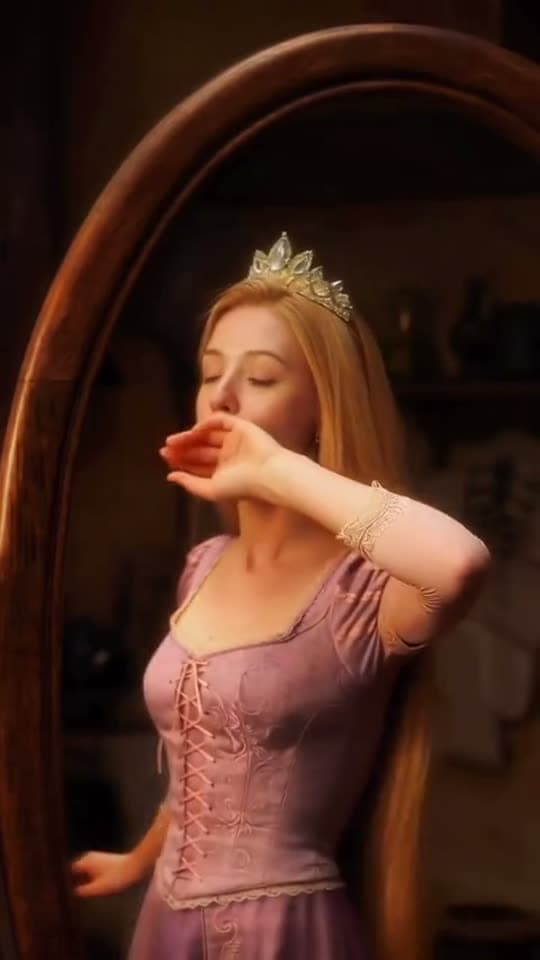
A princess at a mirror, generated in Bunsy
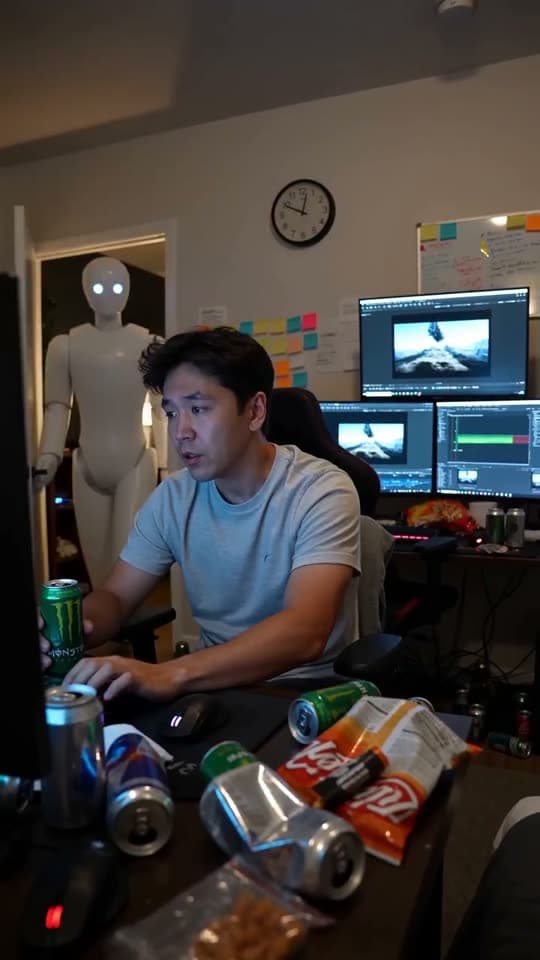
A robot watching over an editor at work
Questions
What can I make with the AI image generator?
Covers, thumbnails, reference frames, storyboard panels, or simply the starting still for an animated shot. They land in your library and export as ordinary files.
Can I use generated images commercially?
The terms cover what you generate, but copyright in purely generated work is unsettled in several jurisdictions, and models can echo a recognisable style. Do not pass a generated image off as a photograph of a real person or event.
Why generate a still if I want video?
Control. A prompt describes a shot; an image decides it. Starting from a still you have already approved removes most of the variance a text-to-video prompt leaves open.
Your first clip is
a minute away.
Free to download. Nothing to set up.