Bunsy · iOS & Android
TikTok videos made this week, not last quarter
The format moves. So does the catalogue.
Or open the download link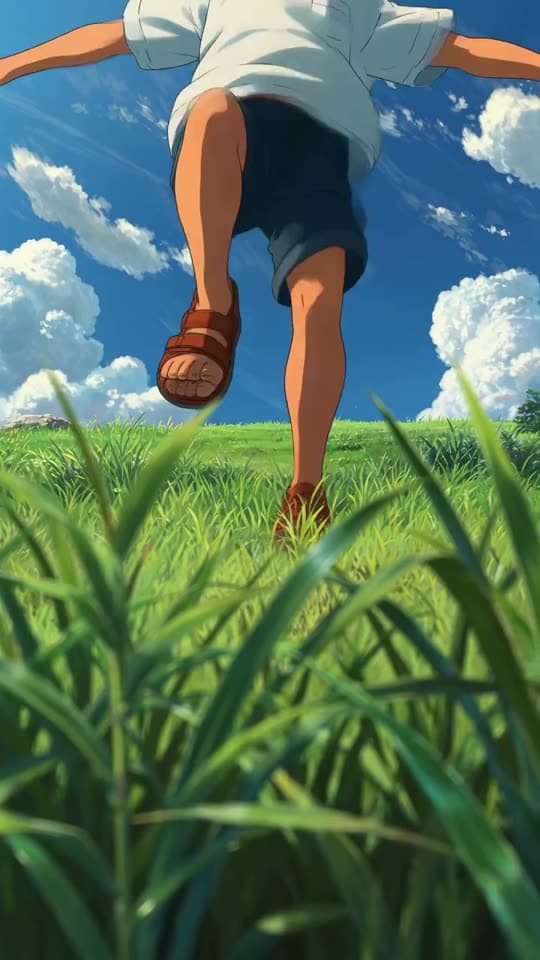
Inside the app
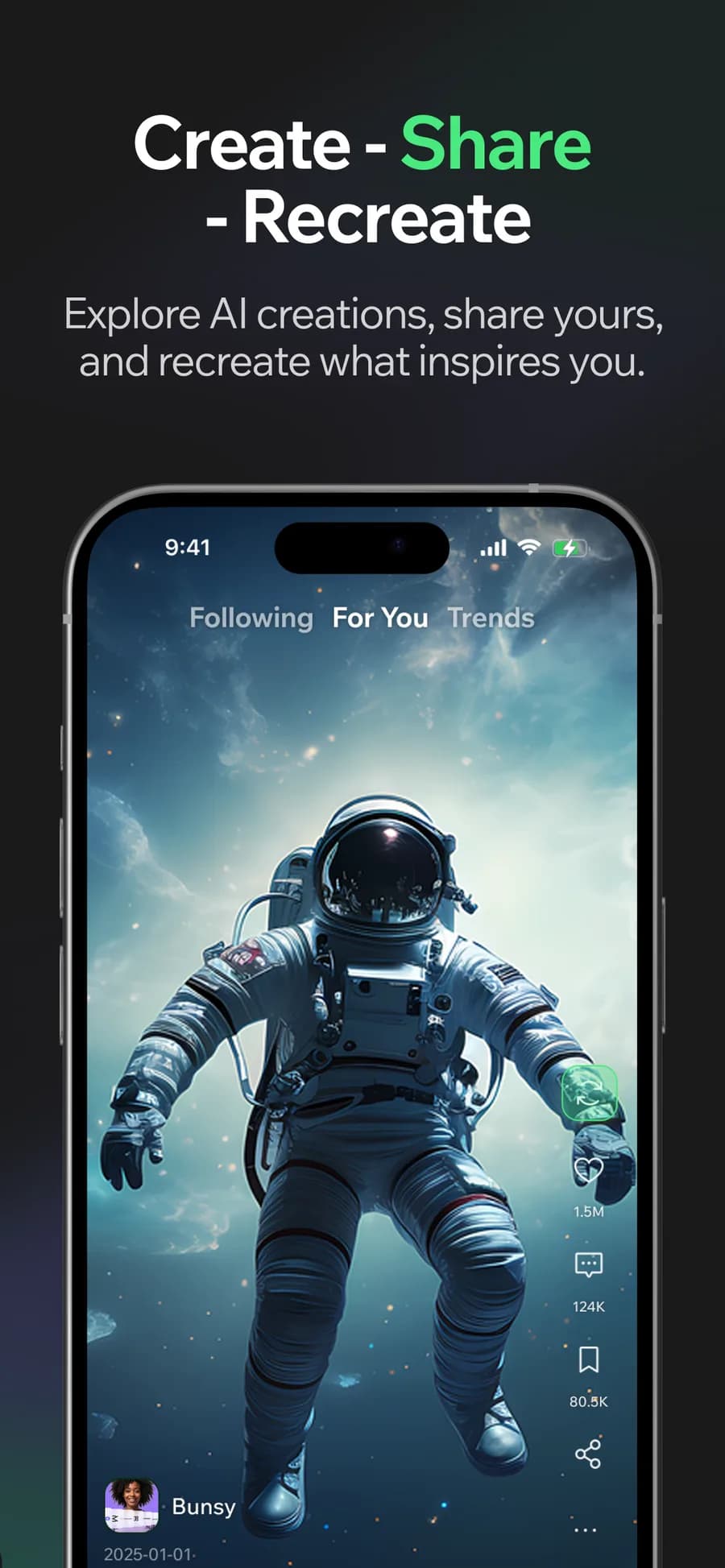
Making TikTok videos means bringing the footage, cut, captions and sound together while the idea is still fresh. Bunsy keeps those steps in one app so you can work through them on your phone.
TikTok videos in a vertical frame
9:16 is chosen at generation time, so the shot is composed for the frame instead of cropped into it afterwards.
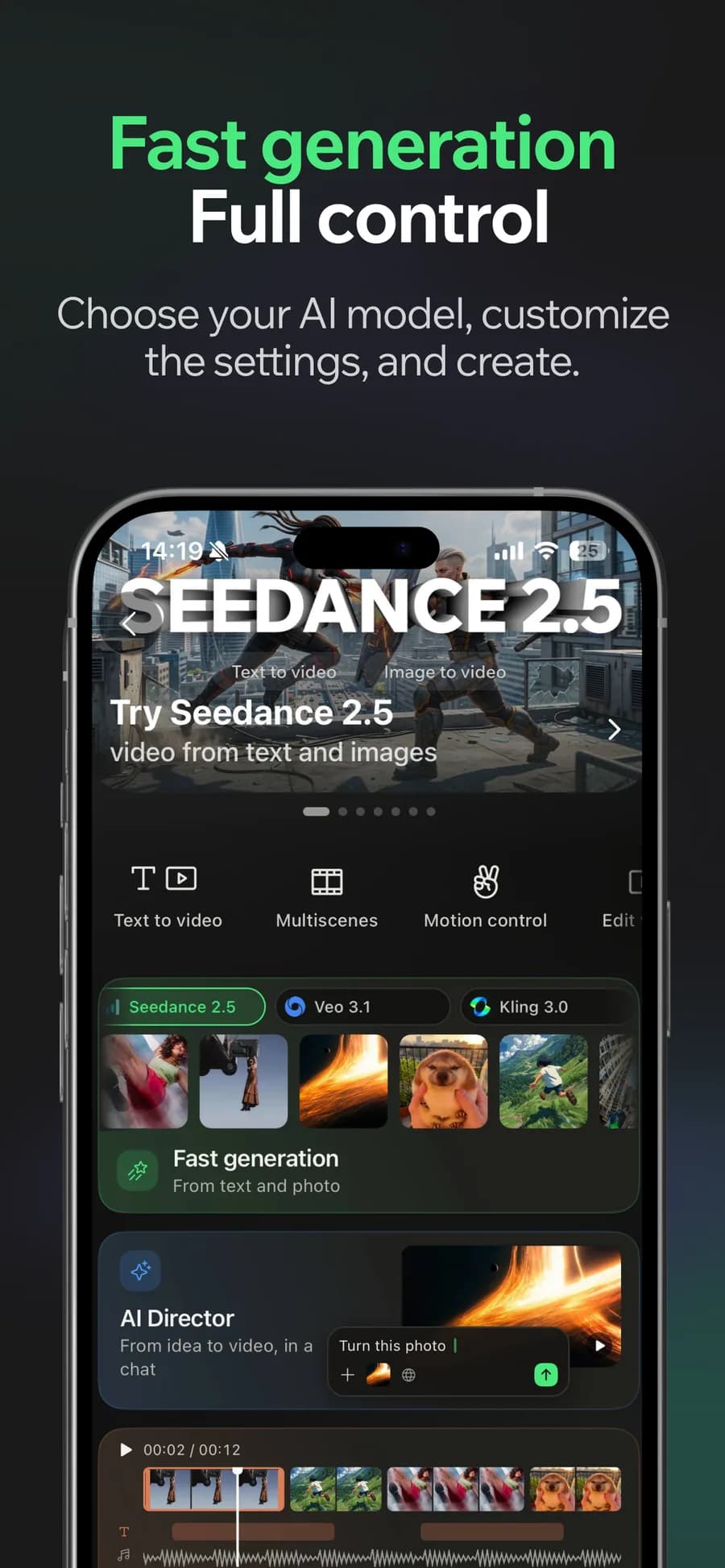
01
Generate
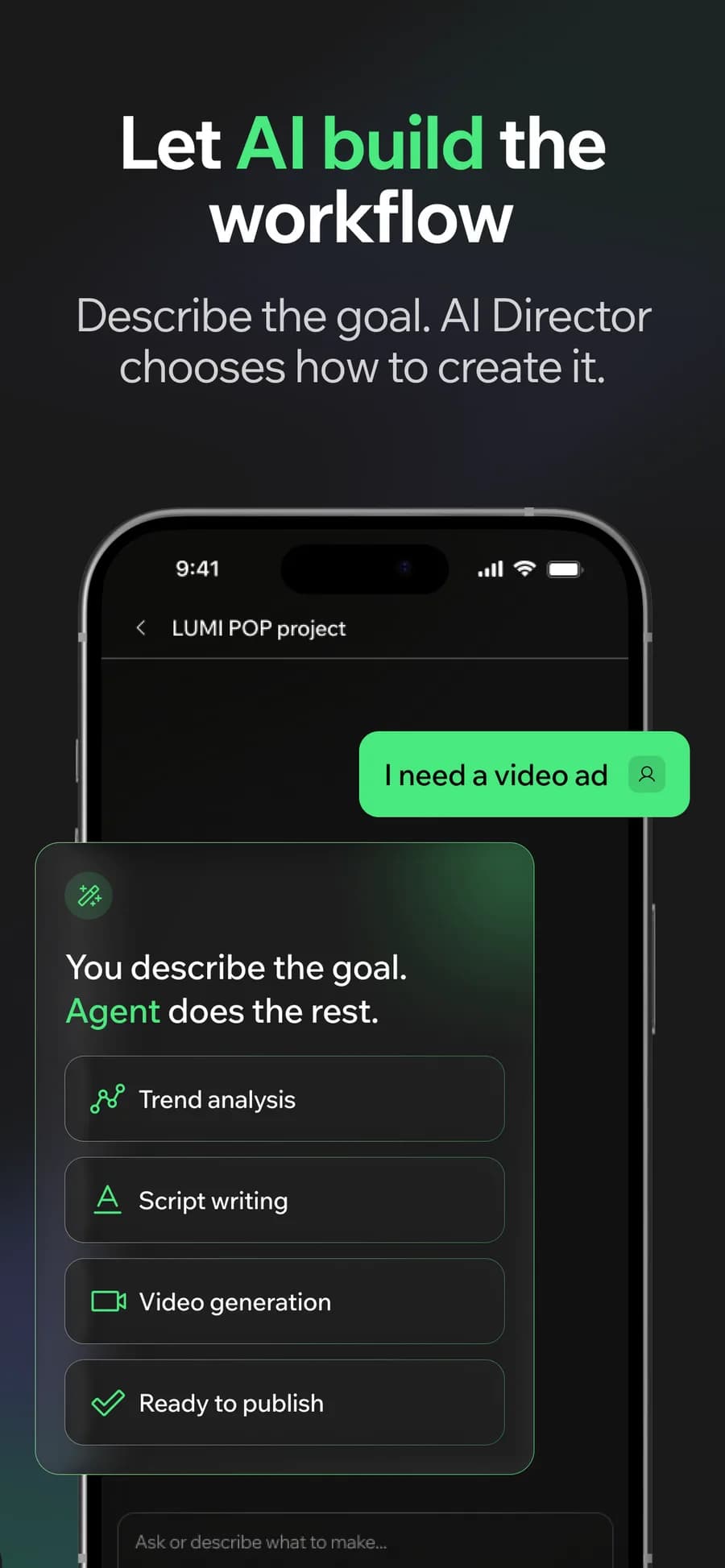
02
Or let the AI Director do it
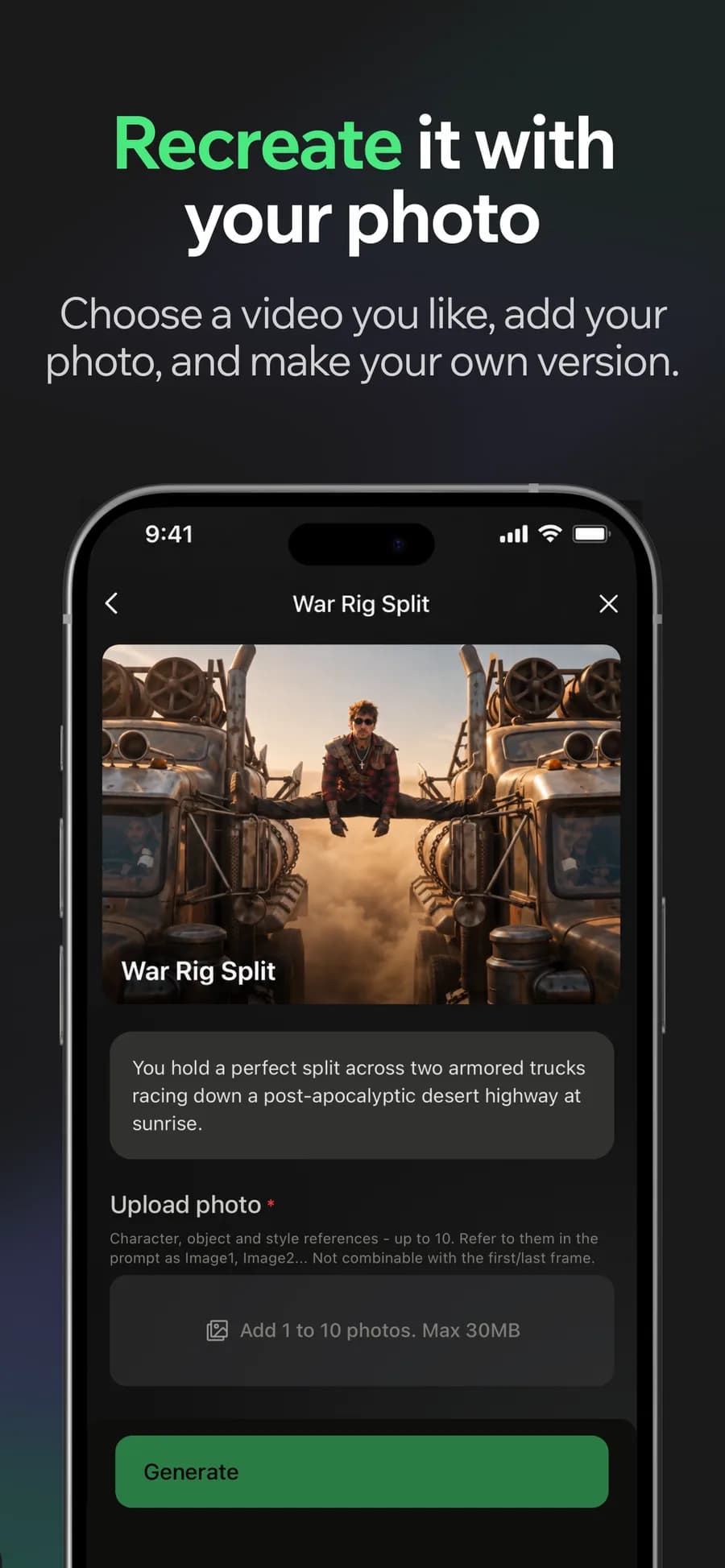
03
Make it yours
04
Post it
Why it holds up
Start from a format that is working
Templates track what the feed is actually rewarding right now, so you start from a structure rather than a blank prompt box.
Sound is half the video
Lay music or a voiceover under the cut and let the captions follow it. A TikTok with the audio treated as an afterthought reads as one.
Made in Bunsy
What it produces
Clips made in Bunsy, exactly as they came out of the app.
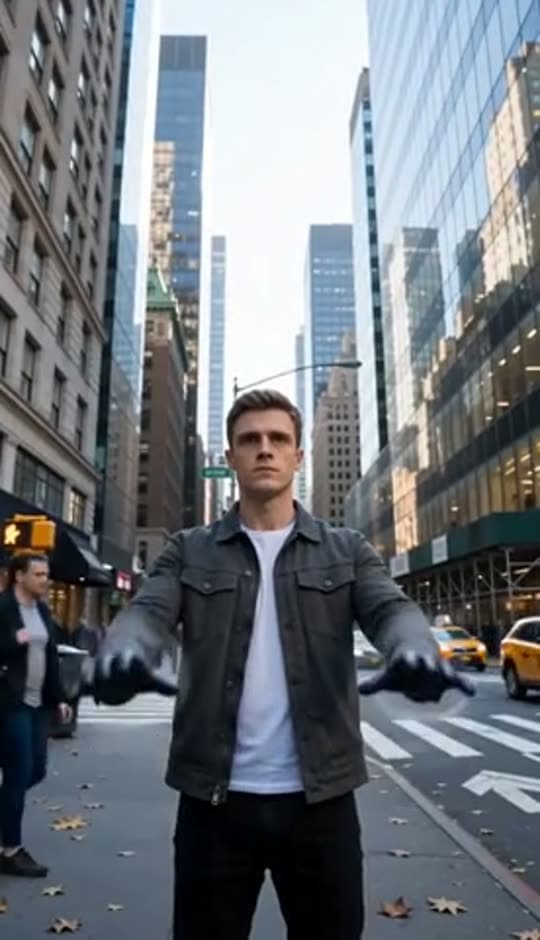
A man on a Manhattan street
An anime kid running through tall grass
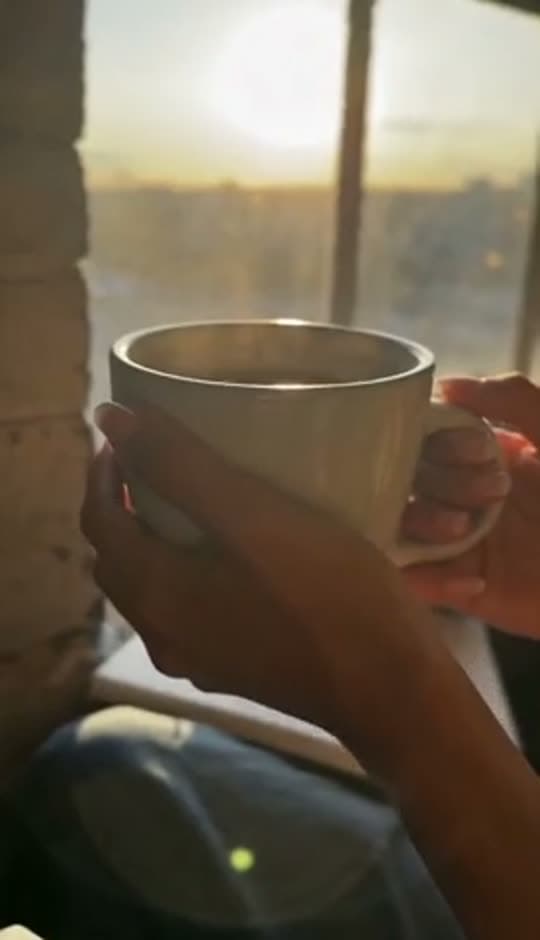
A mug of coffee at sunrise
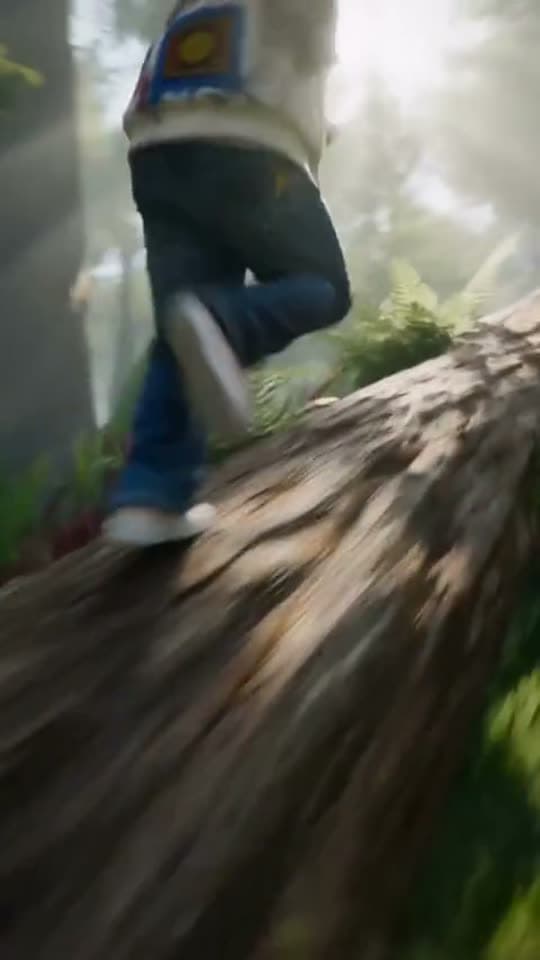
Running over a fallen tree in a forest
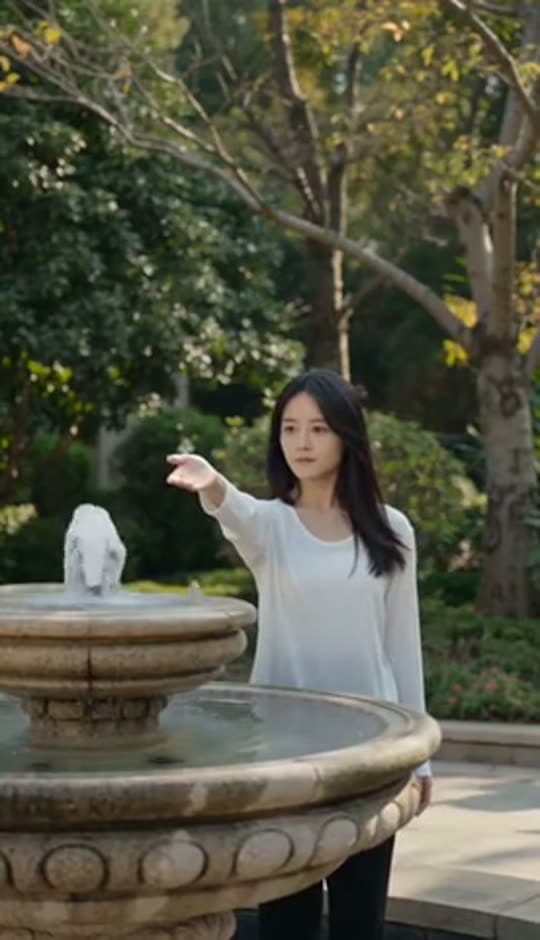
A woman reaching towards a park fountain
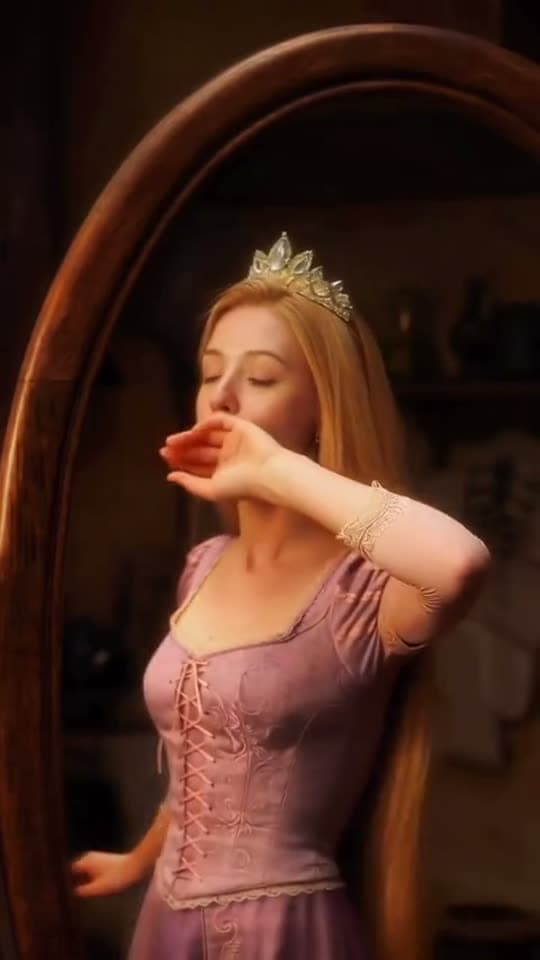
A princess at a mirror, generated in Bunsy
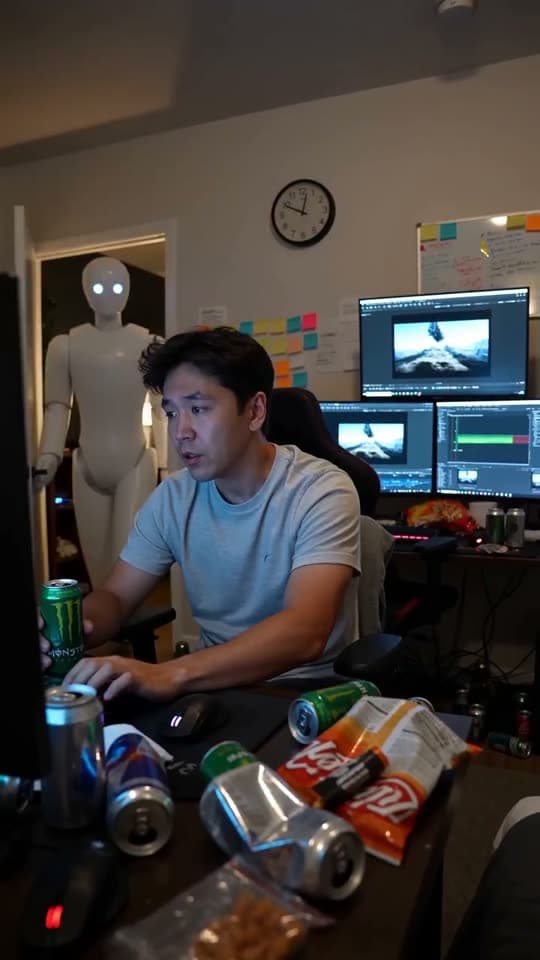
A robot watching over an editor at work
Questions
How do I publish TikTok videos made in Bunsy?
Export from Bunsy and upload the file — that way the caption, the cover and the in-app sound are chosen in TikTok itself, which is where those choices actually affect reach.
Does TikTok penalise AI-generated video?
TikTok asks that realistic AI content is labelled, and it has a toggle for exactly that. Label it, and the video competes on whether it is good — which is the only thing the feed was ever measuring.
How long should a generated TikTok be?
Long enough to land one idea. Generated shots run a few seconds each, so a finished video is several of them cut together on the timeline rather than one long render.
Your first clip is
a minute away.
Free to download. Nothing to set up.