Bunsy · iOS & Android
An AI video editor that can also generate
The timeline is where a video is made.
Or open the download link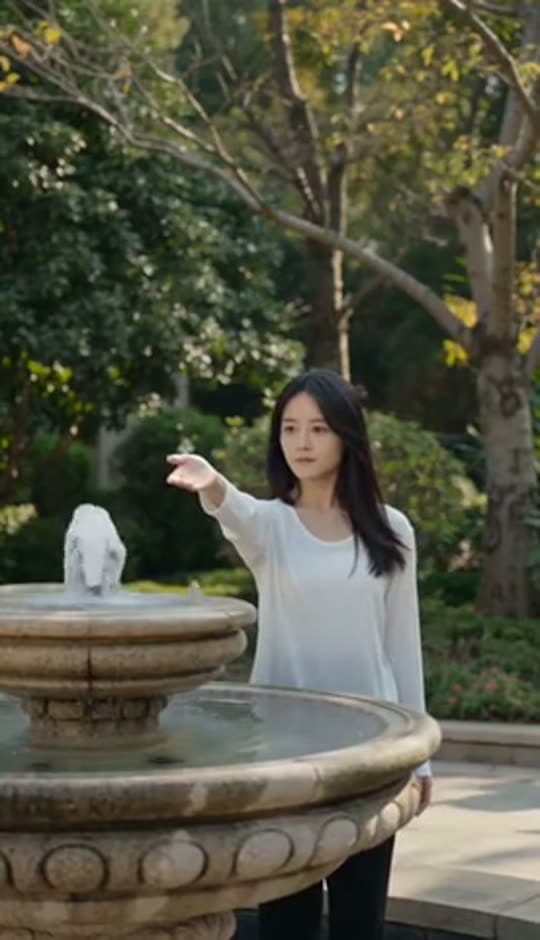
On the timeline
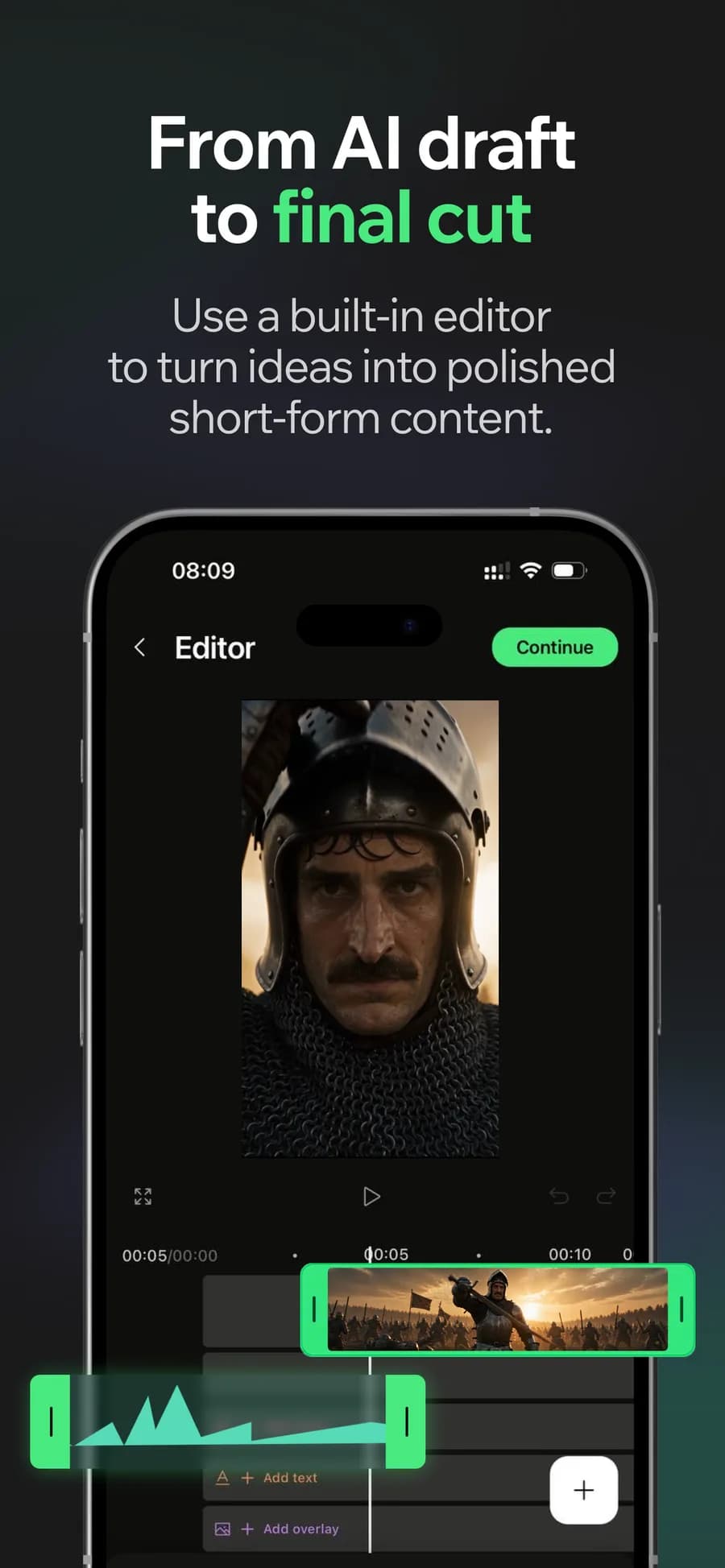
An AI video editor should give you somewhere to finish the footage. Bunsy combines a timeline with generation: when the cut needs a shot you have not filmed, make it without leaving the project.
Trim, retime and reorder in the AI video editor
Ordinary editing, done properly on a phone. Frame-level trimming, speed changes and clip reordering — the operations a cut is actually made of.
Why it holds up
Generate into the gap
Missing a cutaway, an establishing shot or a reaction? Generate it against the project you already have, and it lands on the timeline rather than in another app.
Sound and captions in the same pass
Music, voiceover and subtitles are tracks in the project, not a second export cycle through a different tool.
Made in Bunsy
What it produces
Clips made in Bunsy, exactly as they came out of the app.
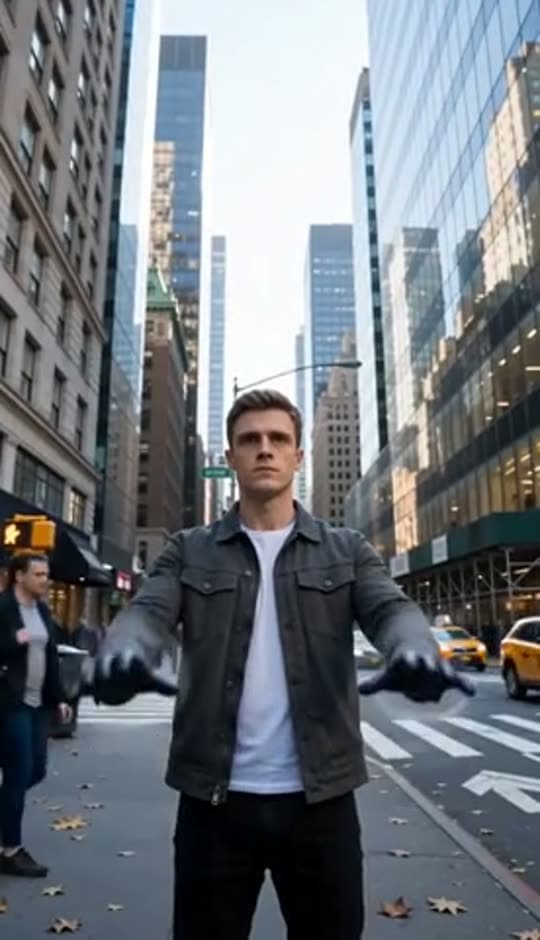
A man on a Manhattan street

An anime kid running through tall grass

A mug of coffee at sunrise
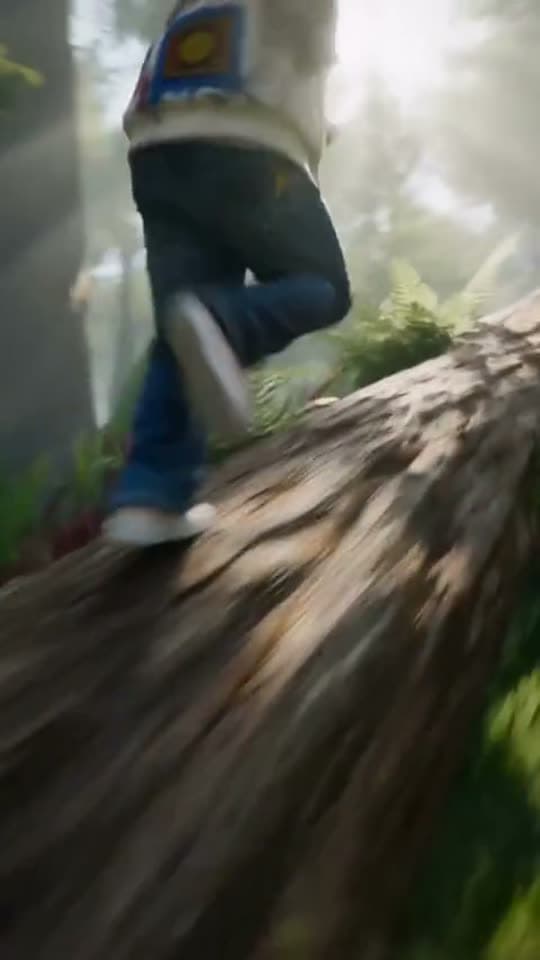
Running over a fallen tree in a forest
A woman reaching towards a park fountain
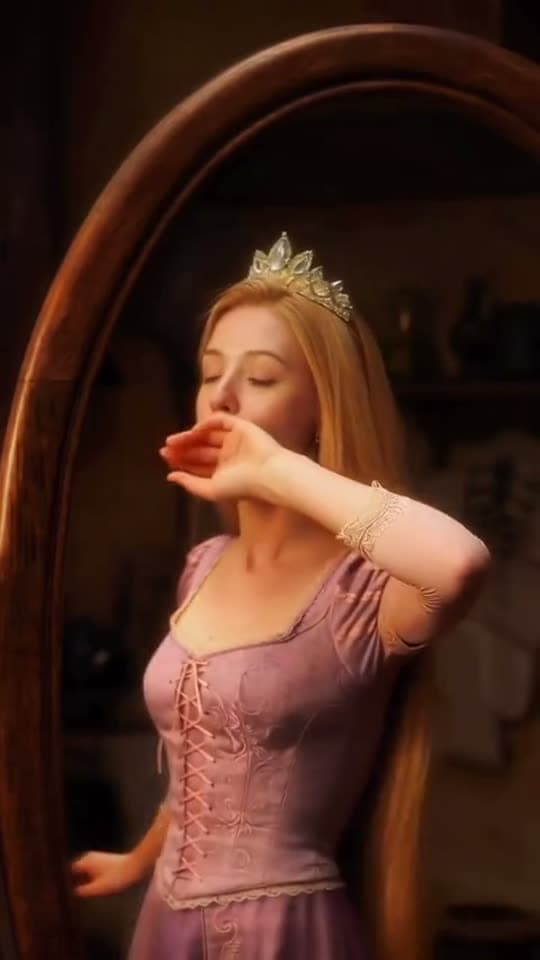
A princess at a mirror, generated in Bunsy
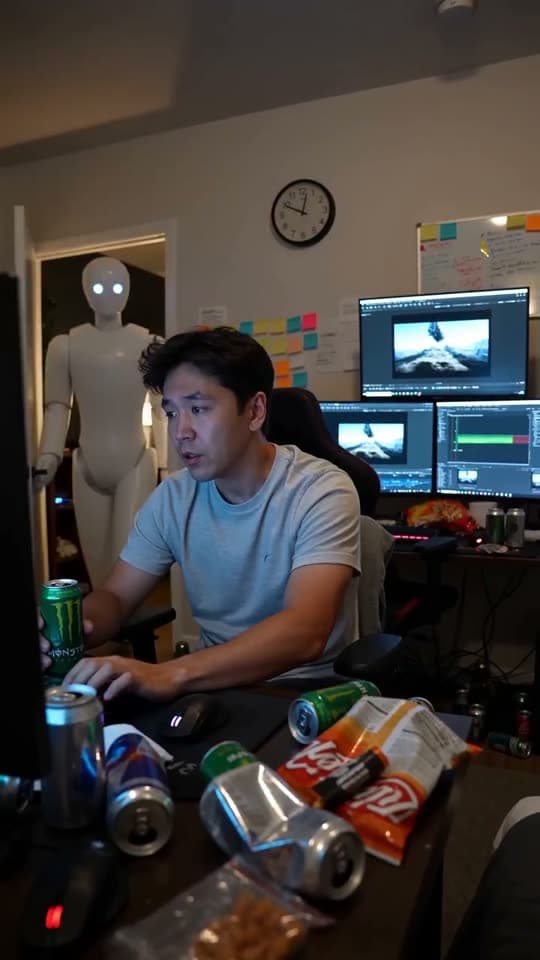
A robot watching over an editor at work
Questions
Does the AI video editor have a full timeline?
A timeline: multiple clips, trims, speed, audio tracks and captions. Templates exist as a starting point, not as the only way to arrange a video.
Can I edit footage I filmed myself?
Yes. Filmed clips, photos and generated shots all sit on the same timeline and take the same edits.
Does editing cost credits?
Credits are spent on generation. Cutting, captioning and exporting a project you already have does not consume them.
Your first clip is
a minute away.
Free to download. Nothing to set up.