Bunsy · iOS & Android
Video templates tuned to what is working now
Start from a format, not a blank prompt.
Or open the download link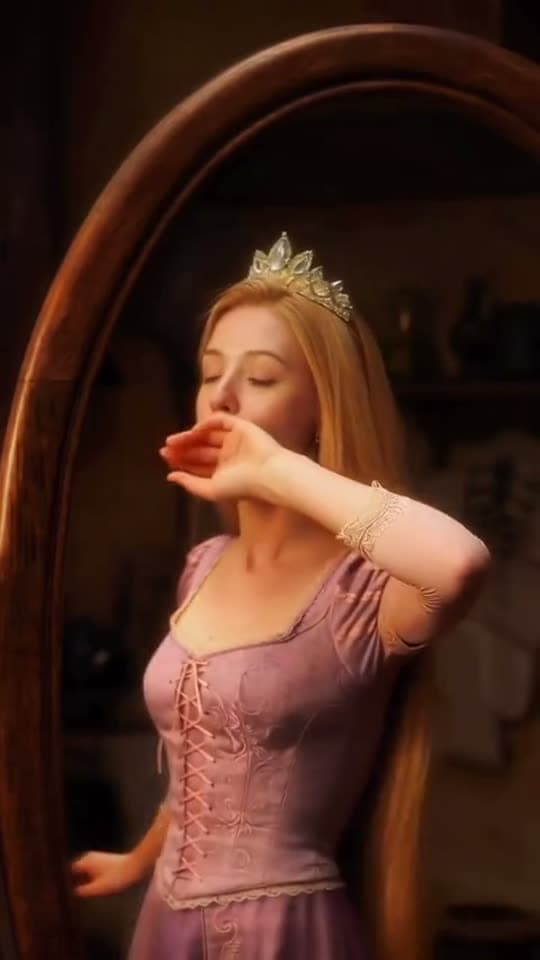
Inside the app
Video templates give you a starting prompt, model and settings for a particular format. Supply your subject, adjust the details before generating and edit the result on the timeline.
Video templates built around formats
Each template carries the prompt and model settings behind it, so the result matches the example rather than approximating it.
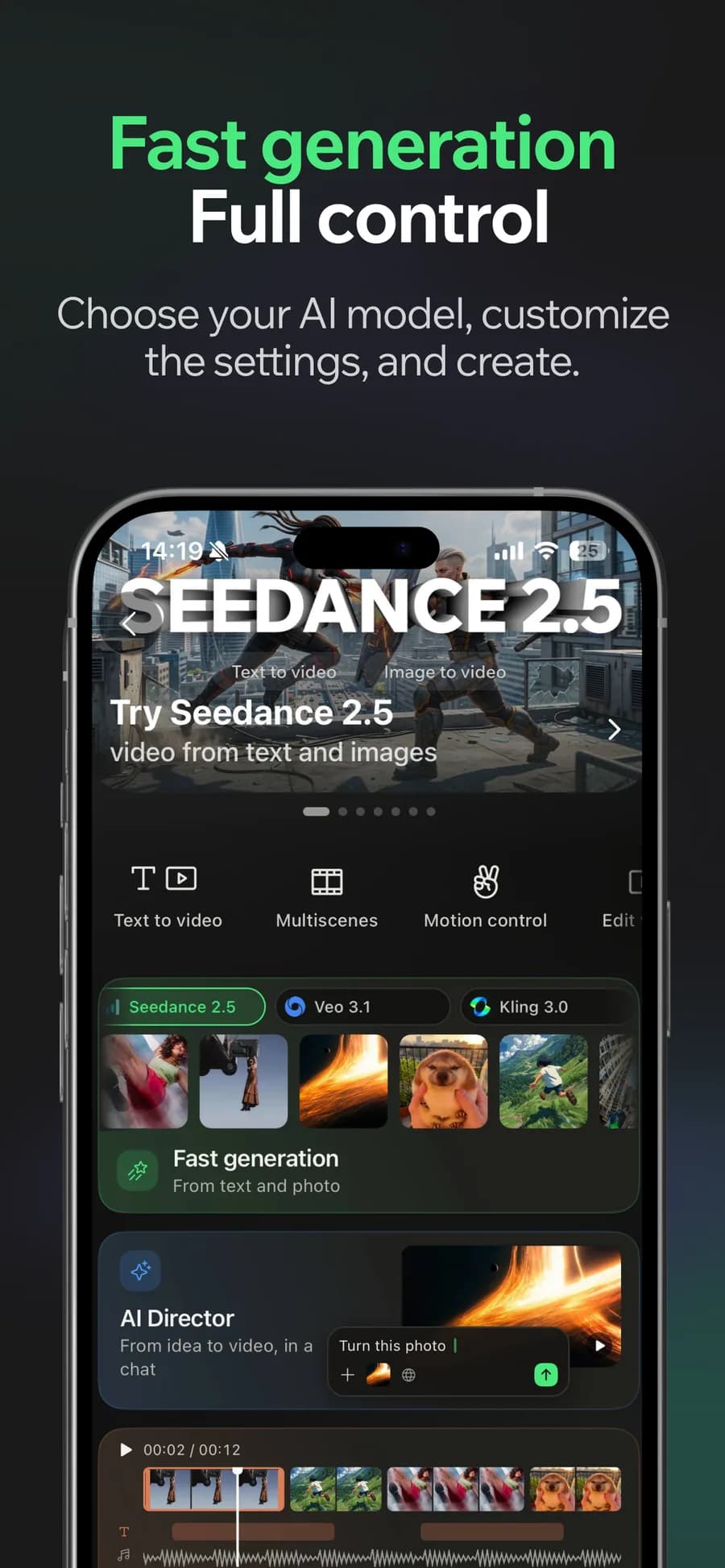
01
Generate
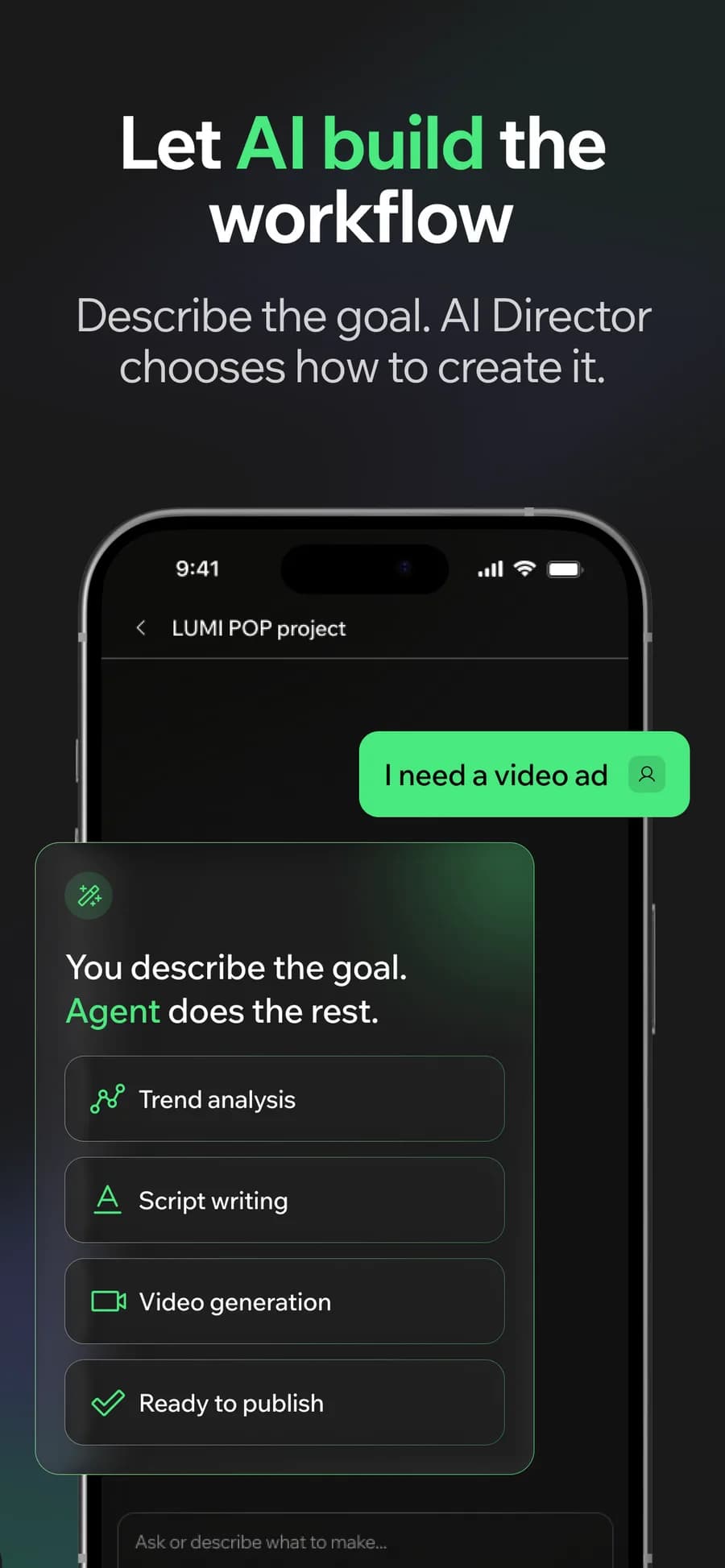
02
Or let the AI Director do it
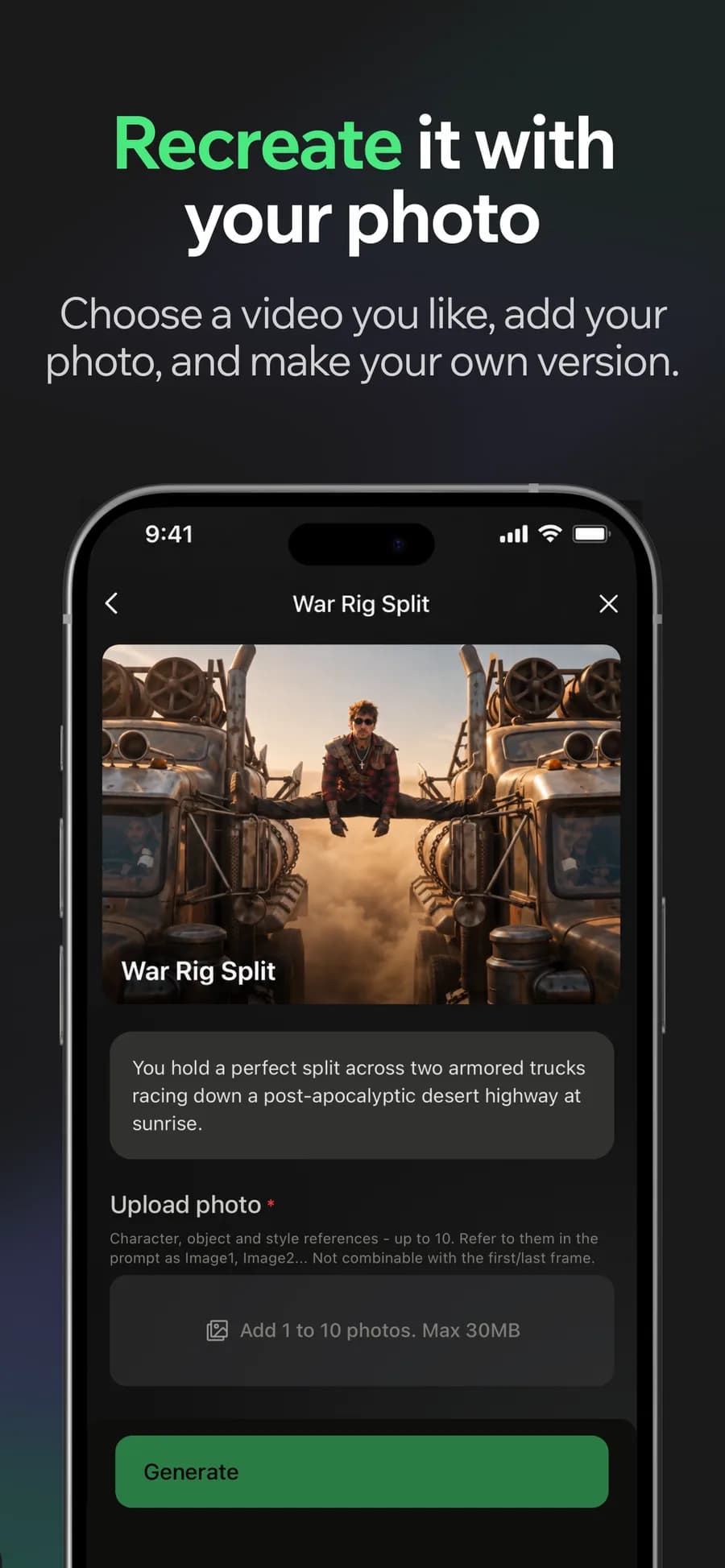
03
Make it yours
04
Post it
Why it holds up
Refreshed as trends move
The catalogue is curated against what is actually performing, so it does not calcify into last season's look.
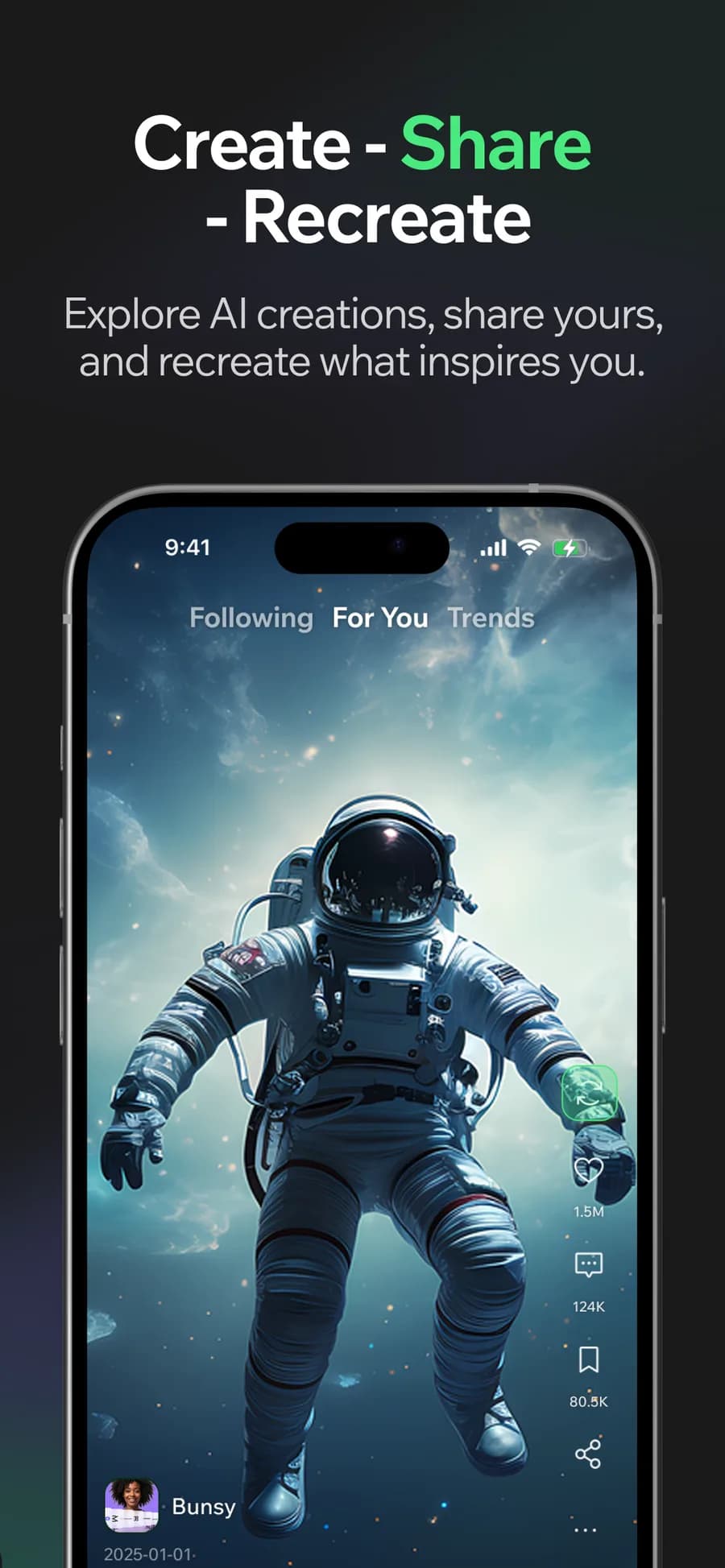
Remix what you see
Find a video in the feed you like and start from its recipe, with your own subject in place of the original.
Made in Bunsy
What it produces
Clips made in Bunsy, exactly as they came out of the app.
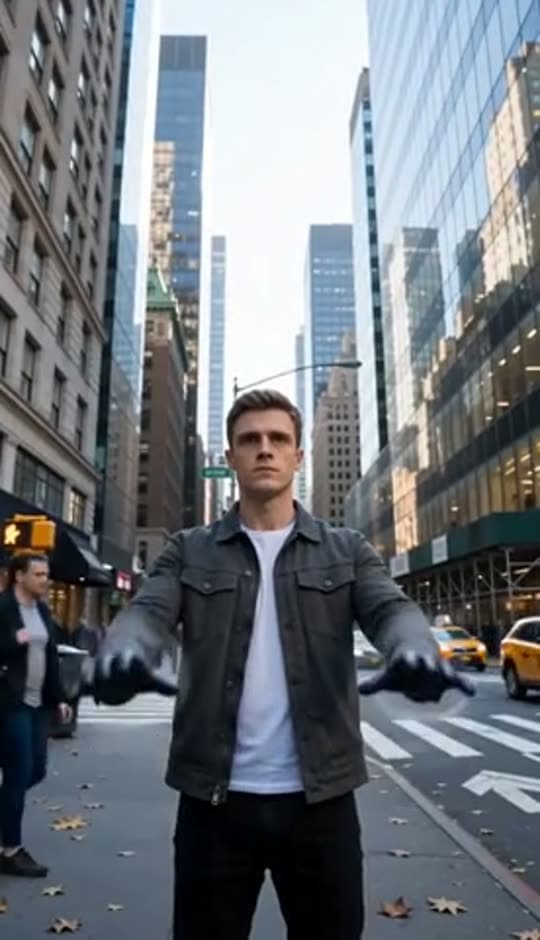
A man on a Manhattan street
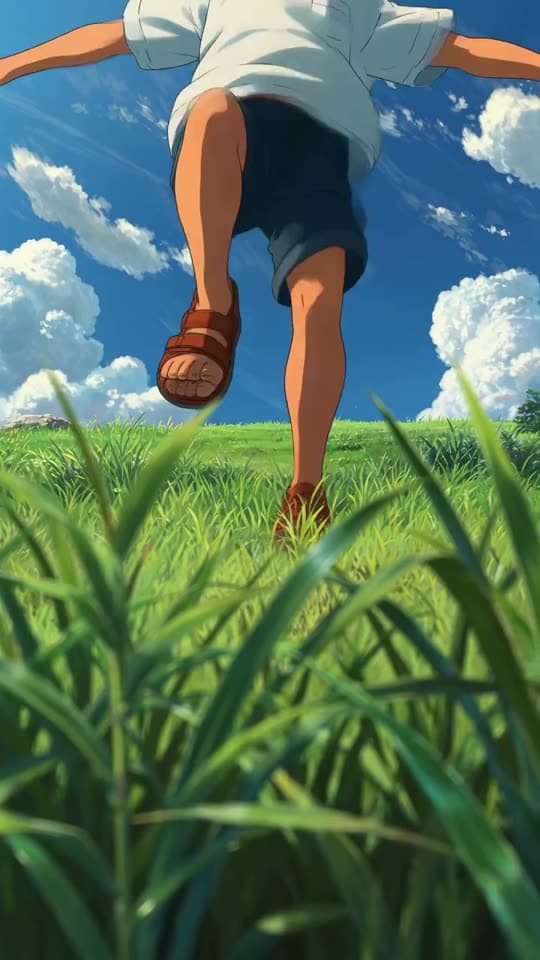
An anime kid running through tall grass
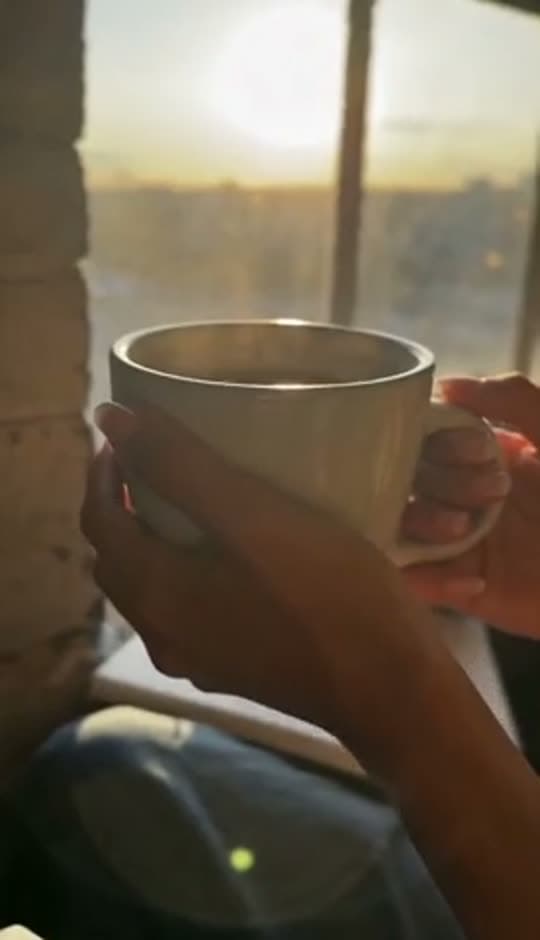
A mug of coffee at sunrise
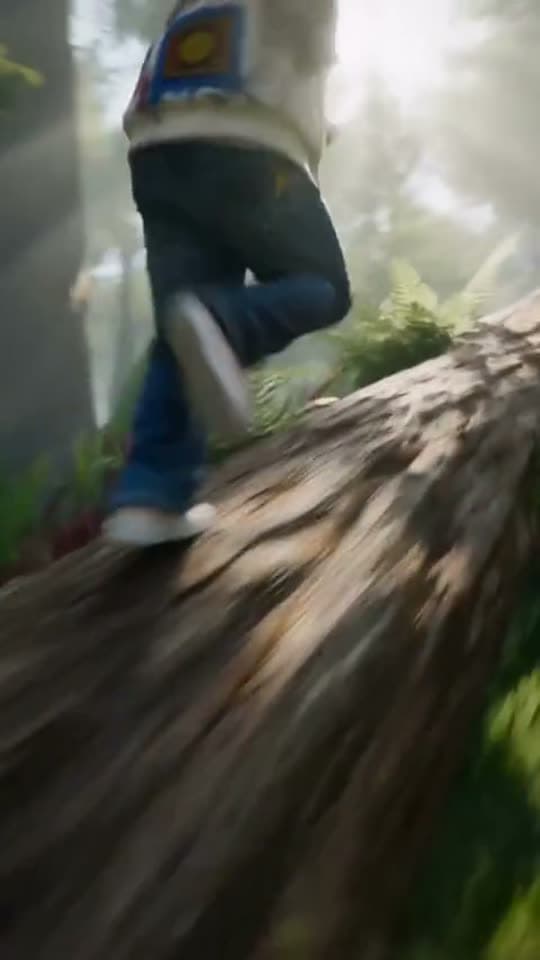
Running over a fallen tree in a forest
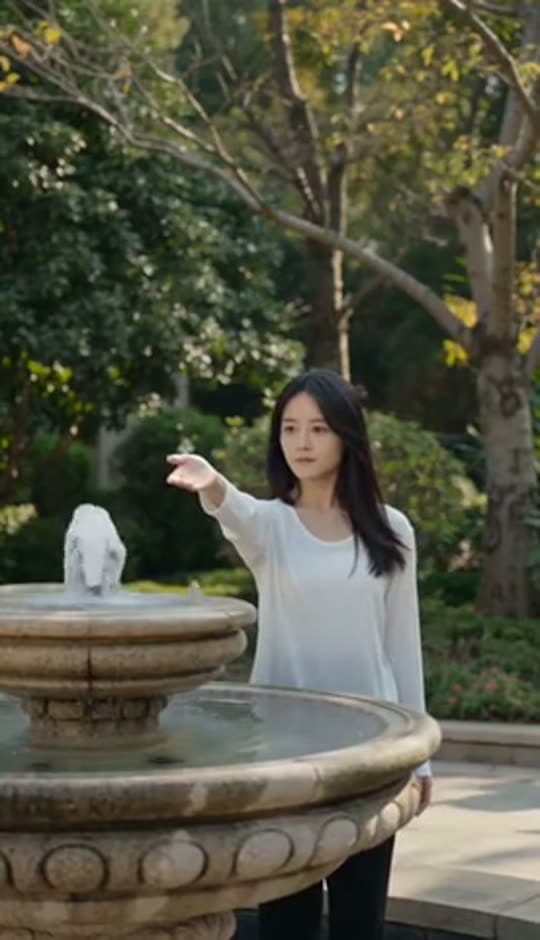
A woman reaching towards a park fountain
A princess at a mirror, generated in Bunsy
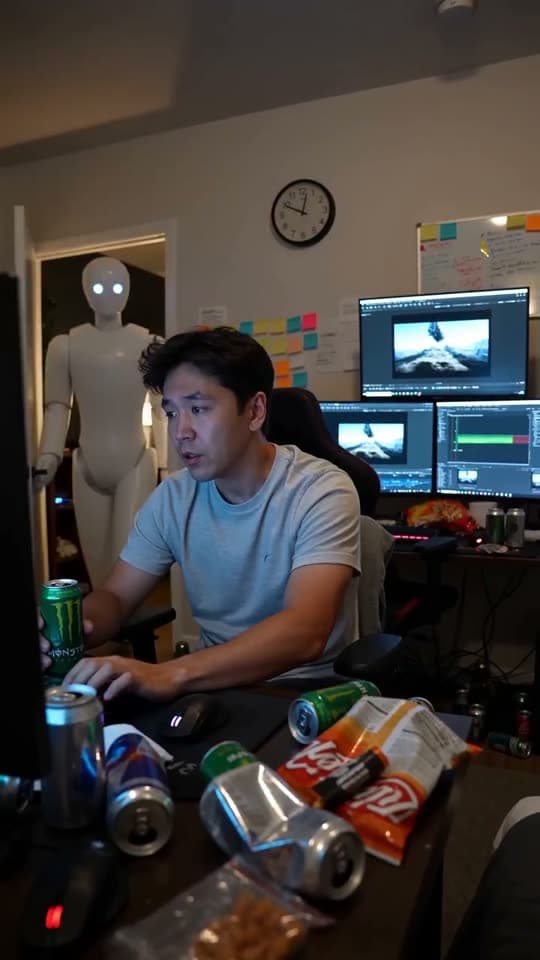
A robot watching over an editor at work
Questions
Can I edit video templates before generating?
Yes. A template is a starting point — the prompt and settings are yours to edit before generating, and the result goes to the timeline like anything else.
Are templates tied to one platform?
No. Aspect ratio is a setting, so the same template can produce a vertical cut for Shorts and a wide one for anywhere else.
Where do templates come from?
They are curated in-house against trending formats, and the catalogue changes as those formats do.
Your first clip is
a minute away.
Free to download. Nothing to set up.