Bunsy · iOS & Android
AI voiceover without a recording session
A script, a voice, and it is already on the timeline.
Or open the download link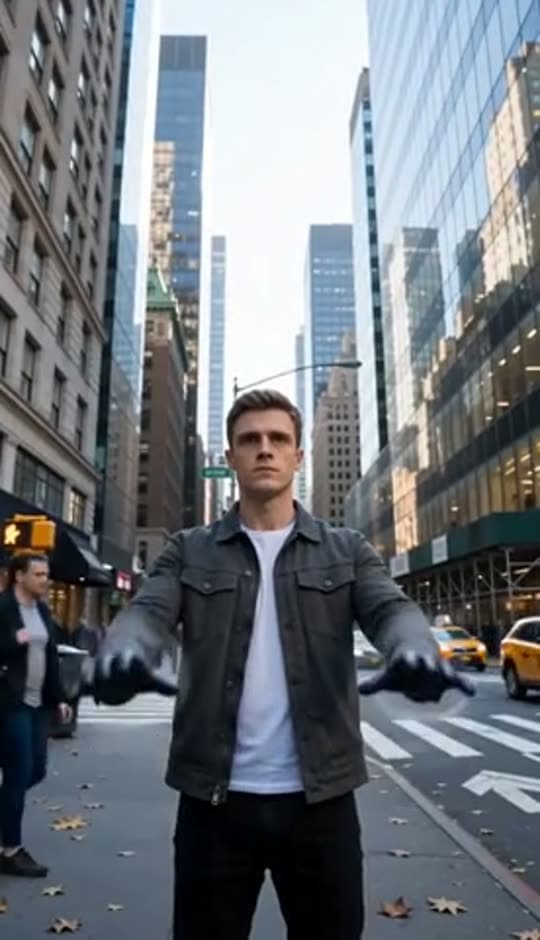
On the timeline
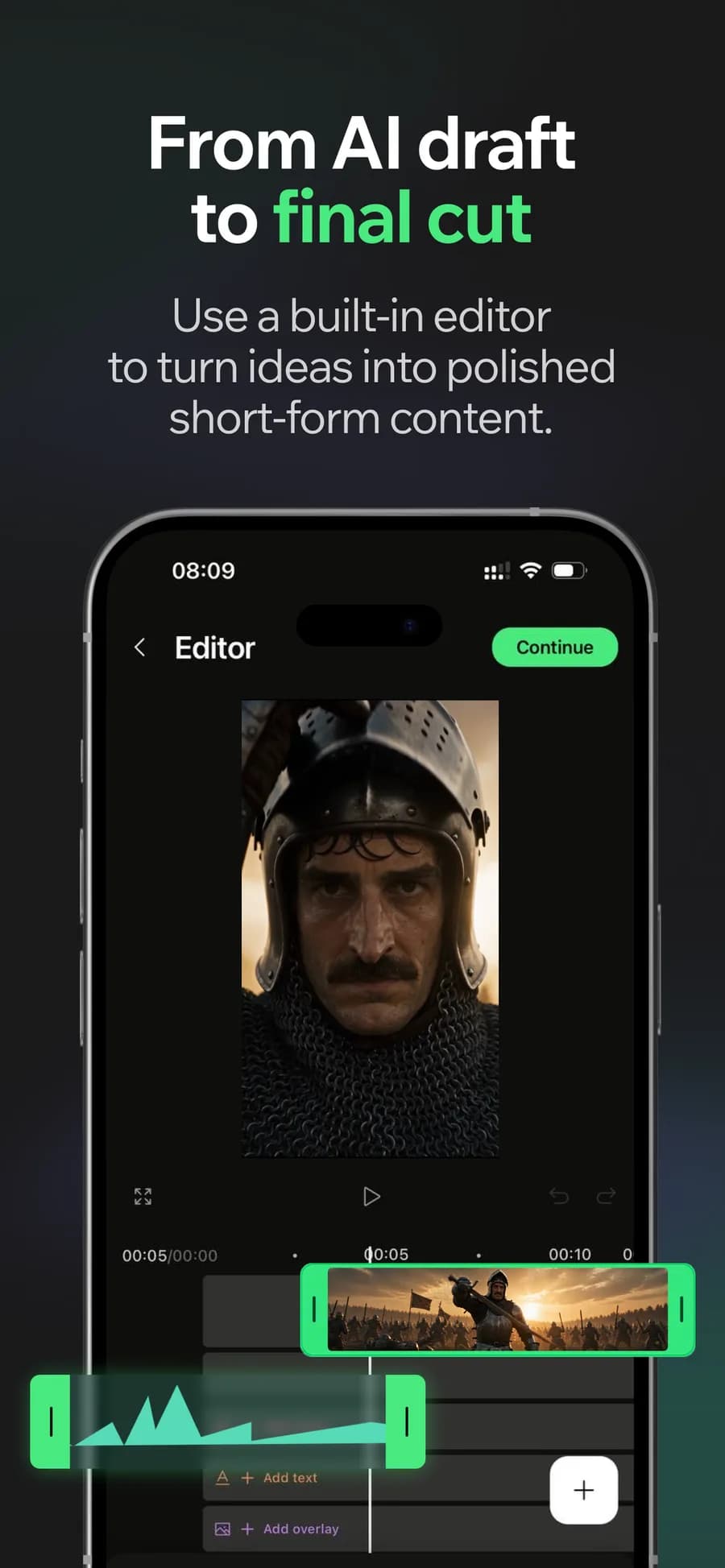
An AI voiceover turns a written script into narration without a recording session. Choose a voice, generate the lines and place the track in your edit. When the script changes, generate the revised line.
Rewrite your AI voiceover without re-recording
Change a line and generate again. The cost of fixing a script stops being a whole session, which is what actually improves the writing.
Why it holds up
Pick the voice for the piece
A tutorial, an ad and a story do not want the same delivery. The voice is a choice per project, not whoever is available.
It lands in the project
Narration arrives as a track under the cut, in sync with the captions generated from the same audio.
Made in Bunsy
What it produces
Clips made in Bunsy, exactly as they came out of the app.
A man on a Manhattan street

An anime kid running through tall grass

A mug of coffee at sunrise

Running over a fallen tree in a forest
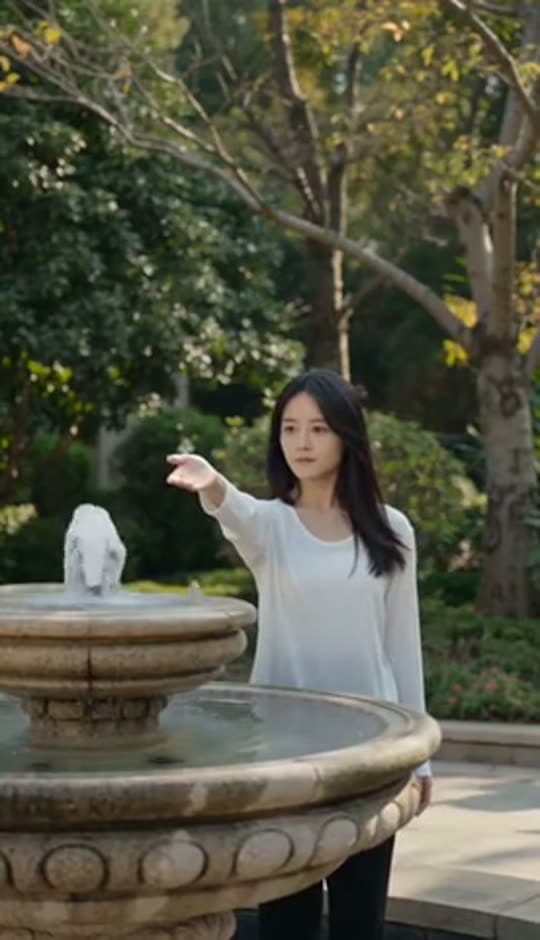
A woman reaching towards a park fountain
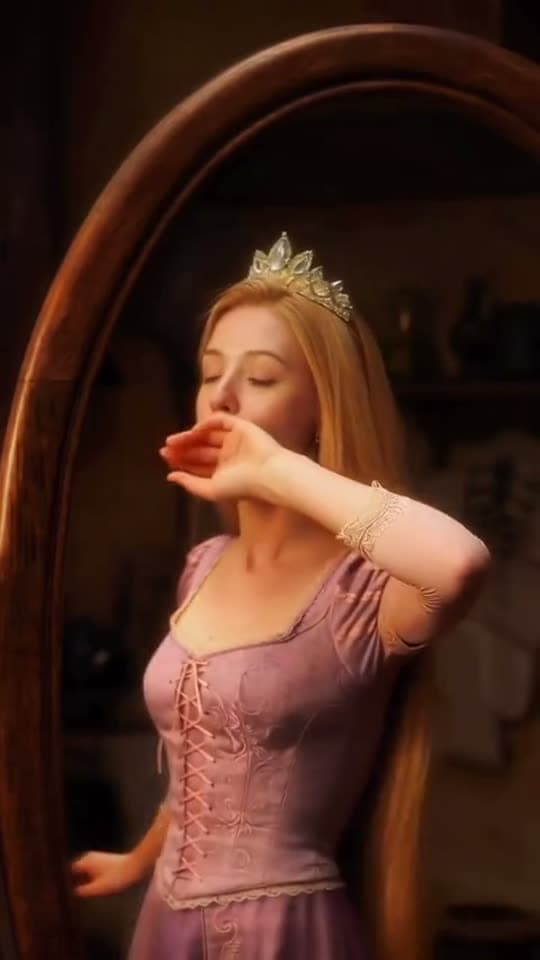
A princess at a mirror, generated in Bunsy
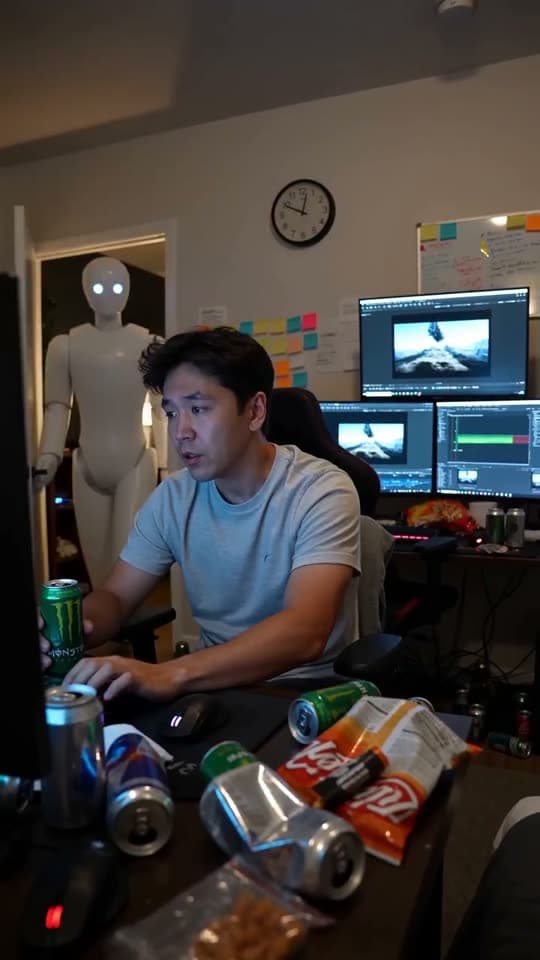
A robot watching over an editor at work
Questions
Can I clone my own voice?
Voice options come from the model catalogue in the app. Whatever you use, only generate a voice you have the right to use — cloning someone else's without consent is the line that matters here.
Do the subtitles match the generated voiceover?
Yes. Captions are produced from the same audio, so the timing follows the narration rather than an approximation of it.
What languages are available for AI voiceover?
The catalogue covers the major languages the underlying voice models support, and it changes as those models do — the picker in the app is the current list.
Your first clip is
a minute away.
Free to download. Nothing to set up.