Bunsy · iOS & Android
An AI video generator that finishes the job
Generate, edit and publish without leaving your phone.
Or open the download link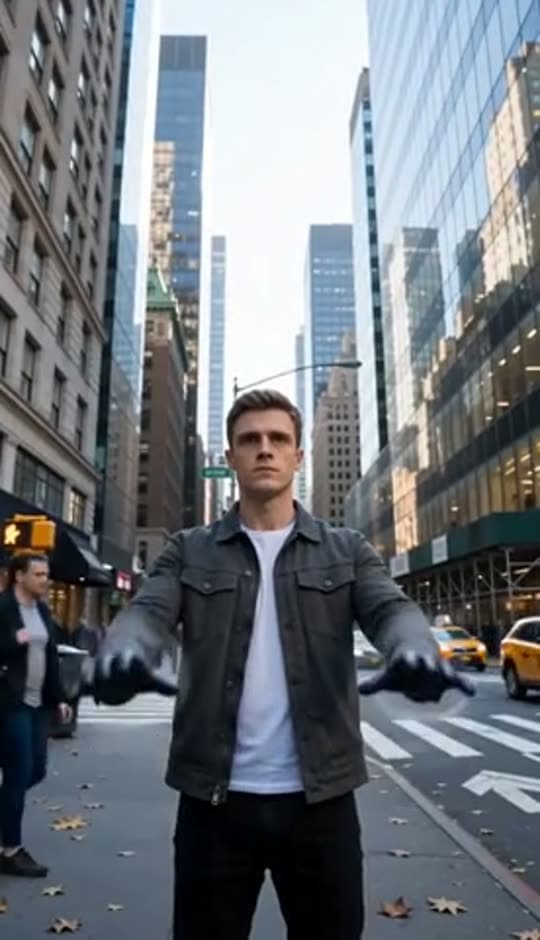
Prompt to video
Most tools treat an AI video generator as the end of the process. Bunsy treats the clip as raw footage: generate with the model that suits the shot, then trim, retime, subtitle and add sound in the same project.
Choose a model in your AI video generator
A wide establishing shot and a talking close-up do not want the same model. Bunsy keeps the whole catalogue behind one prompt box, so switching costs a tap instead of another subscription.
Real prompt, real output. Only the wait is sped up — a render takes a few minutes.
Why it holds up
Generation is step one
The timeline is where a video is actually made. Cut between takes, fix the pacing, add captions that know who is speaking, and export something finished.
Pay per render, not per month
Tokens are spent when you generate. Nothing renders in the background, and an idle month costs nothing.
Made in Bunsy
What it produces
Clips made in Bunsy, exactly as they came out of the app.
A man on a Manhattan street

An anime kid running through tall grass

A mug of coffee at sunrise
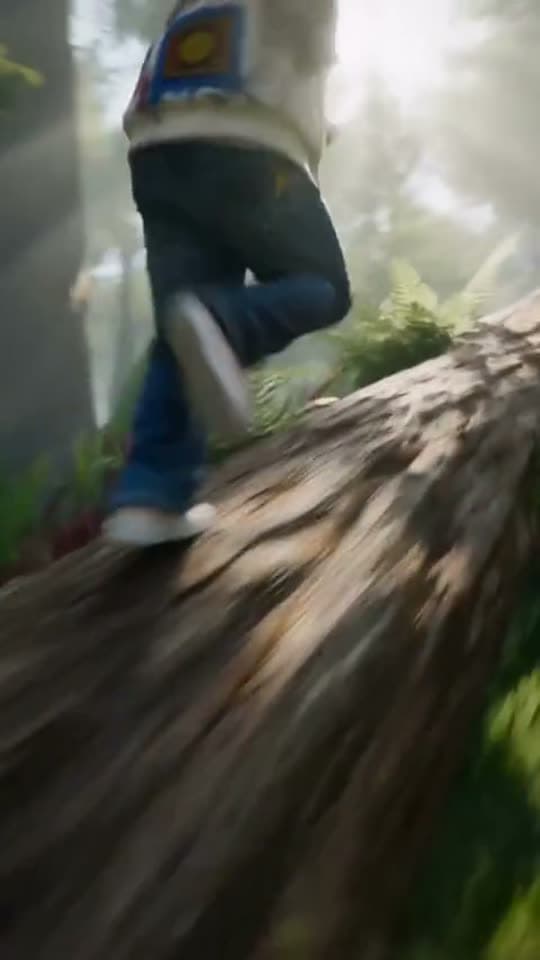
Running over a fallen tree in a forest
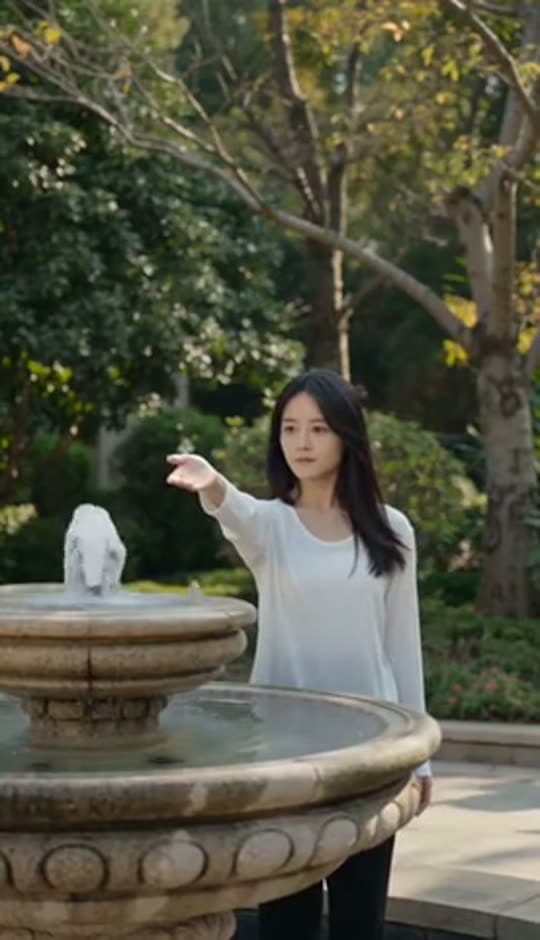
A woman reaching towards a park fountain
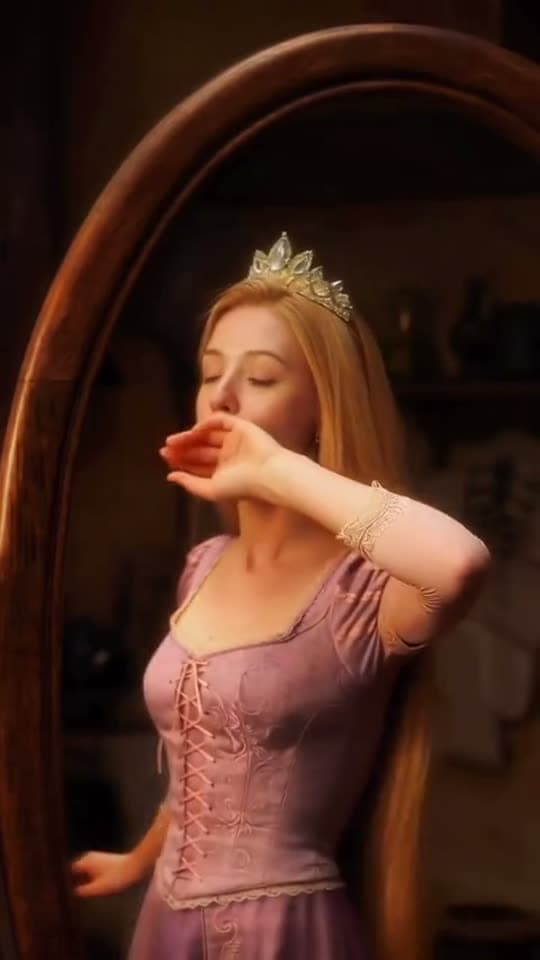
A princess at a mirror, generated in Bunsy
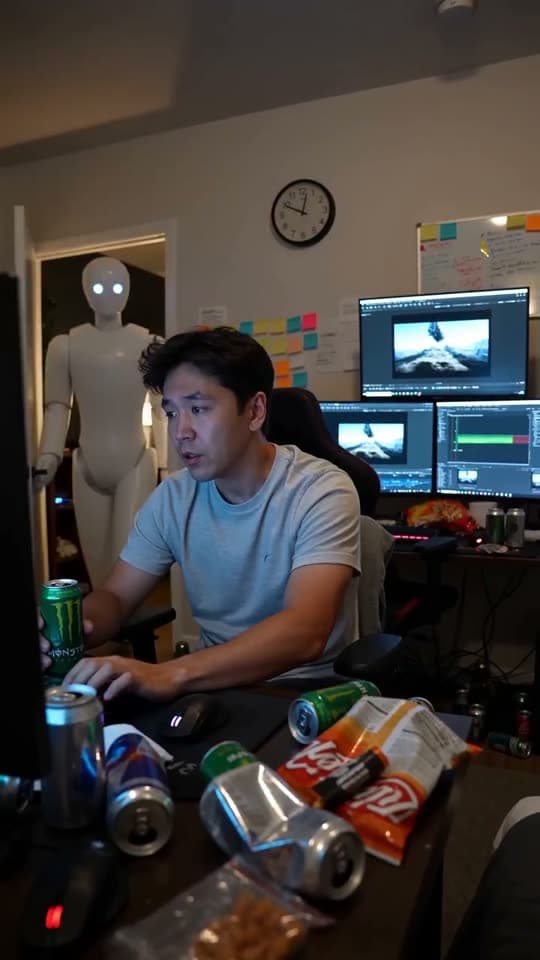
A robot watching over an editor at work
Questions
What can I create with the Bunsy AI video generator?
Video from a text prompt, video from a photo, first-and-last-frame shots, talking avatars, lip sync, dubbing, voiceovers and still images — all from the same catalogue of models.
Is there a free AI video generator plan?
The app is free to download and free to browse. Generating spends tokens you top up, so you pay for the clips you render rather than for a monthly seat.
Does it run on both iPhone and Android?
Yes. The same models and the same editor are available on the App Store and on Google Play.
Your first clip is
a minute away.
Free to download. Nothing to set up.