Bunsy · iOS & Android
Anime video, where the model sets the look
The style comes from the model, not a filter.
Or open the download link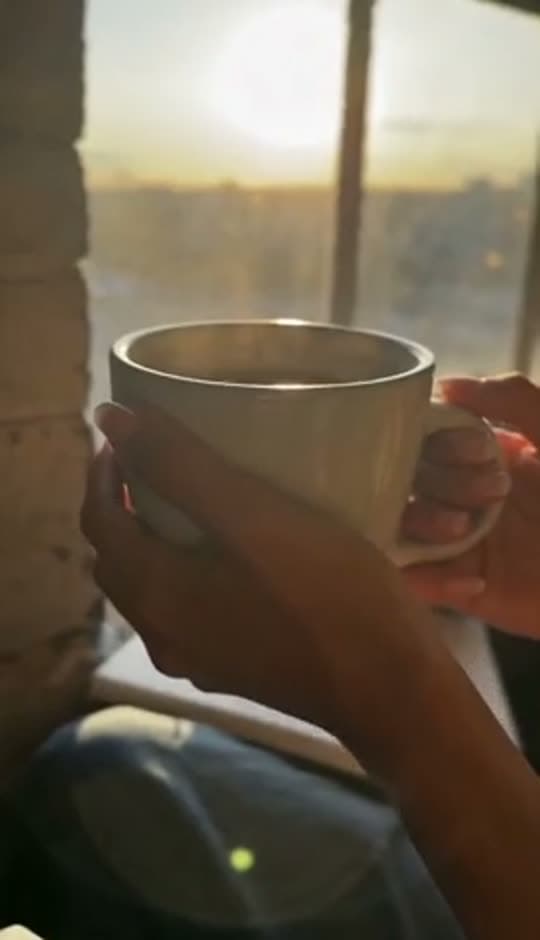
Prompt to video
An anime video starts with the model and the reference style. Choose a model whose output fits the look you want, describe the action and review character consistency before assembling the shots.
Choose an anime video model before the prompt
Choose the model whose output already sits near the look you want, then spend the prompt on what happens in the shot. Arguing a model towards a style it does not have burns renders for nothing.
Real prompt, real output. Only the wait is sped up — a render takes a few minutes.
Why it holds up
Hold the character between shots
Text alone redraws a face every take. Start each shot from a still instead, and use first-and-last-frame generation, so the same character carries through a sequence rather than resetting at every cut.
Dialogue without a booth
Lines can be generated as voice, lip-synced onto the character and captioned from that same audio — which is most of what a short animated scene still needs once the shots exist.
Made in Bunsy
What it produces
Clips made in Bunsy, exactly as they came out of the app.
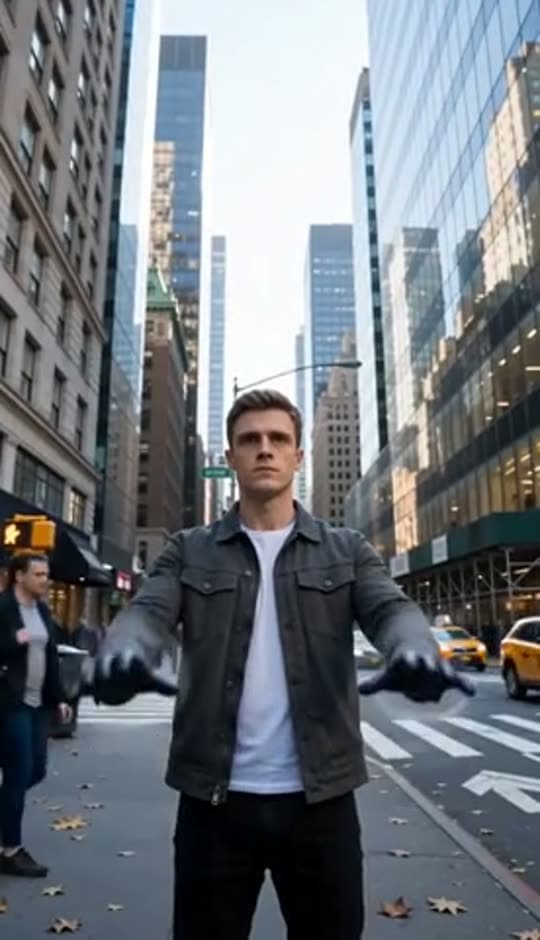
A man on a Manhattan street
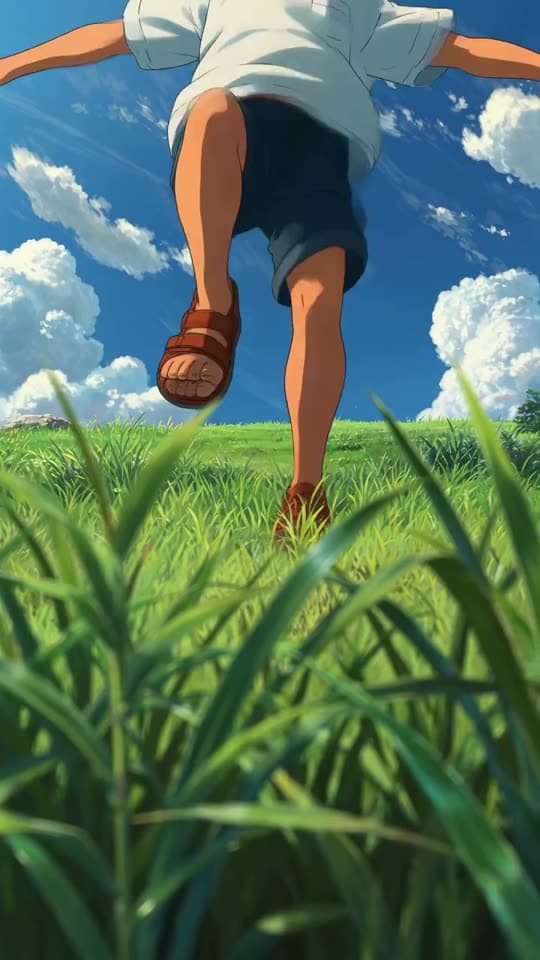
An anime kid running through tall grass
A mug of coffee at sunrise
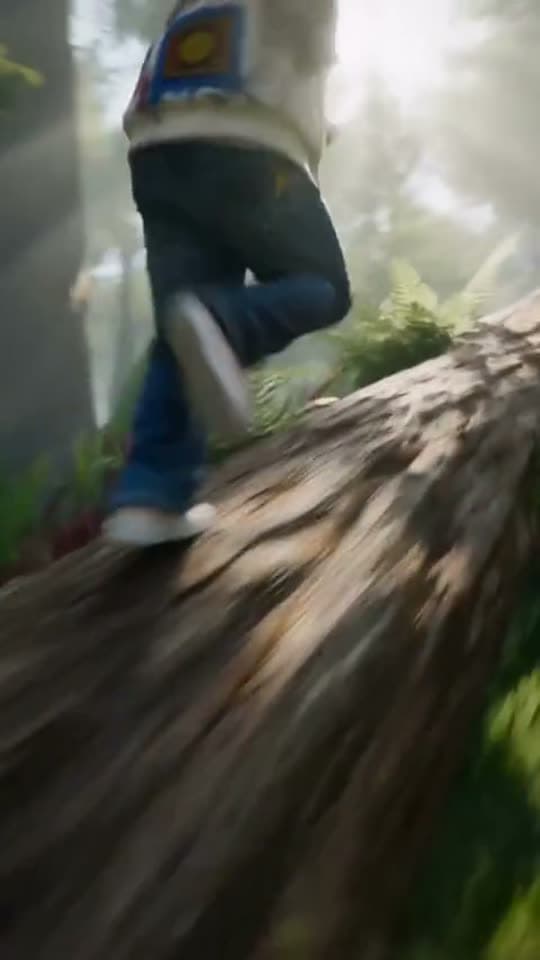
Running over a fallen tree in a forest
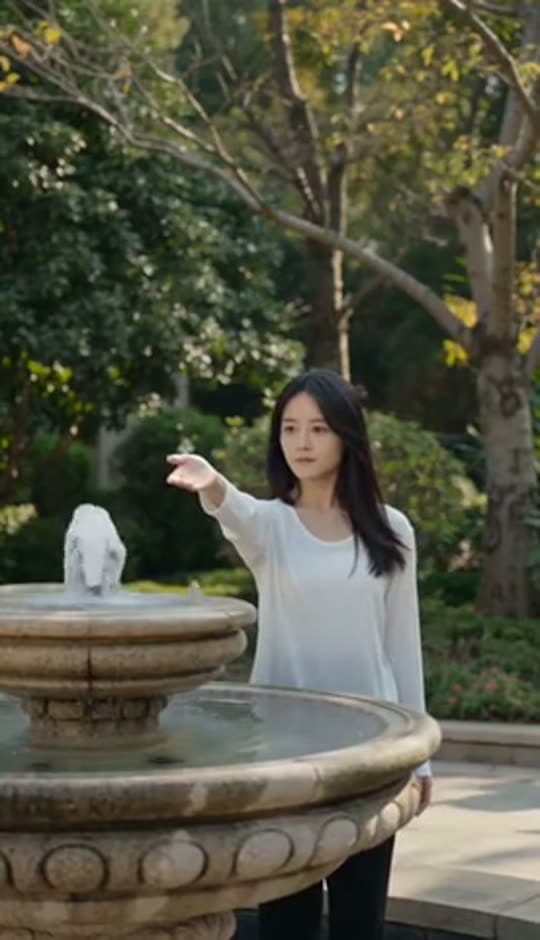
A woman reaching towards a park fountain
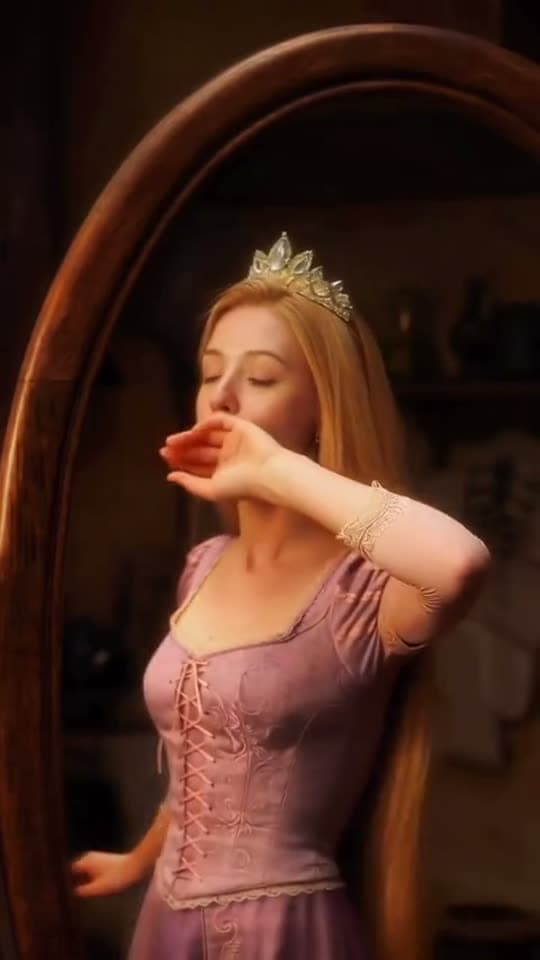
A princess at a mirror, generated in Bunsy
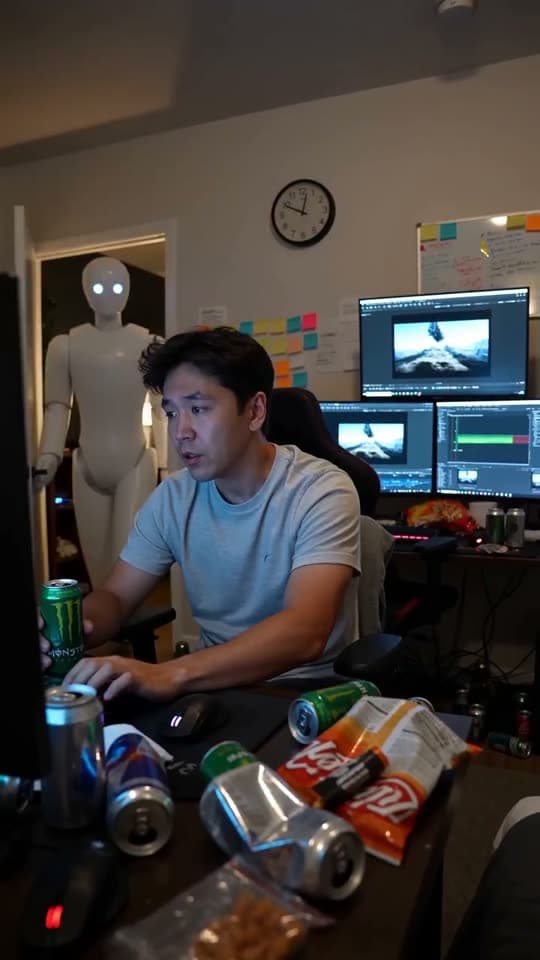
A robot watching over an editor at work
Questions
What styles can I use for an anime video?
Whatever the models in the catalogue reach, steered by style words in the prompt — cel-shaded, painterly, heavy line work, soft pastel. There are no style presets here, so the model picker plus your wording is the whole control surface.
Can I generate characters from an anime I like?
A style belongs to nobody, but a specific character, design or frame belongs to the studio that made it. Generating someone else's character and publishing it is a copyright problem however it was produced. Build your own cast — the models are good at that, and it is the version you can actually use.
How do I stop the character drifting?
Settle on a reference still early and begin every shot from an image rather than a sentence. First-and-last-frame generation keeps the drift small across a sequence, and the timeline is where you drop the takes that wandered anyway.
Your first clip is
a minute away.
Free to download. Nothing to set up.