Bunsy · iOS & Android
An AI slideshow maker that puts photos in motion
Stills that move, cut to the music.
Or open the download link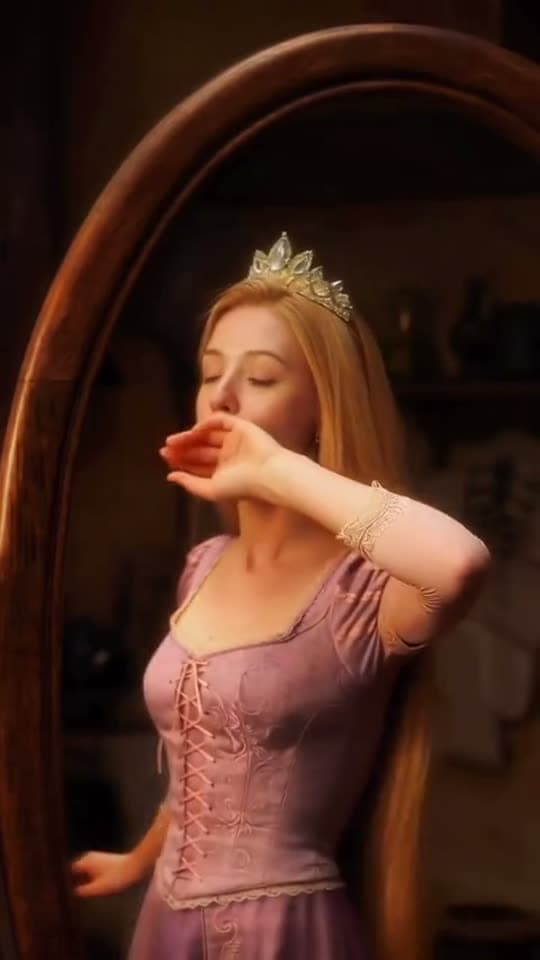
Models, chained
The AI slideshow maker combines image animation with a timeline edit. Turn selected photos into moving shots, keep others as stills and set the pace of the sequence to fit your music or narration.
An AI slideshow maker that animates each photo
A still animated by a model is not a pan across a flat JPEG. The subject shifts, the background moves behind it, and a picture you have looked at for years reads as something new.
Ferrari Testarossa 1980

Ferrari Testarossa driving along a Sicilian coastal cliff road at golden hour, cinematic shot.
Why it holds up
Pacing per photo, not per slideshow
One image deserves four seconds and the next one deserves half of that. On a timeline that is a trim; in a slideshow app it is a global slider you cannot argue with.
A voice over the pictures
Music makes a montage. A line of narration makes it a story — generate the voiceover from what you would have said out loud and lay it under the stills.
Made in Bunsy
What it produces
Clips made in Bunsy, exactly as they came out of the app.
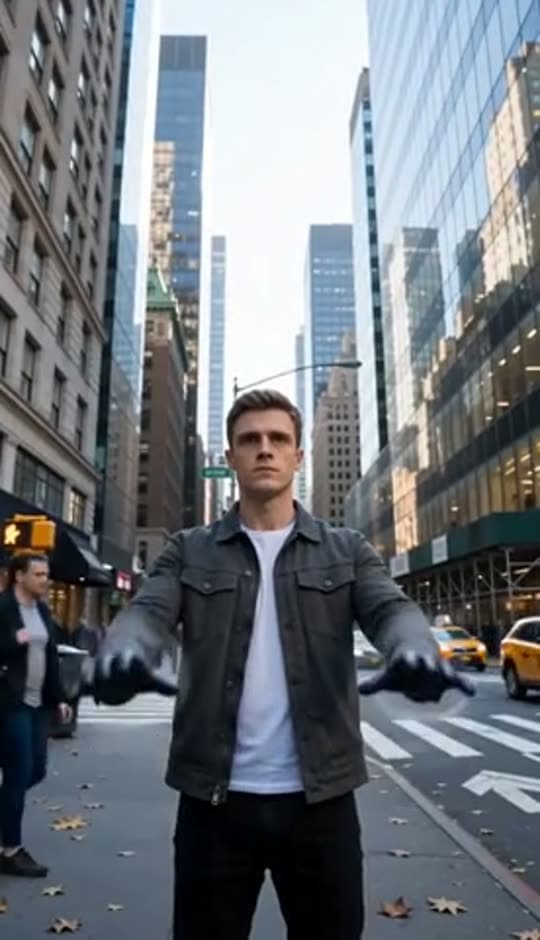
A man on a Manhattan street
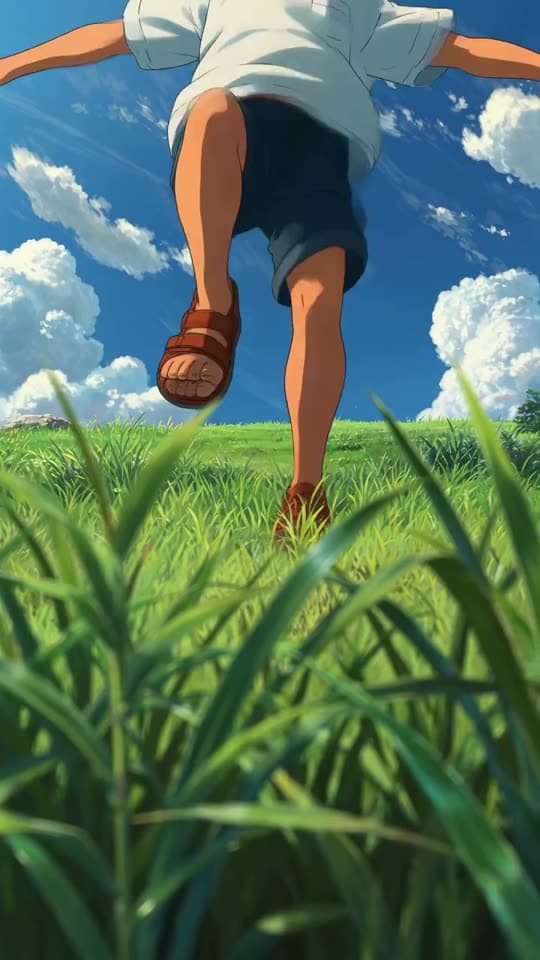
An anime kid running through tall grass
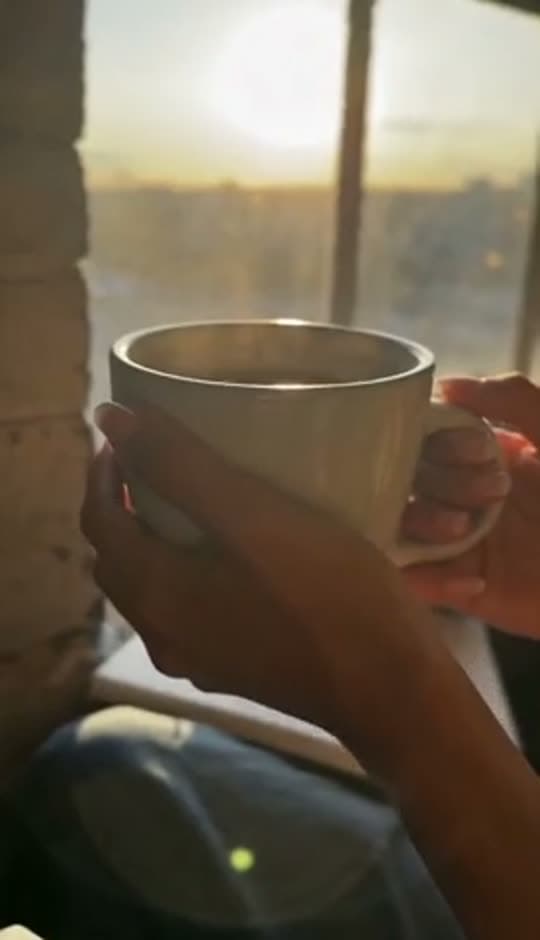
A mug of coffee at sunrise
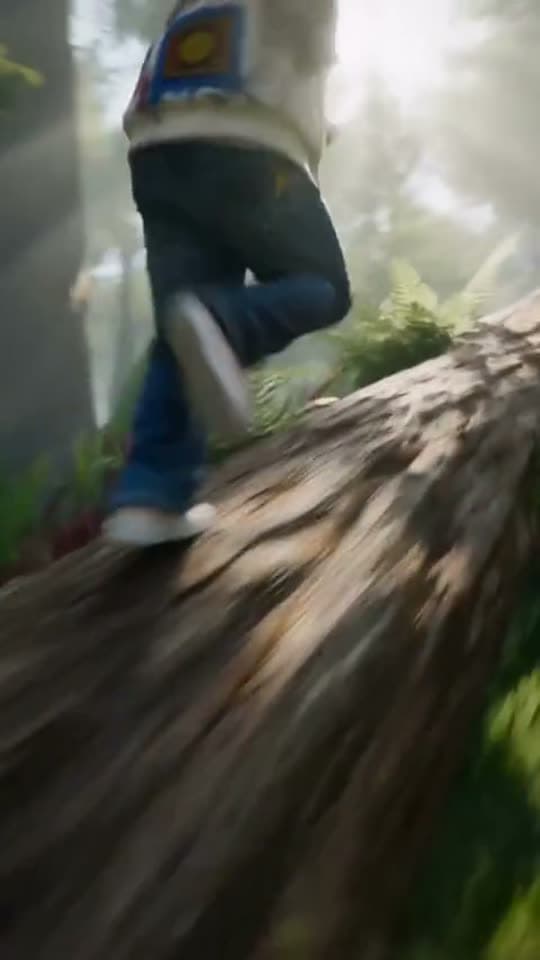
Running over a fallen tree in a forest
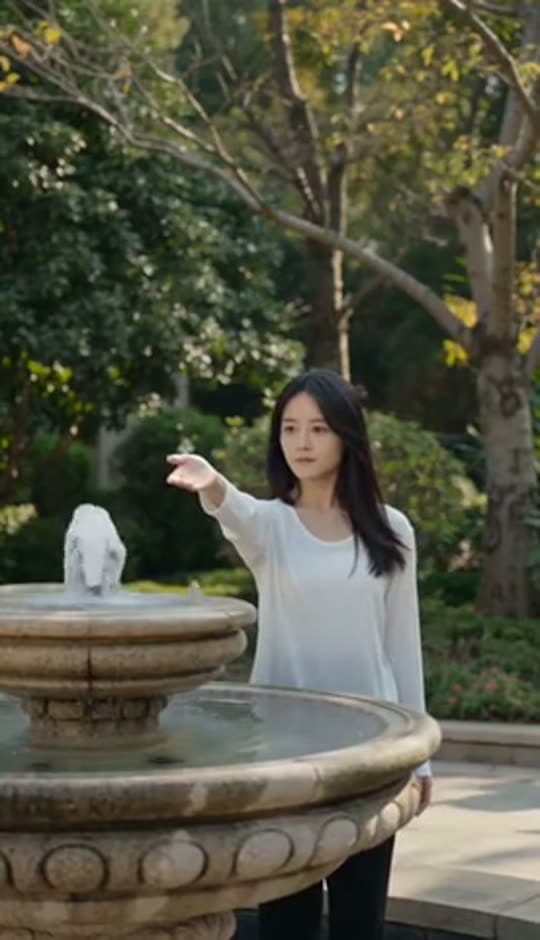
A woman reaching towards a park fountain
A princess at a mirror, generated in Bunsy
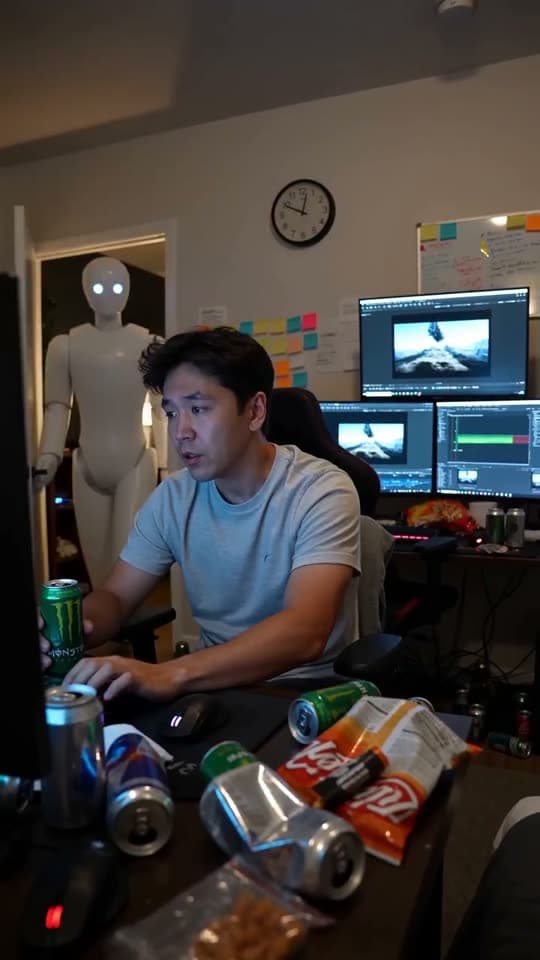
A robot watching over an editor at work
Questions
How many photos can I use in the AI slideshow maker?
Each animated still is its own generation, so a hundred-photo album is a hundred renders. Most people animate the ten that earn motion and drop the rest onto the timeline as stills — both live on the same track.
Do old scans and phone snapshots work?
Usually. Clear subjects and decent resolution animate well; heavy grain, motion blur and very tight crops give the model little to work with. Faces of people you know are where any drift shows first, so keep those moves small.
Can I use photos of other people?
Use images you have the right to use, and ask the people in them — animating someone's face is a different act to sharing a snapshot of them. The acceptable use policy covers what is off limits.
Your first clip is
a minute away.
Free to download. Nothing to set up.