Bunsy · iOS & Android
Instagram Reels that look considered
Generate the shot, then actually cut it.
Or open the download link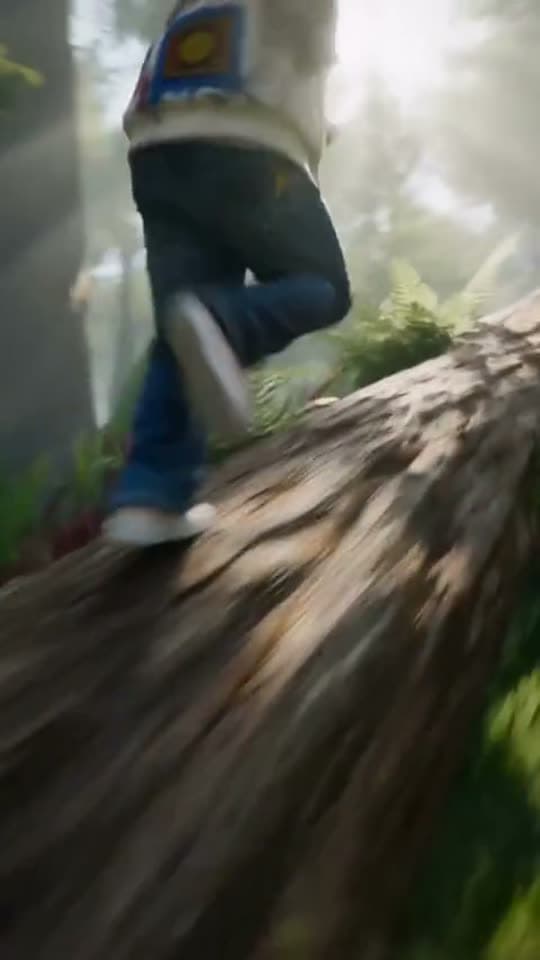
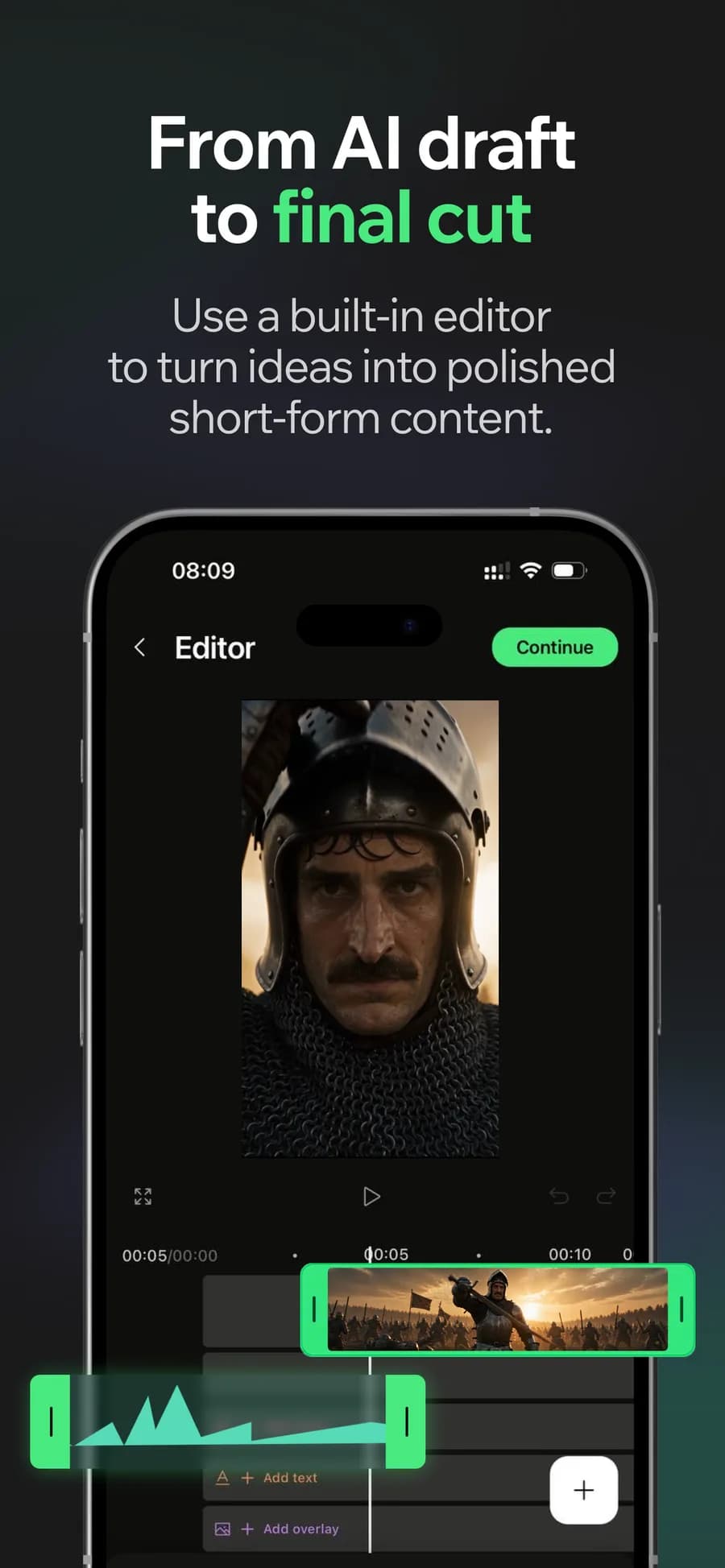
On the timeline
For Instagram Reels, the look matters alongside the idea. Start with a photo or a generated shot, then use the cut, pacing and text to turn the footage into a finished piece.
Animate your photos for Instagram Reels
A still you like is a better starting point than a sentence. Bring a photo, get motion, and keep the look you already chose.
Why it holds up
Cut for rhythm, not for length
Retime, trim and reorder on the timeline until the beats land. This is the step that separates a Reel from a clip.
Type as part of the shot
Captions are placed and timed rather than dumped in a corner, so text is part of the composition instead of a subtitle track sitting on top of it.
Made in Bunsy
What it produces
Clips made in Bunsy, exactly as they came out of the app.
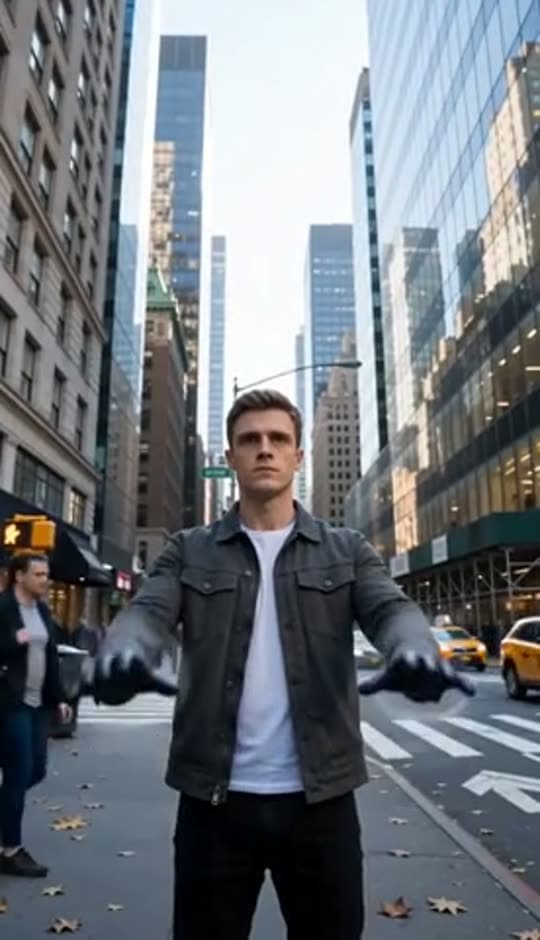
A man on a Manhattan street
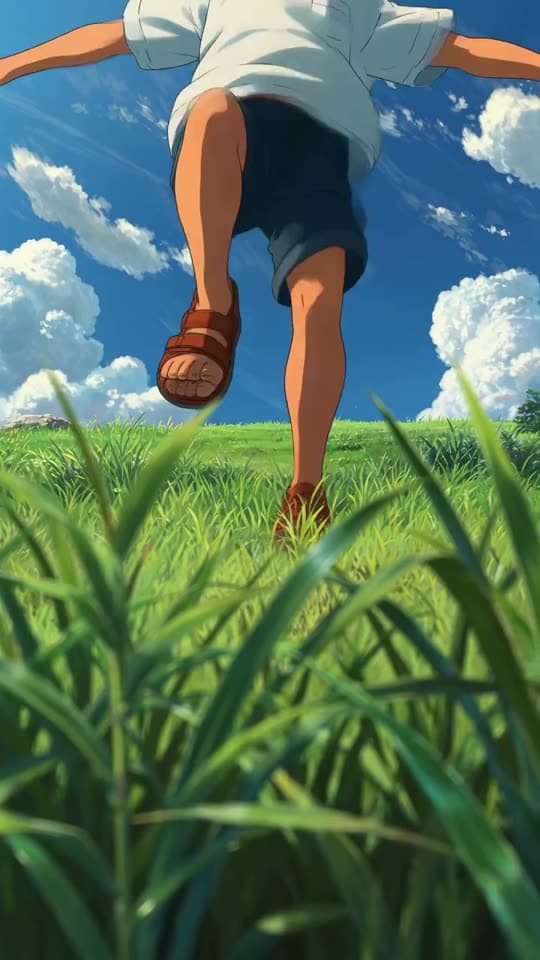
An anime kid running through tall grass
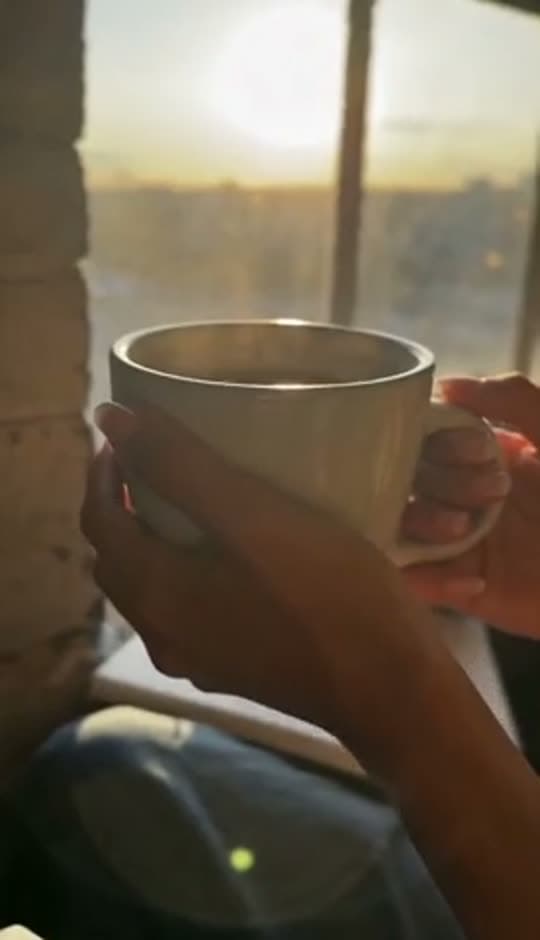
A mug of coffee at sunrise
Running over a fallen tree in a forest
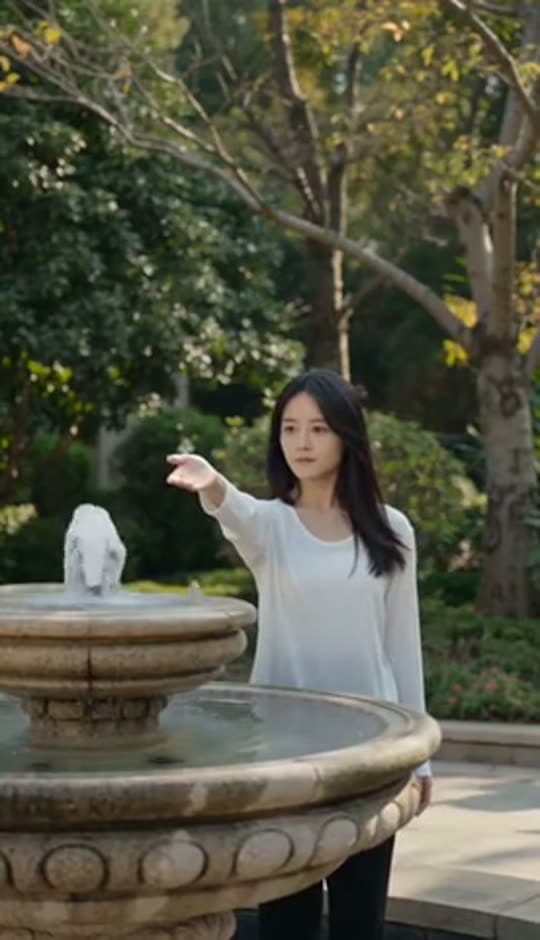
A woman reaching towards a park fountain
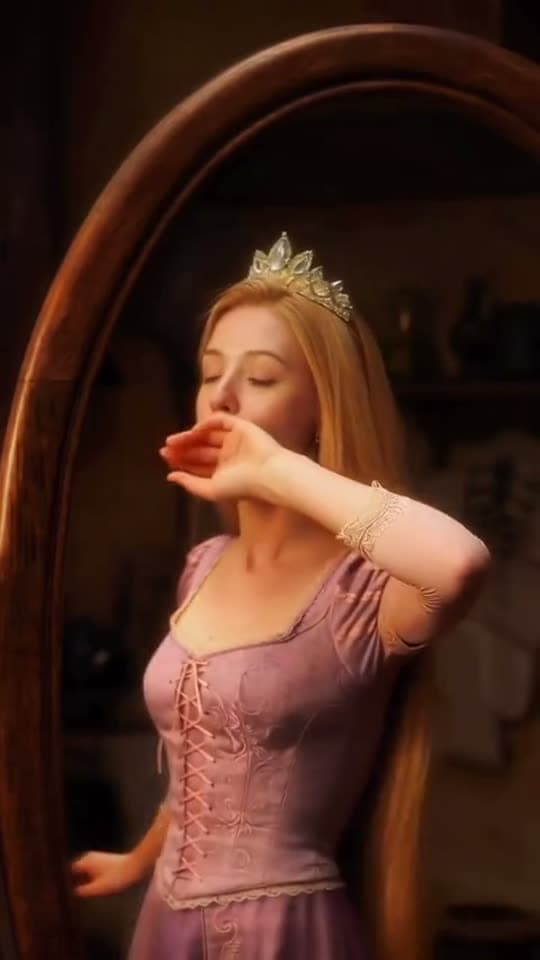
A princess at a mirror, generated in Bunsy
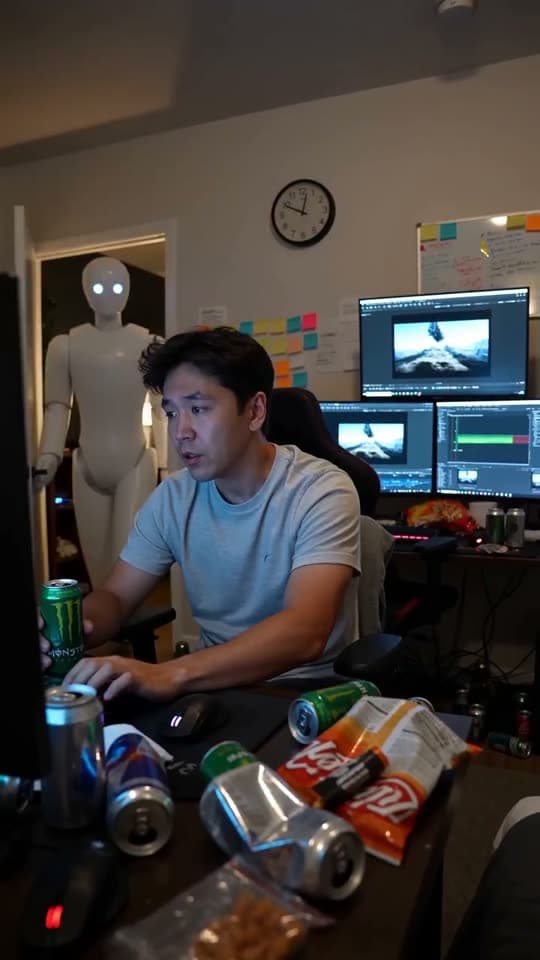
A robot watching over an editor at work
Questions
Does Instagram label AI content?
Meta applies AI labels to content its systems detect as generated, and asks creators to disclose realistic synthetic media. Disclosing is the safe default and costs the video nothing.
Can I use my own footage alongside generated shots?
Yes. Filmed clips, animated stills and generated shots sit on the same timeline with the same trimming, sound and captions.
What aspect ratio should I use for Instagram Reels?
Vertical 9:16. Choose it at generation time so the subject is framed for the format rather than cropped out of a wide shot later.
Your first clip is
a minute away.
Free to download. Nothing to set up.