Bunsy · iOS & Android
Text to video, then a real cut
Describe the shot. Choose the model. Keep editing.
Or open the download link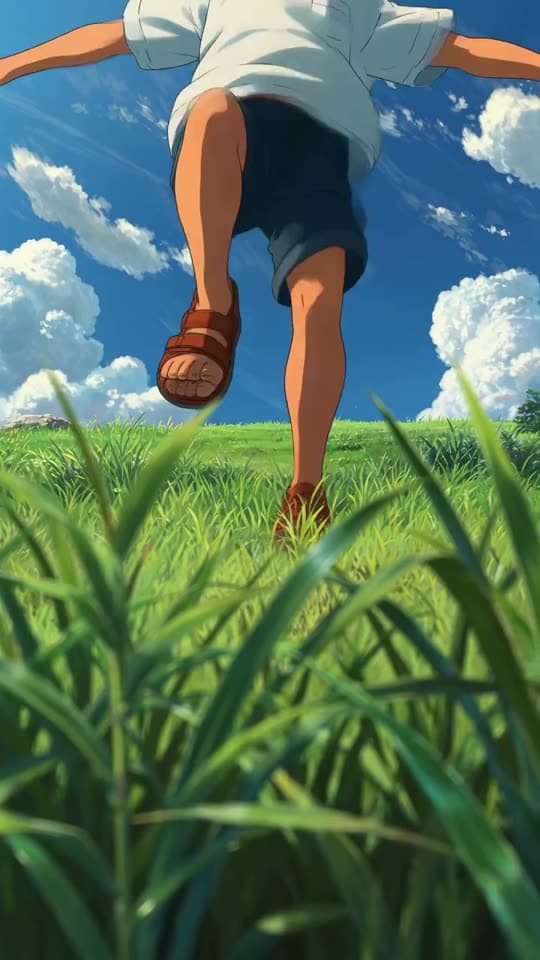
Prompt to video
Text-to-video generation starts with one shot, while a finished video usually needs several. Use the same prompt box across the model catalogue, then put the results together on the timeline.
One text-to-video prompt, any model
Send the same description to a different model when the first result misses. No re-learning an interface, no second app.
Real prompt, real output. Only the wait is sped up — a render takes a few minutes.
Why it holds up
Aspect and length are settings
Vertical for Shorts, wide for a landing page, square for a feed post. Pick per generation instead of per tool.
Batch a scene, not a clip
Generate several takes of the same prompt at once, keep the one that works, and drop it straight onto the timeline.
Made in Bunsy
What it produces
Clips made in Bunsy, exactly as they came out of the app.
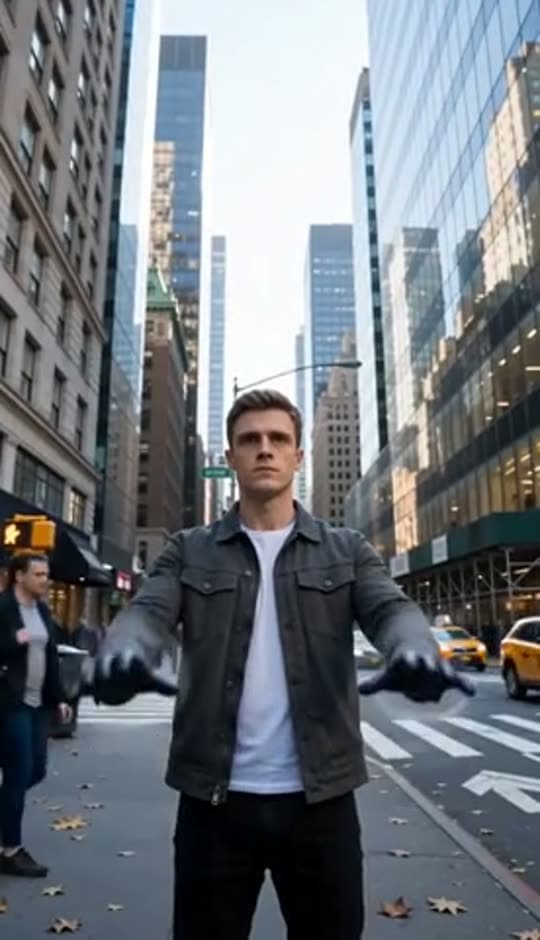
A man on a Manhattan street
An anime kid running through tall grass
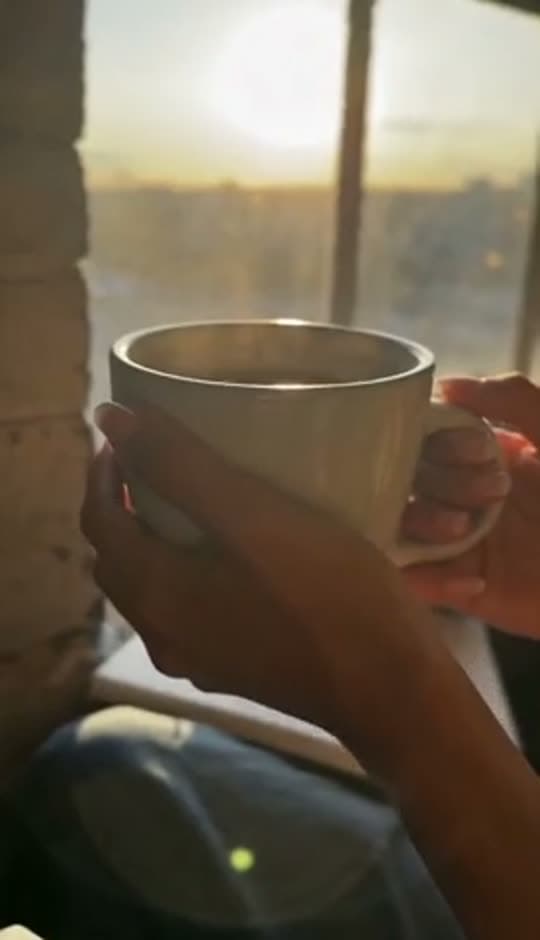
A mug of coffee at sunrise
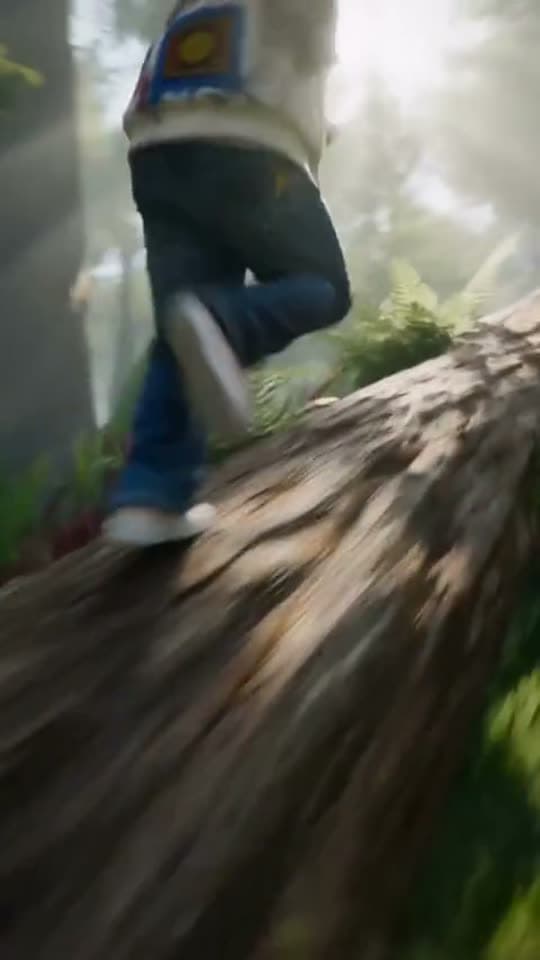
Running over a fallen tree in a forest
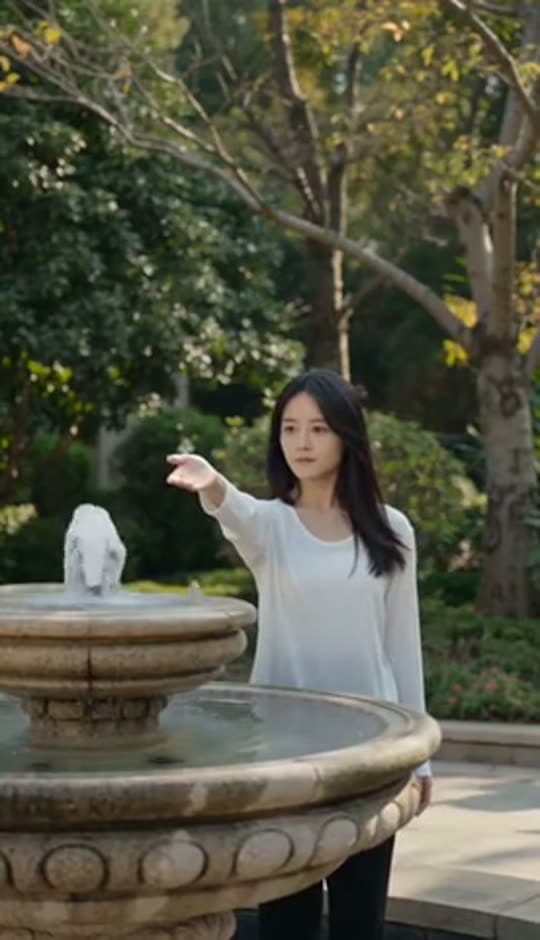
A woman reaching towards a park fountain
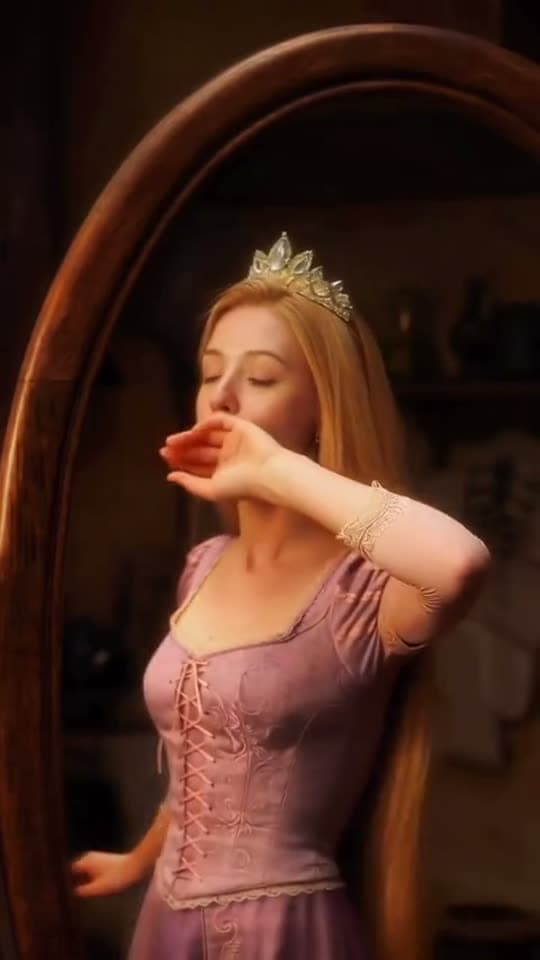
A princess at a mirror, generated in Bunsy
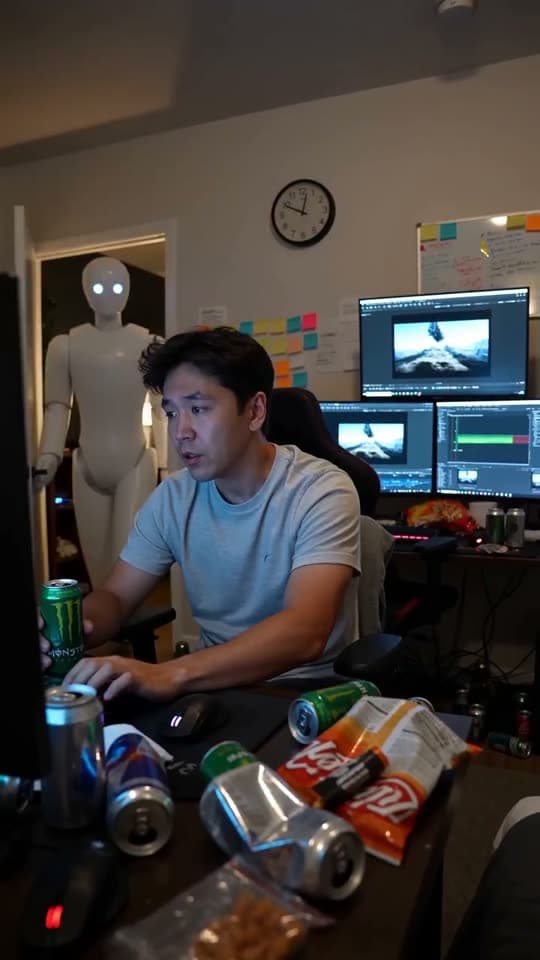
A robot watching over an editor at work
Questions
How long can a text-to-video clip be?
Per-generation length depends on the model you choose — most produce a few seconds per shot. Longer videos are assembled on the timeline from several generated shots, which is how the format works in practice.
What makes a good video prompt?
Name the subject, the camera move and the lighting, and be specific about anything that matters — including the ethnicity of people in the shot, because several models default to their training bias when you leave it out.
Can I edit the result?
Yes — every generated clip lands in your library and can be trimmed, retimed, subtitled and mixed with sound on the Bunsy timeline.
Your first clip is
a minute away.
Free to download. Nothing to set up.