AI video app · iOS & Android
AI Video Generator,
Start to Finish
Generate with Seedance 2.5, Veo 3.1, Kling 3.0 and more. Cut it on a real timeline. Post it — all from your phone.
Or open the download link
What is Bunsy?
Bunsy is an AI video generator and editor for iOS and Android. Turn text or photos into video, add talking avatars and lip sync, and edit on a timeline.
- Create on your phone
- Generate and edit in the iOS or Android app. This website has product guides, the model catalogue and pricing.Explore AI video generation
- Start with text or a photo
- Describe a scene or animate an image. Choose a model for each shot; available modes and starting credit costs are listed in the catalogue.Compare AI models
- Finish on one timeline
- Combine generated footage with clips from your camera roll. Trim, retime, add subtitles and sound, then export your video.See the video editor
- Pay for generation with credits
- The app is free to download. Generation uses credits from a subscription or a one-time pack; the cost depends on the model and settings.See plans and credit packs
Prompt to video
An AI video generator
built around your prompt.
Describe the shot, pick a model, get the clip back. Every model in the catalogue takes the same prompt box, so switching one out costs you nothing but a tap — and a photo works as a starting point just as well as a sentence.
- Nano Banana
- Seedance
- Kling
- Grok Imagine
- Wan
- Runway
- Gemini Omni
- MiniMax
- Seedream
- Veo 3.1
- HappyHorse
- GPT Image
Real prompt, real output. Only the wait is sped up — a render takes a few minutes.
Made in Bunsy
Real output, straight from the app.
Every clip here came out of Bunsy exactly as you see it — no colour grade, no outside edit.
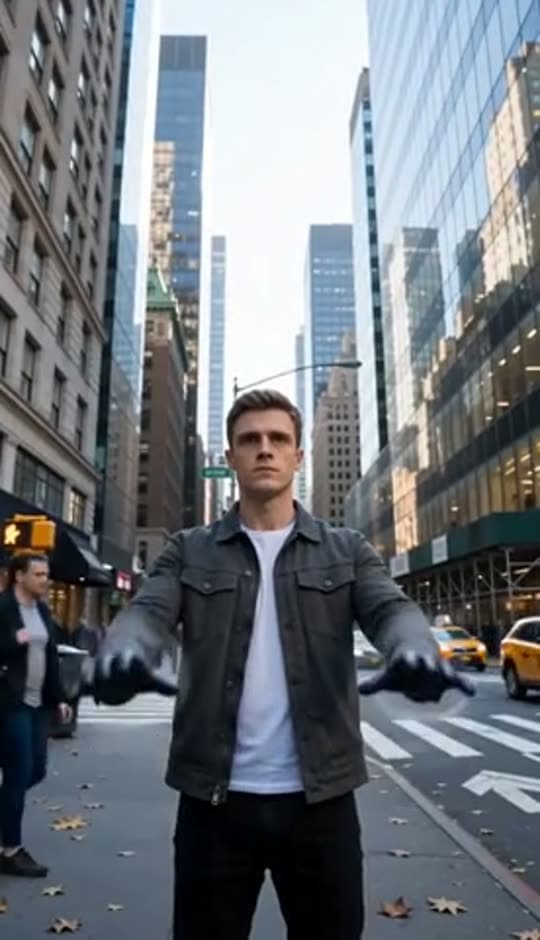
A man on a Manhattan street

An anime kid running through tall grass

A mug of coffee at sunrise
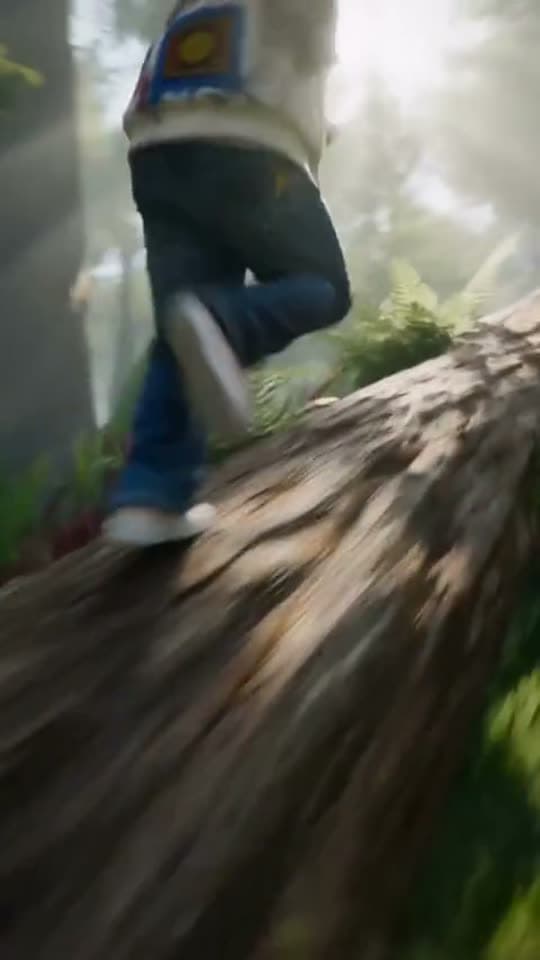
Running over a fallen tree in a forest
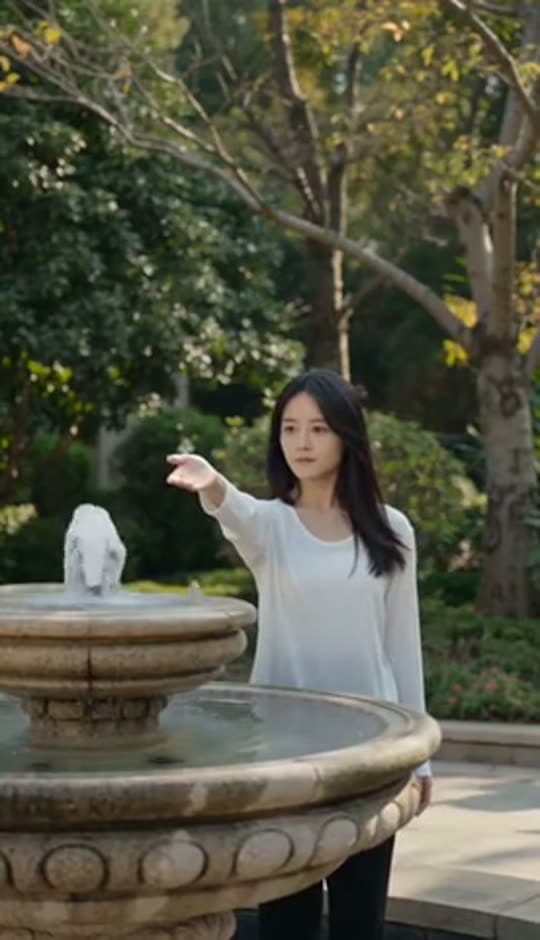
A woman reaching towards a park fountain
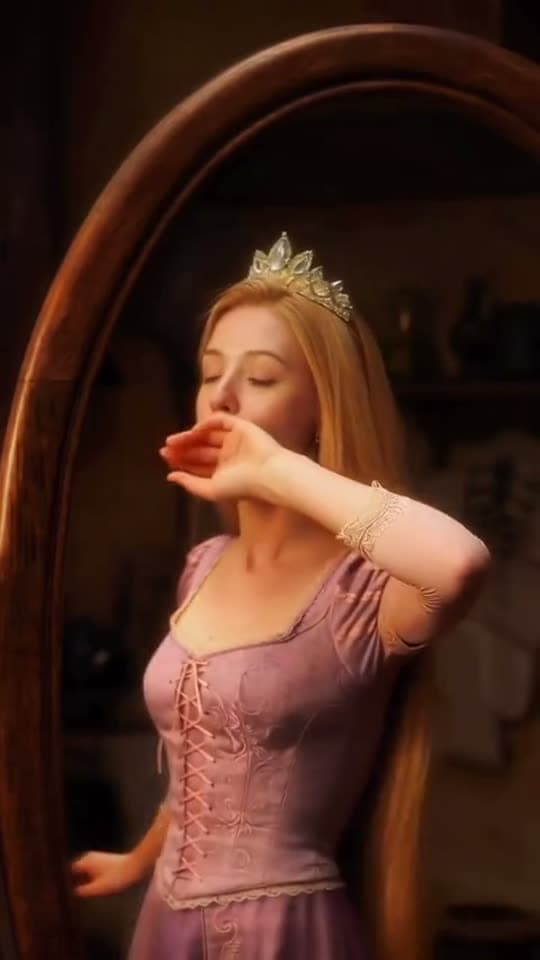
A princess at a mirror, generated in Bunsy
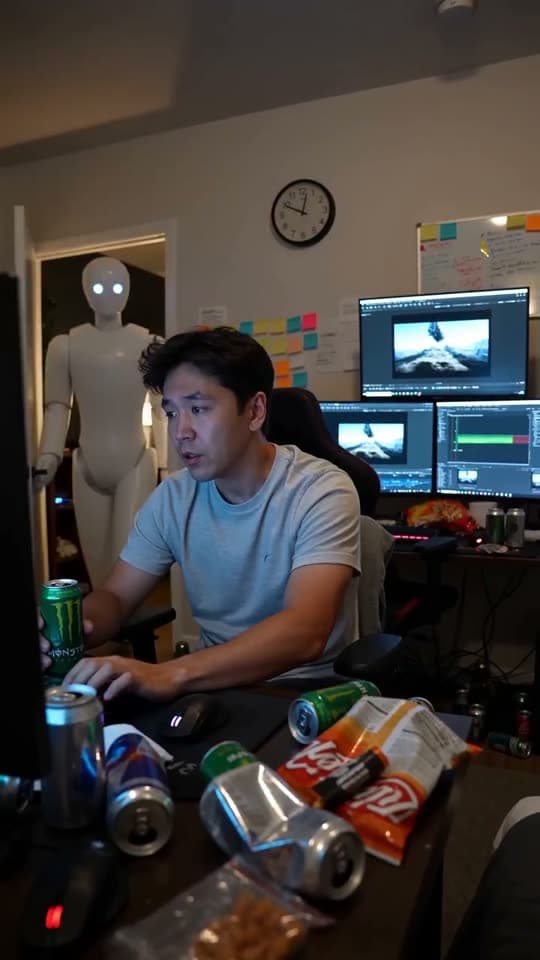
A robot watching over an editor at work
The catalogue
34 models.
One prompt box.
23 for video and 11 for images across 12 model families, picked per shot instead of paid for one by one. Counted from the app's live catalogue, refreshed hourly.
- Nano Banana
- Seedance
- Kling
- Grok Imagine
- Wan
- Runway
- Gemini Omni
- MiniMax
- Seedream
- Veo 3.1
- HappyHorse
- GPT Image
How it works
From idea to feed, one app.
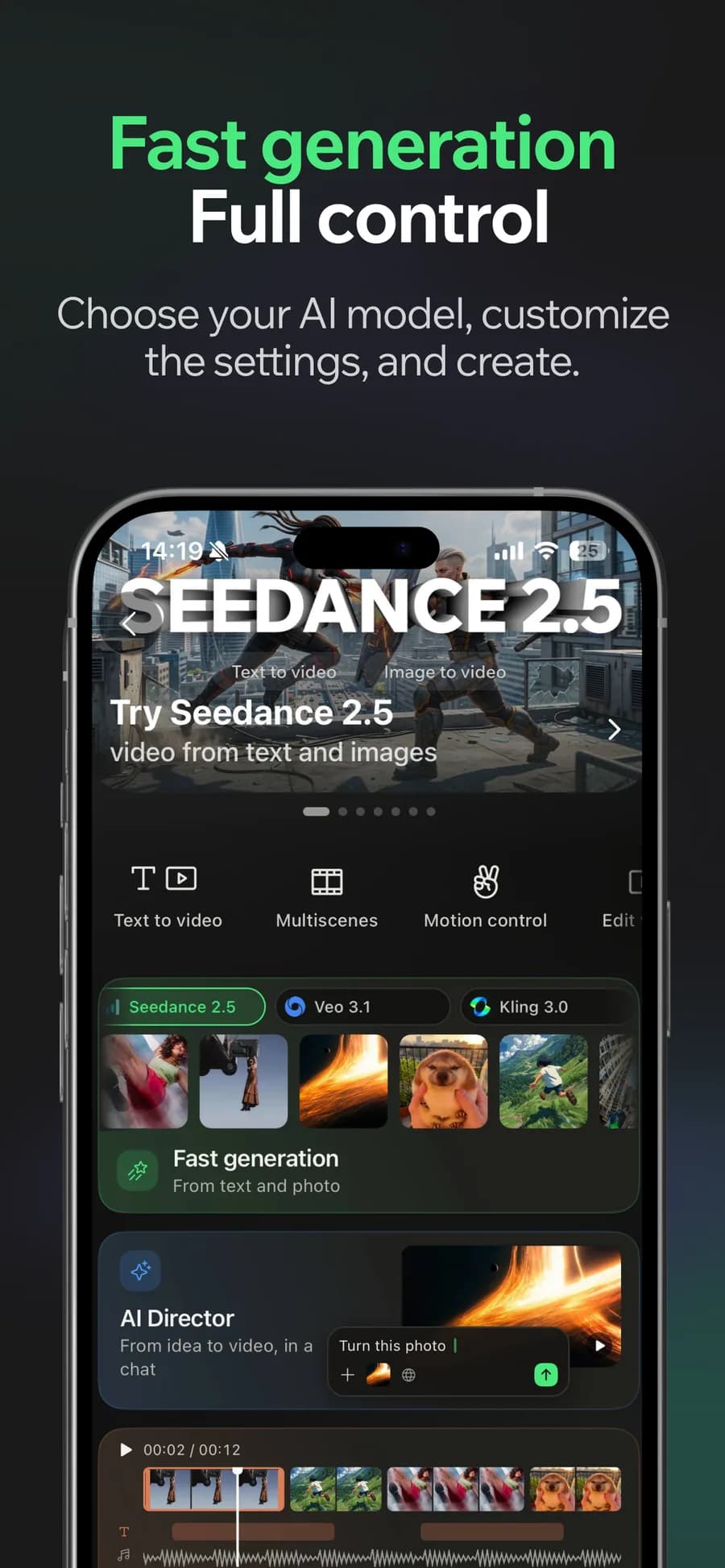
01
Generate
A prompt or a photo, any model in the catalogue — plus talking avatars, lip sync and dubbing with a voice you preview first.
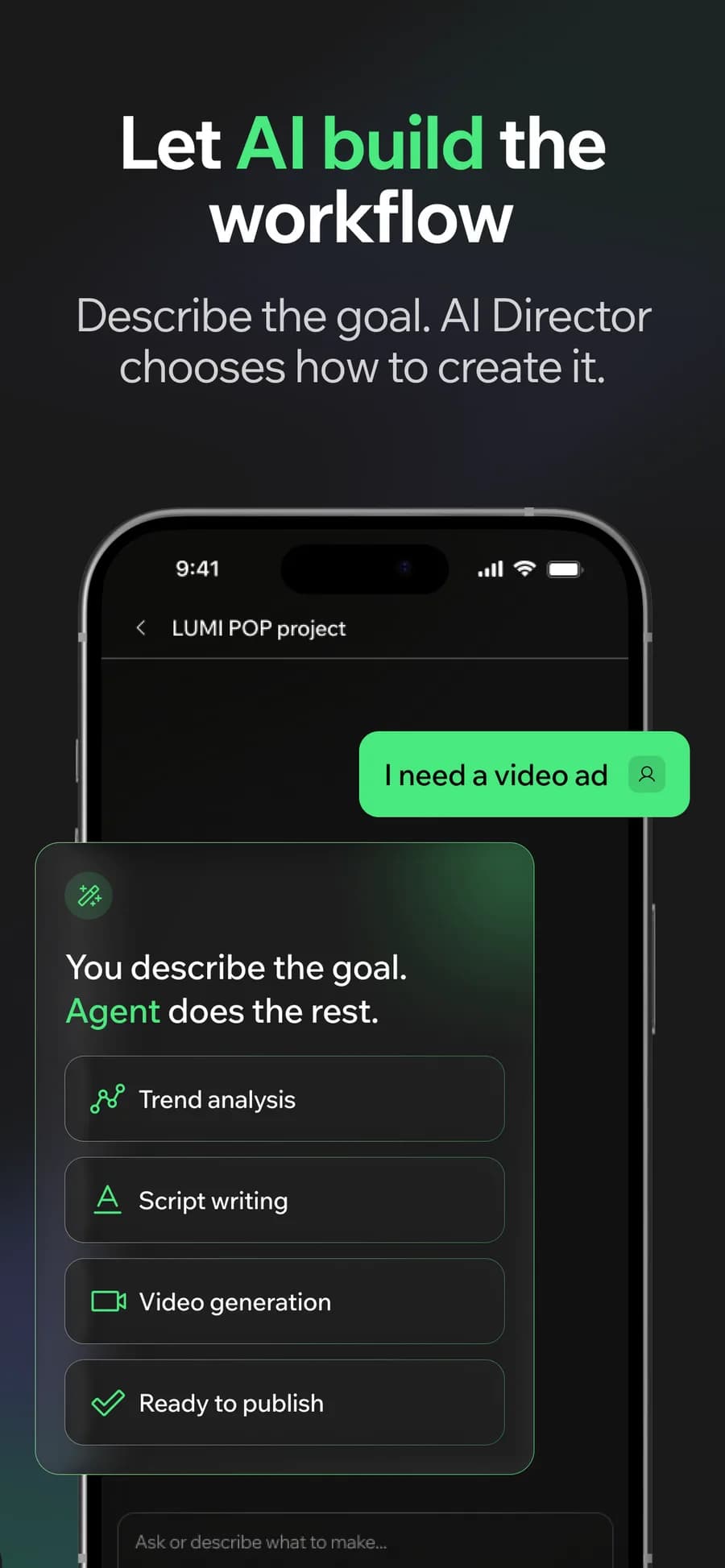
02
Or let the AI Director do it
Describe the goal. It reads the trend, writes the script, picks the models and builds the workflow.
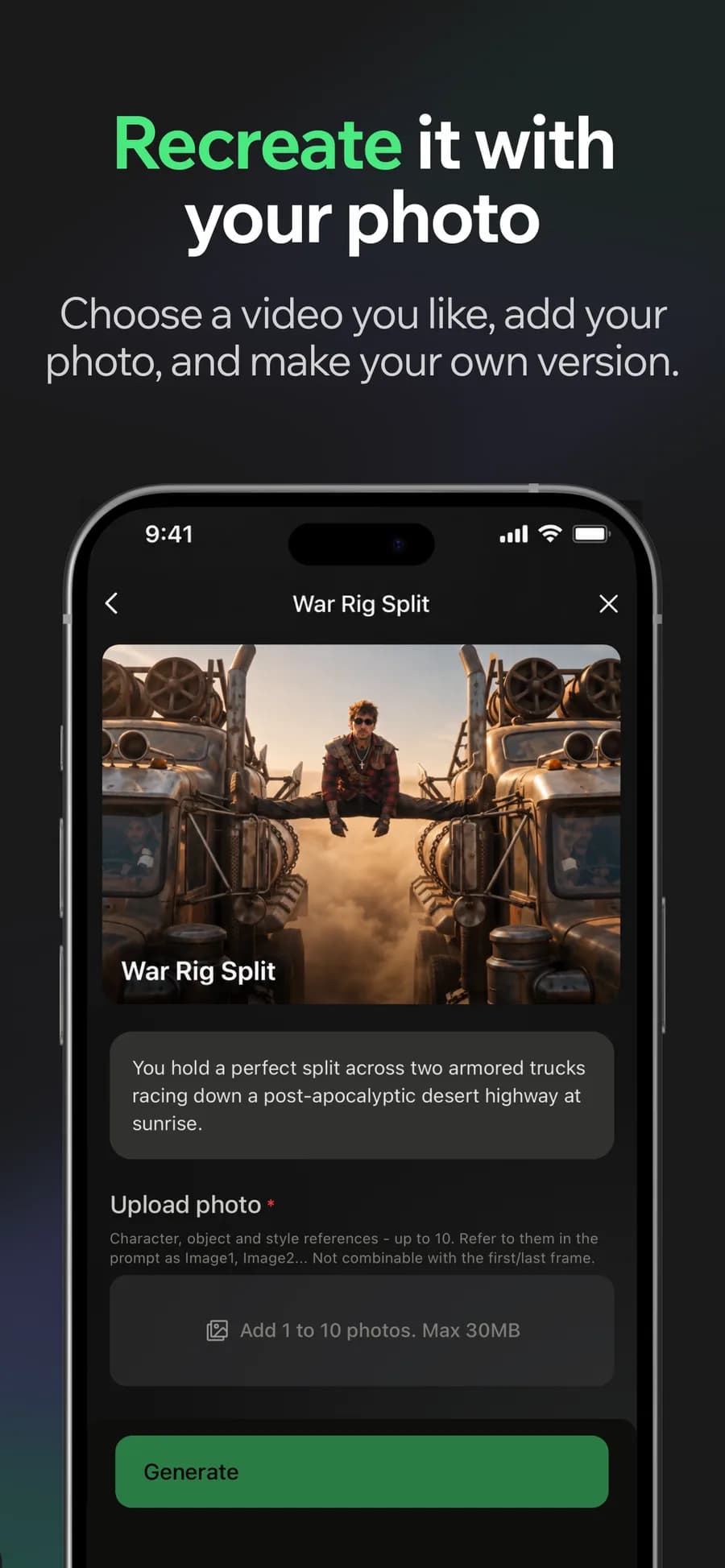
03
Make it yours
Found a video you like? Add your photo and get your own version of it.
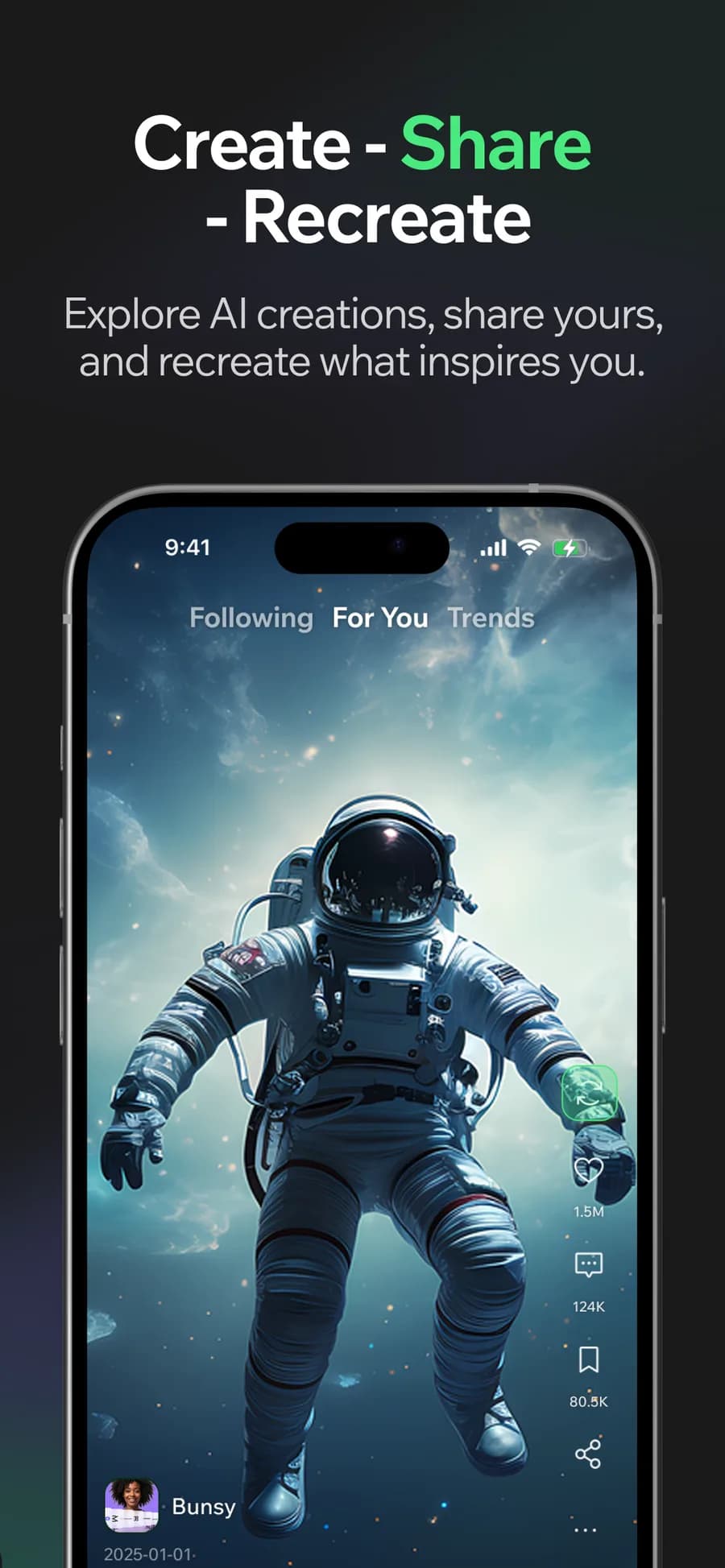
04
Post it
Straight to the Bunsy feed, or export and post it anywhere.
The editor
The part other generators skip.
Anything can hand you a clip. Bunsy hands you the cut.
- A frame-accurate timeline
- Trim, reorder and layer clips where you can see them, instead of re-prompting and hoping.
- Subtitles that know who spoke
- Automatic transcription with speaker labels, editable cue by cue before you burn them in.
- 0.25× to 4×, pitch-corrected
- Retime a clip without the audio turning into a chipmunk — the pitch follows the speed.
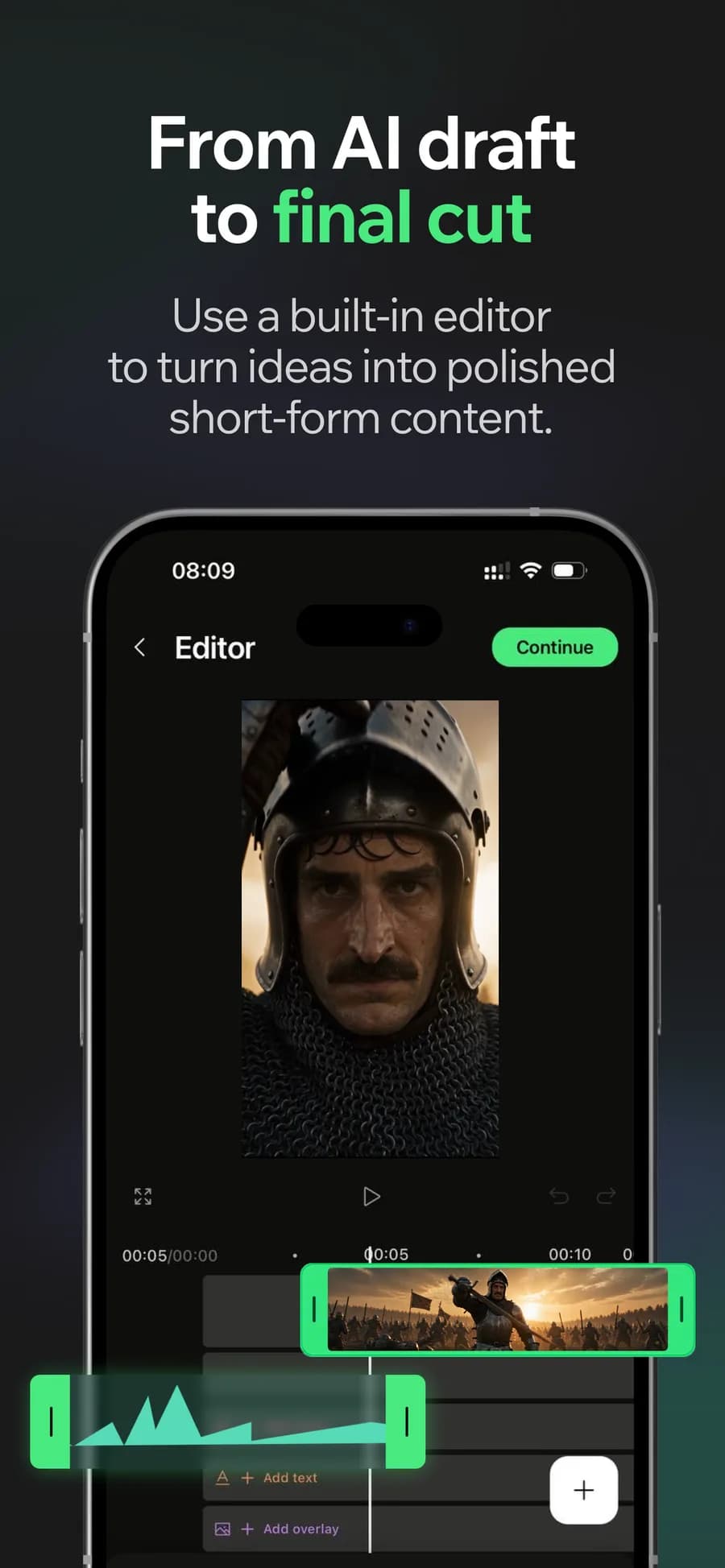
Node editor
Some shots need
more than one model.
So wire them together. A still from Nano Banana becomes the frame Seedance animates, and the clip goes straight out to the feed — one graph, three models, no exporting between apps.
The same catalogue as the one-tap flow. You just decide the order, and the canvas remembers it — save the graph, run it again with a different prompt, or open someone else's.
Ferrari Testarossa 1980

Ferrari Testarossa driving along a Sicilian coastal cliff road at golden hour, cinematic shot.
The graph the in-app tour builds, node for node.
AI video for every project
Create TikTok videos, Instagram Reels and YouTube Shorts, or build a product demo, explainer or music video. Choose the format and assemble your shots on the same timeline.
Questions
Is the Bunsy AI video generator free to use?
Bunsy is free to download. AI generation uses credits from a subscription or a one-time pack. The cost of a render depends on the model and settings; current plans and credit packs are listed on the pricing page.
Which AI models can I generate with?
Bunsy offers a catalogue of AI video and image models. Choose a model for each generation and compare its supported modes and starting credit costs on the AI models page, which uses the same live catalogue as the app.
Explore the live model catalogueDo I need an account on the website?
No account is needed to read this website's product guides, model catalogue or pricing. To generate and edit videos, download Bunsy and sign in inside the mobile app.
Can I edit videos I did not generate in Bunsy?
Yes. Import clips and photos from your camera roll and cut them on the same timeline as generated footage, with subtitles, sound and retiming applied the same way.
Can I use what I make commercially?
Generally yes, subject to the Bunsy terms and acceptable use policy as well as the licence of the model that produced the clip. Check both before using a video in a paid campaign.
Read the termsIs it on both iOS and Android?
Yes — Bunsy is available on the App Store and on Google Play, with the same generation catalogue and the same editor on both.
Your first clip is
a minute away.
Free to download. Nothing to set up.