Bunsy · iOS & Android
An AI subtitle generator that knows who is speaking
Feeds autoplay muted. Plan for it.
Or open the download link
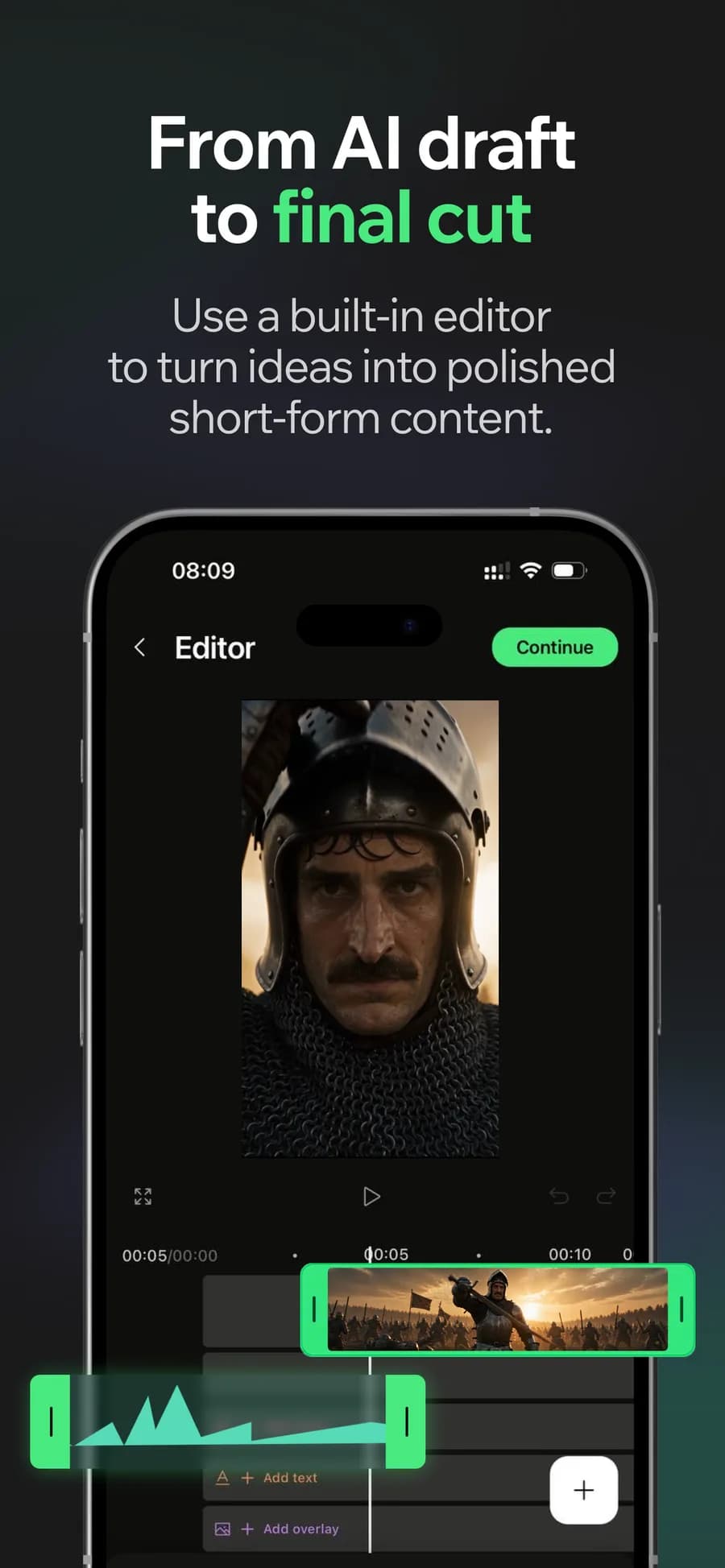
On the timeline
The AI subtitle generator transcribes the audio already on your timeline, splits it by speaker and gives you cues to review. Correct names and technical terms before burning the subtitles into the export.
An AI subtitle generator for your project's audio
Transcription runs on the track in the project — a generated voiceover, a dubbed line, or a recording off your camera roll. Nothing is re-uploaded, so the text and the speech cannot drift apart.
Why it holds up
Speaker labels, not one block of text
A two-hander only reads as a conversation when the captions change with the voice. Cues are grouped per speaker instead of arriving as an undifferentiated wall of words.
Burned into the export
Captions render into the file itself. Nothing depends on a viewer enabling a subtitle track or on a platform deciding to show one.
Made in Bunsy
What it produces
Clips made in Bunsy, exactly as they came out of the app.
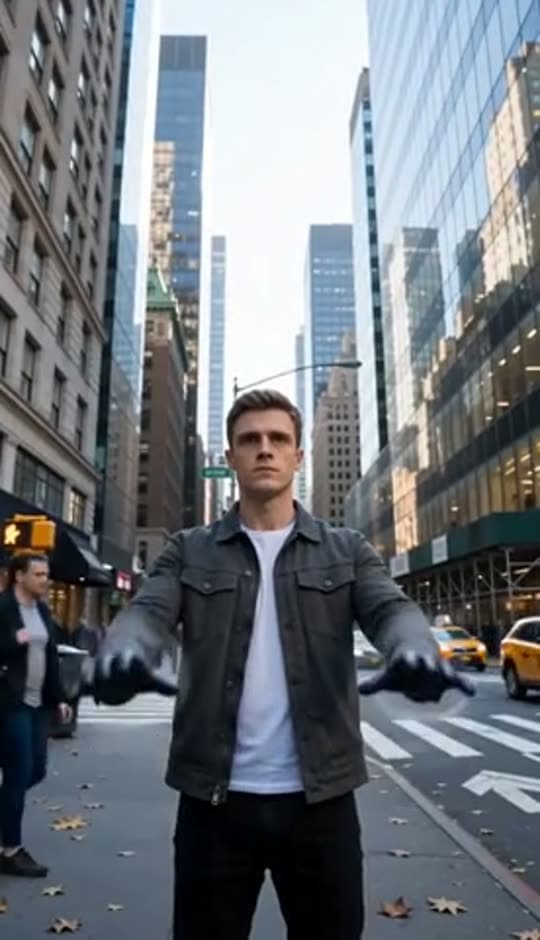
A man on a Manhattan street

An anime kid running through tall grass
A mug of coffee at sunrise
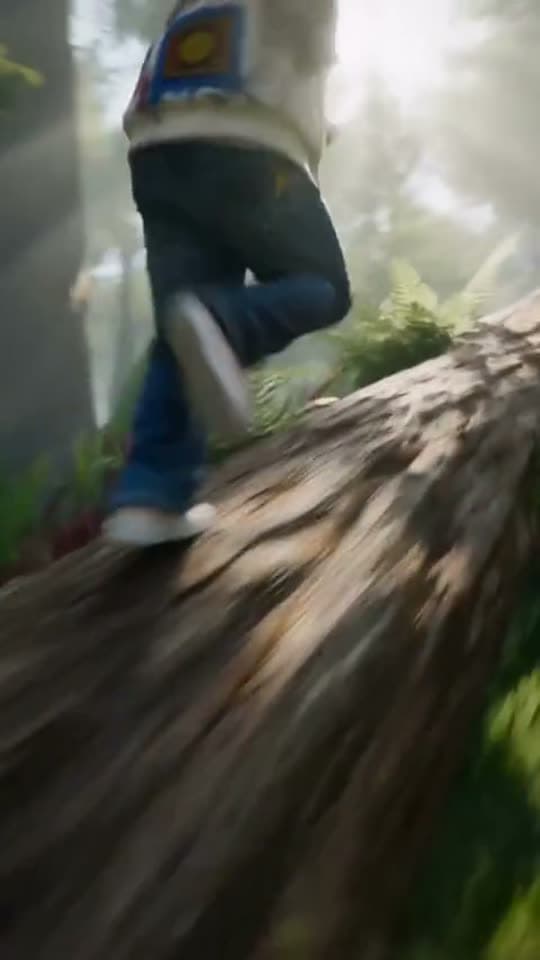
Running over a fallen tree in a forest
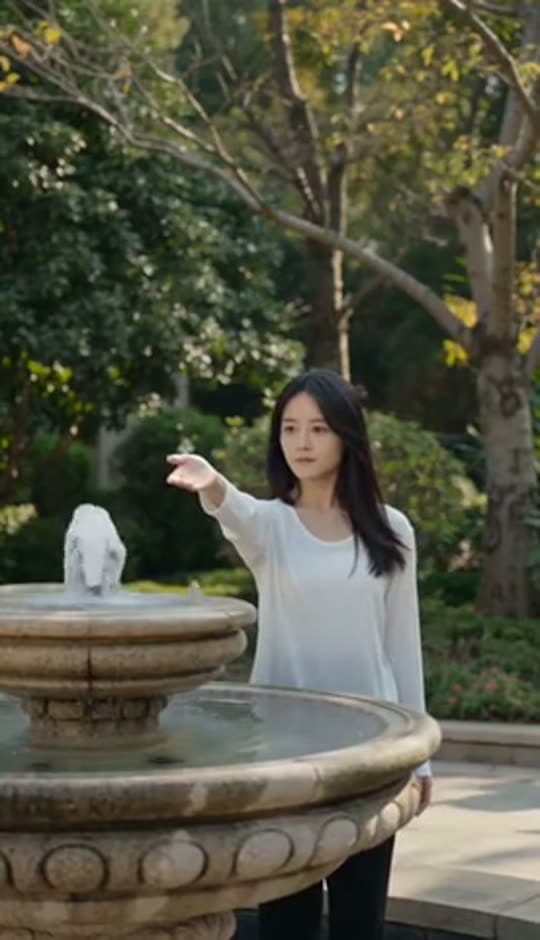
A woman reaching towards a park fountain
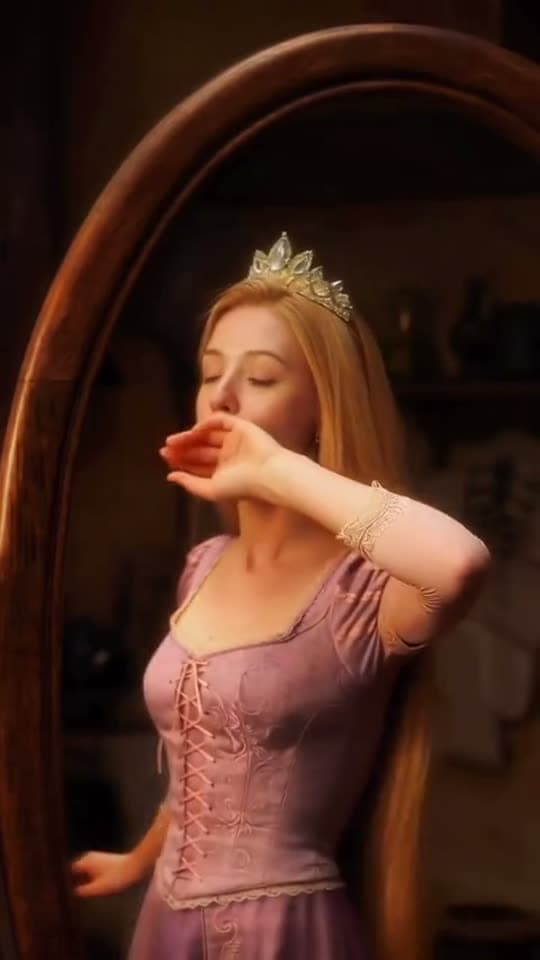
A princess at a mirror, generated in Bunsy
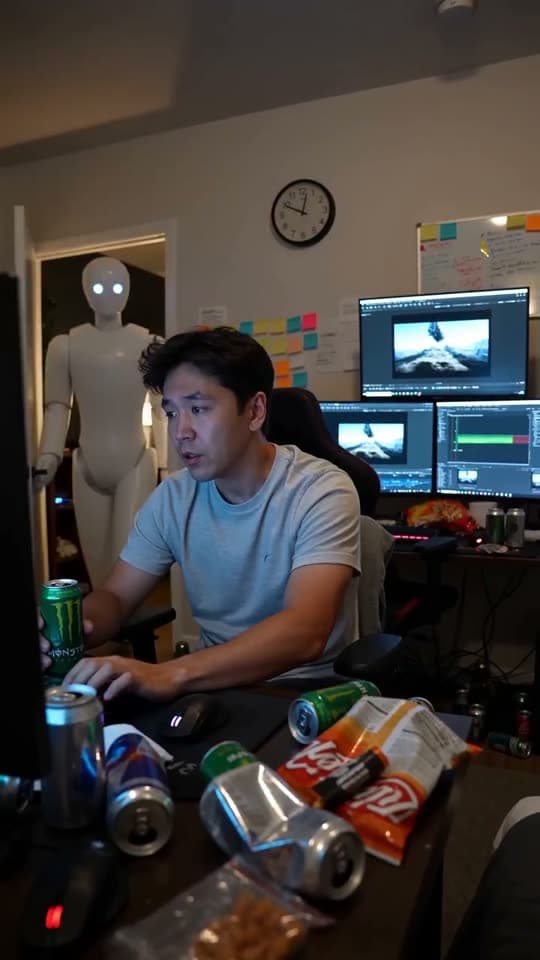
A robot watching over an editor at work
Questions
Can I fix a word the transcription got wrong?
Yes — every cue is editable on the timeline. Names, brands and technical terms are where any transcription model slips first, and they are the ones worth reading through before you export.
Why not just use the platform's automatic captions?
Because those appear after upload, styled by the platform, with no pass for corrections in between. Captions burned into the file are the ones you have actually looked at.
Which languages can the AI subtitle generator handle?
Coverage follows the models in the catalogue and changes as they do. If you dubbed the clip, caption the dubbed track rather than translating the original text by hand — the timing comes out right that way.
Your first clip is
a minute away.
Free to download. Nothing to set up.