Bunsy · iOS & Android
Explainer videos built a beat at a time
A shot per point, and a voice reading the script.
Or open the download link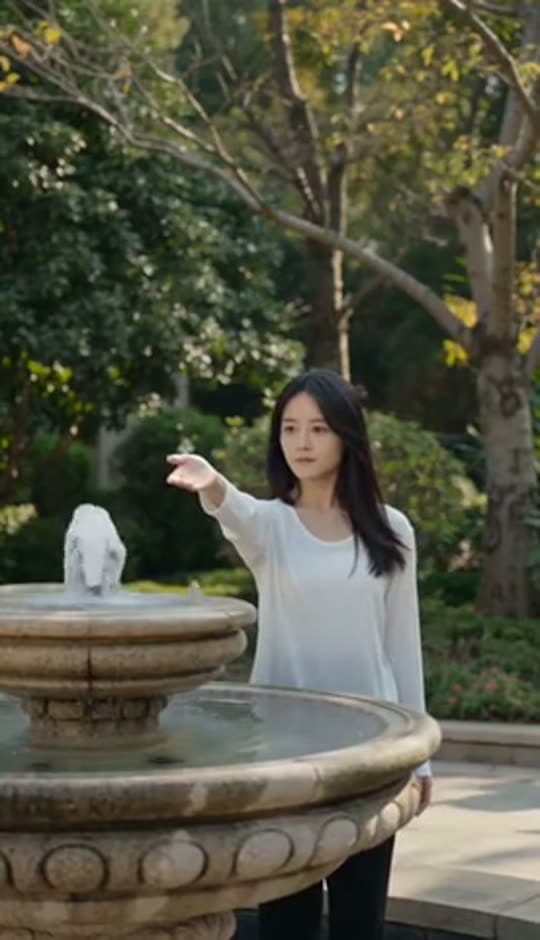
On the timeline
Explainer videos work when the visuals support a clear argument. Start with the script, generate a shot for each point and connect the footage with narration, captions and a focused edit.
Build explainer videos one point at a time
Split the script into beats and generate a visual for each. A process, an abstraction, a thing that does not exist yet — the subjects with no stock footage are exactly what a prompt handles well.
Why it holds up
The script drives all three tracks
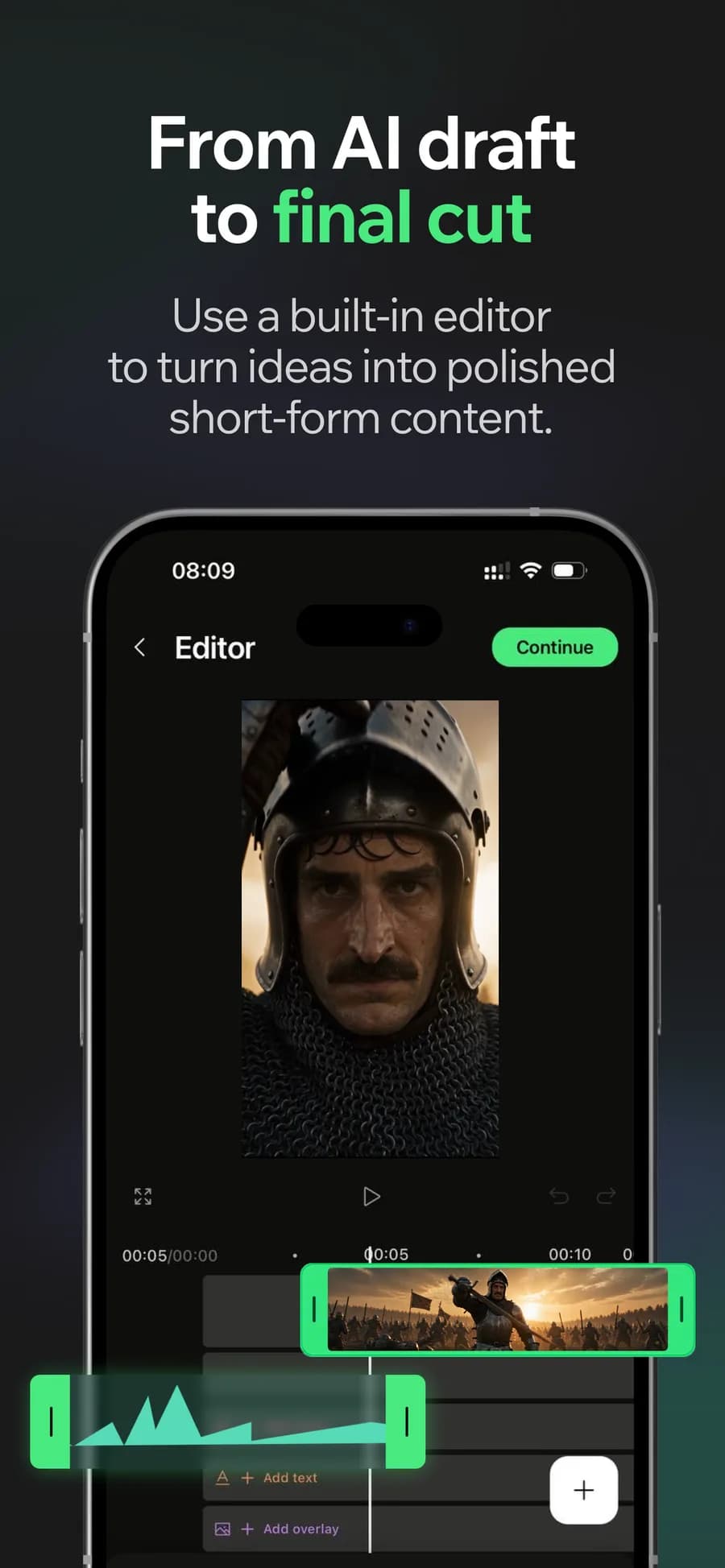
It becomes the narration, and the narration becomes the captions. Change a line and the voice and the on-screen text stay in agreement instead of quietly diverging.
Pacing is most of the craft
An explainer loses people when a point outstays its shot. Trim against the narration on the timeline until each idea gets the seconds it needs and not one more.
Made in Bunsy
What it produces
Clips made in Bunsy, exactly as they came out of the app.
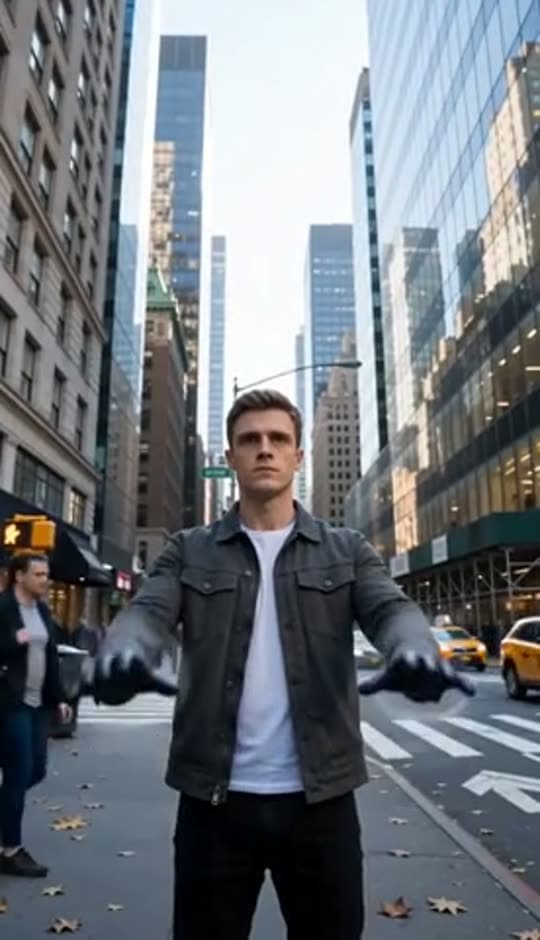
A man on a Manhattan street

An anime kid running through tall grass

A mug of coffee at sunrise
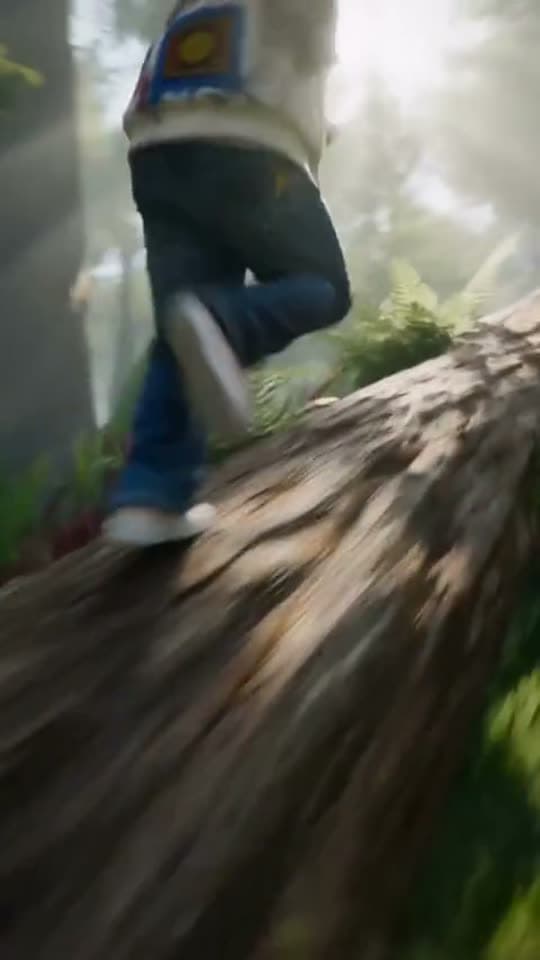
Running over a fallen tree in a forest
A woman reaching towards a park fountain

A princess at a mirror, generated in Bunsy
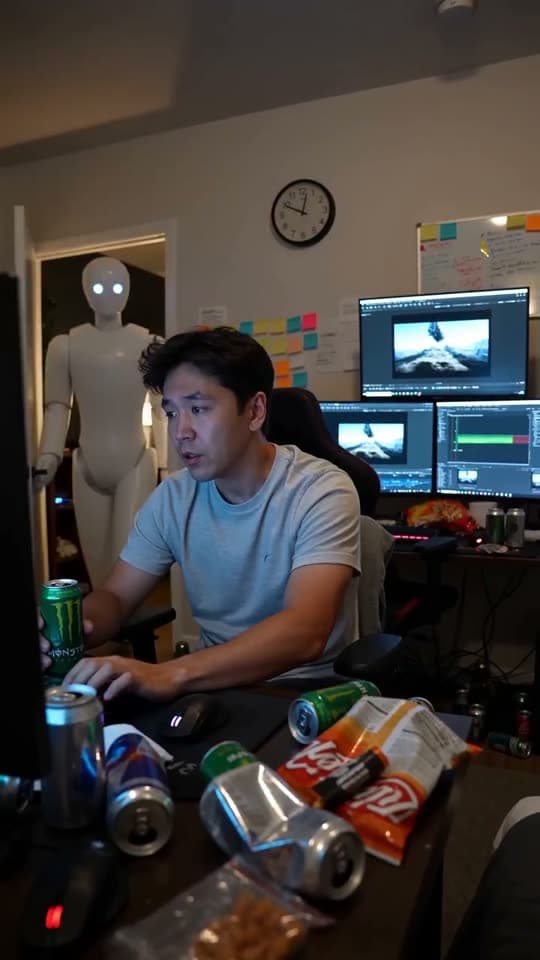
A robot watching over an editor at work
Questions
How long should explainer videos be?
As long as the argument, which is shorter than the first draft almost every time. Cut whatever the viewer already agreed with — on a timeline that is a trim rather than another recording session.
Can I mix in my own screenshots or diagrams?
Yes. Import them from your device and place them among the generated shots. Most explainers are better for showing the real interface at the moment they describe it.
Should I disclose that the visuals are generated?
If the video makes claims about a real product, process or person, say so and keep the claims accurate. An invented illustration of a real thing is where audiences and platforms both draw the line.
Your first clip is
a minute away.
Free to download. Nothing to set up.