Bunsy · iOS & Android
AI lip sync and dubbing that match the take
New audio, same performance.
Or open the download link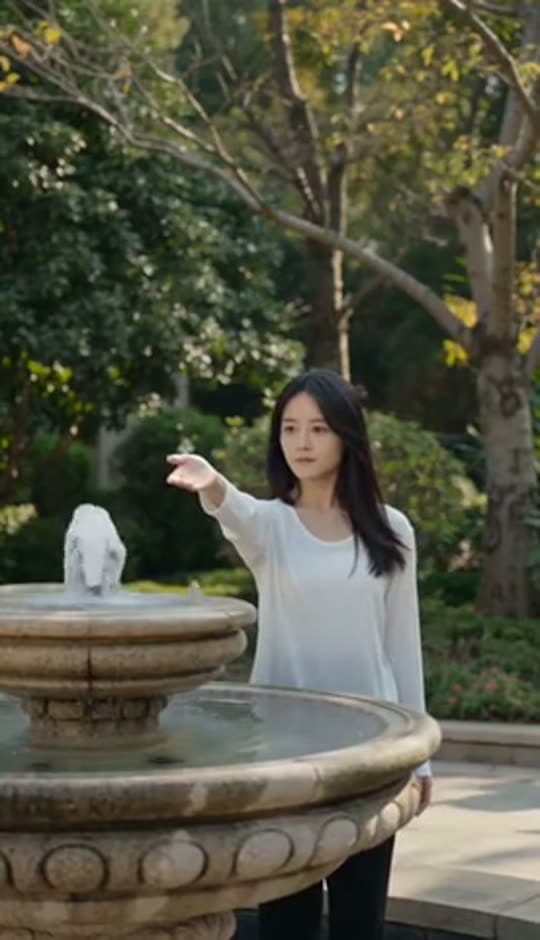
Inside the app
AI lip sync handles the mouth alongside the audio: supply or generate a new track, then align the lips to it. Review the result before adding subtitles and finishing the edit.
AI lip sync from your own audio
A typed script read by a catalogue voice, a voice you generated earlier, or a recording you made yourself.
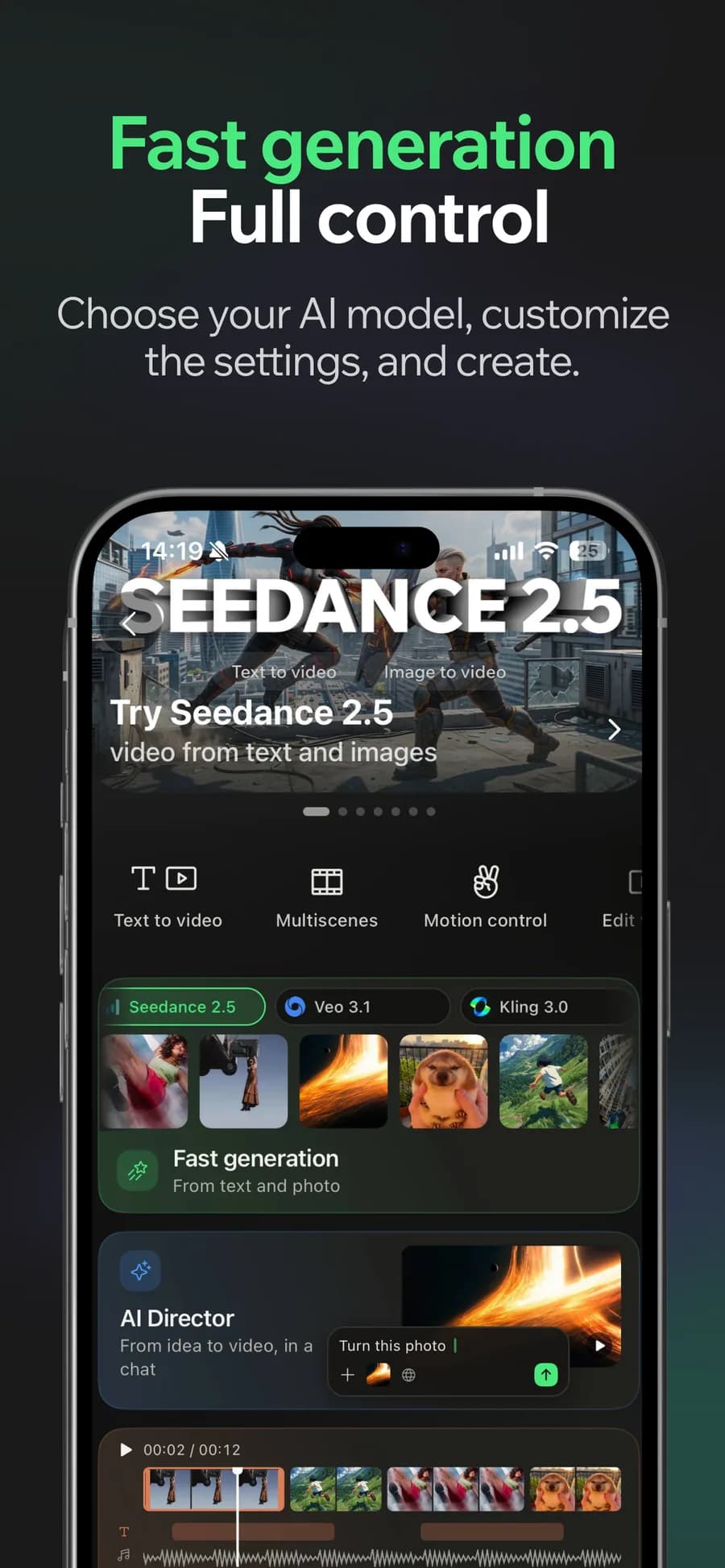
01
Generate
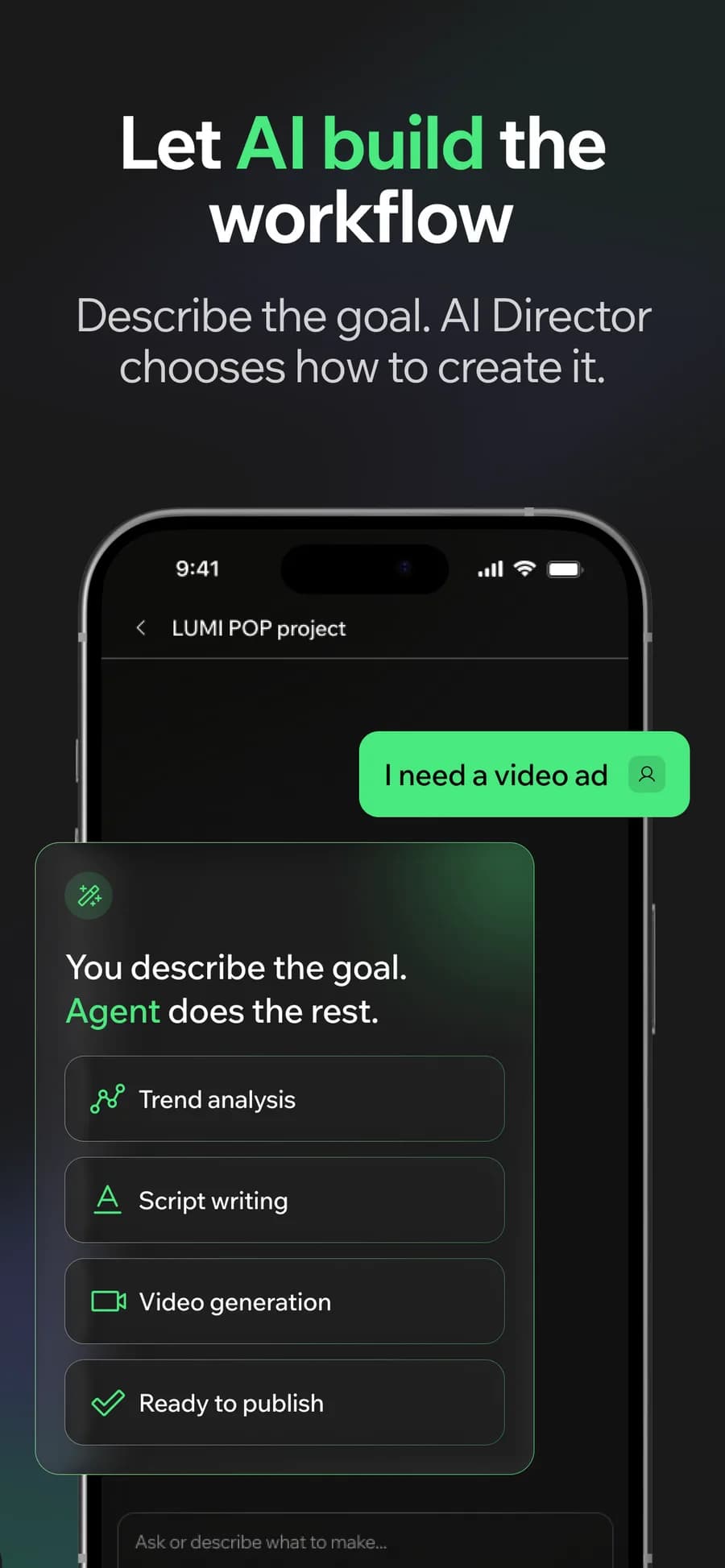
02
Or let the AI Director do it
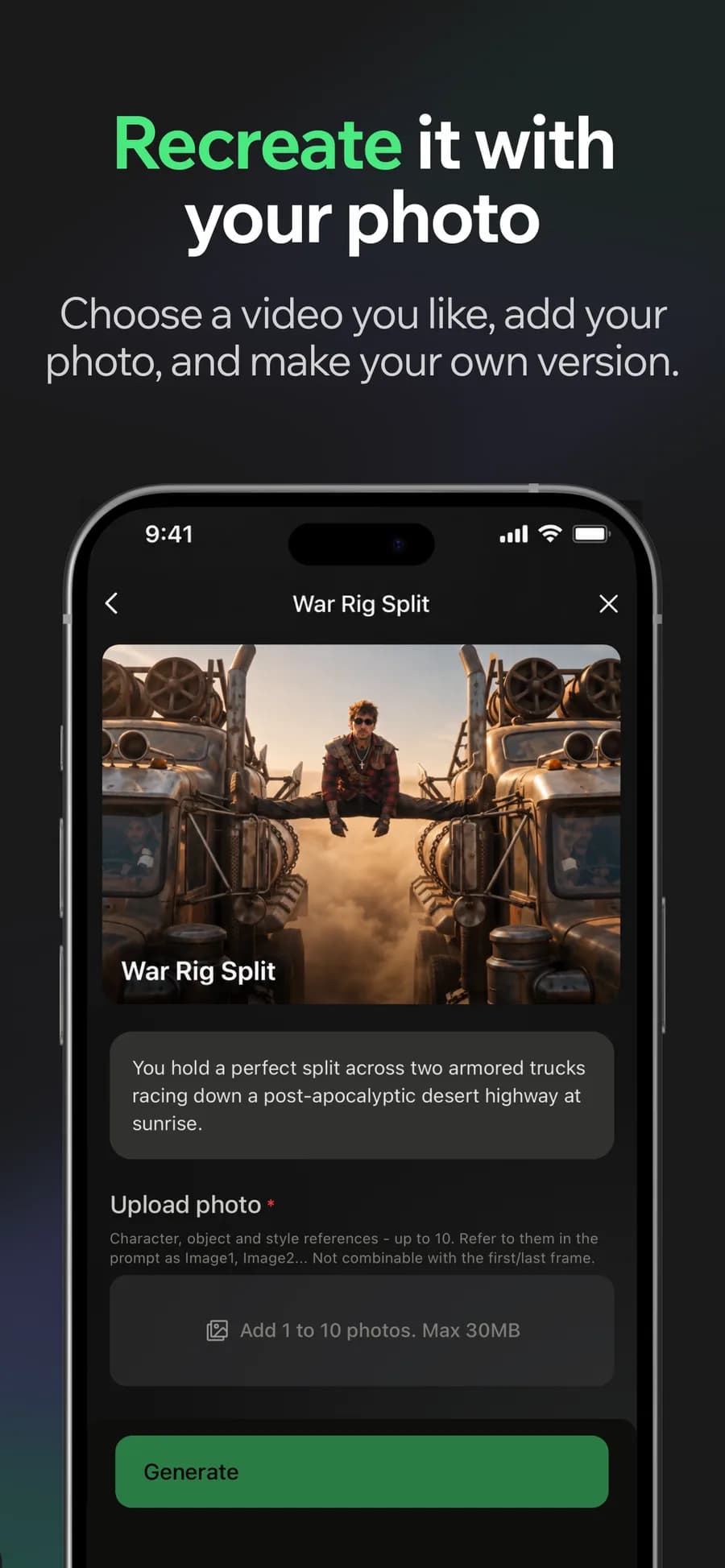
03
Make it yours
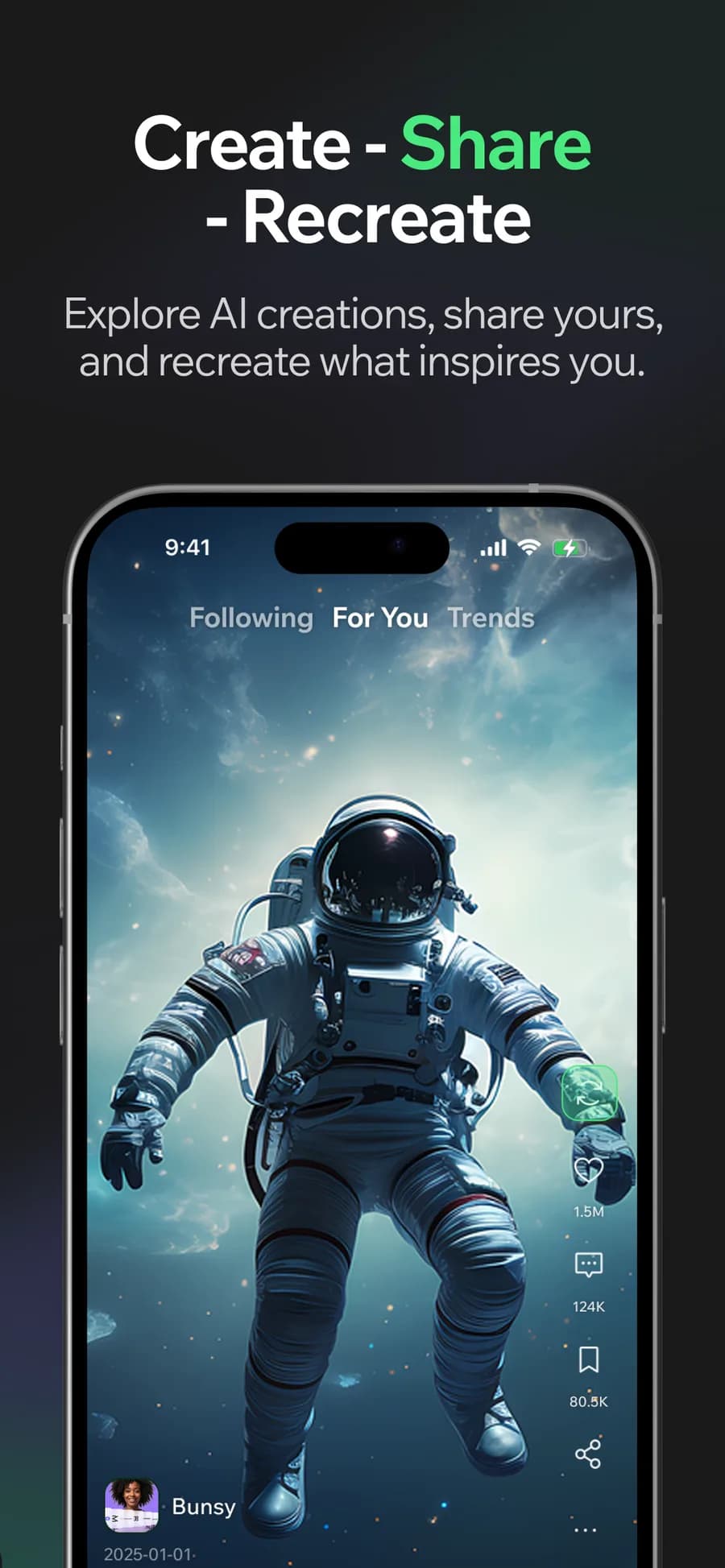
04
Post it
Why it holds up
Dub into another language
Keep the footage and change the language, with a voice chosen for the delivery you want rather than the first one available.
Subtitles from the same audio
Transcription runs on the track you dubbed with, so captions and speech agree instead of describing the original.
Made in Bunsy
What it produces
Clips made in Bunsy, exactly as they came out of the app.
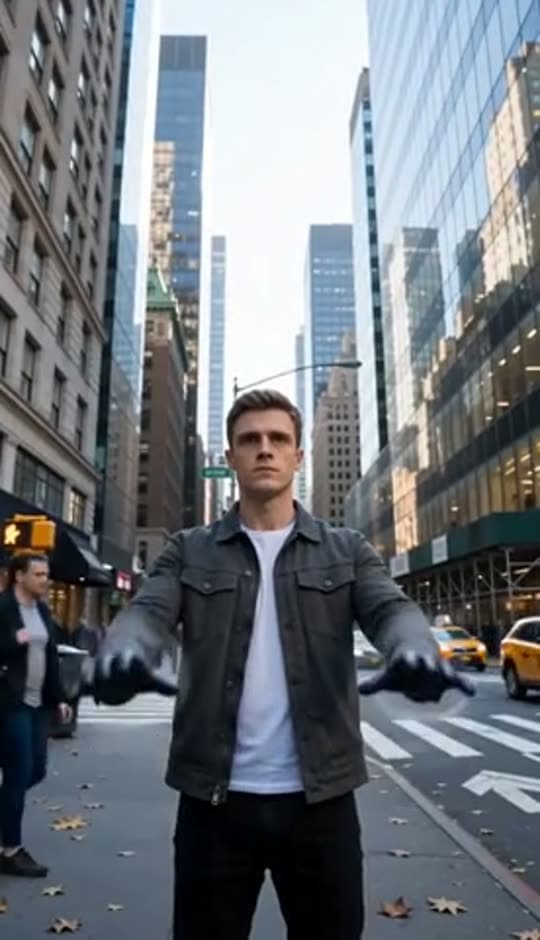
A man on a Manhattan street

An anime kid running through tall grass

A mug of coffee at sunrise

Running over a fallen tree in a forest
A woman reaching towards a park fountain
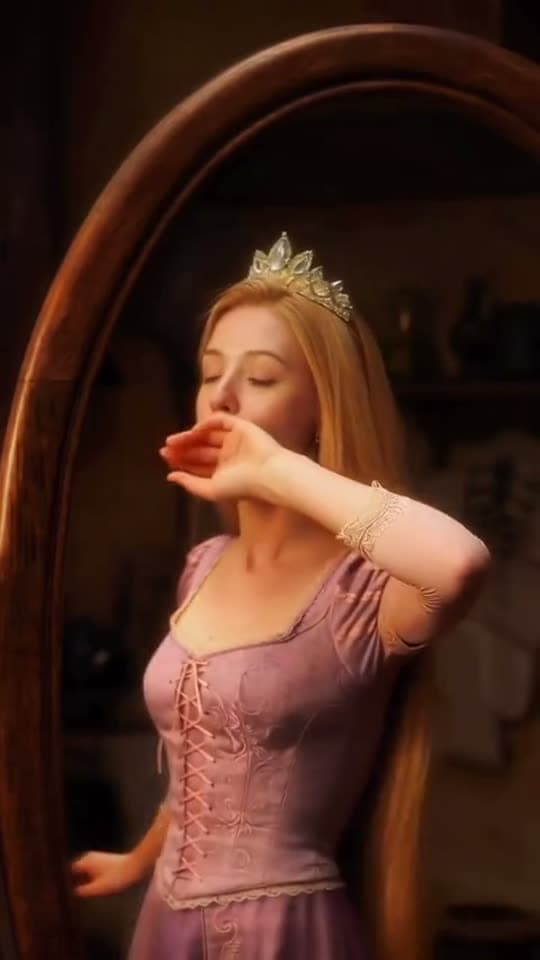
A princess at a mirror, generated in Bunsy
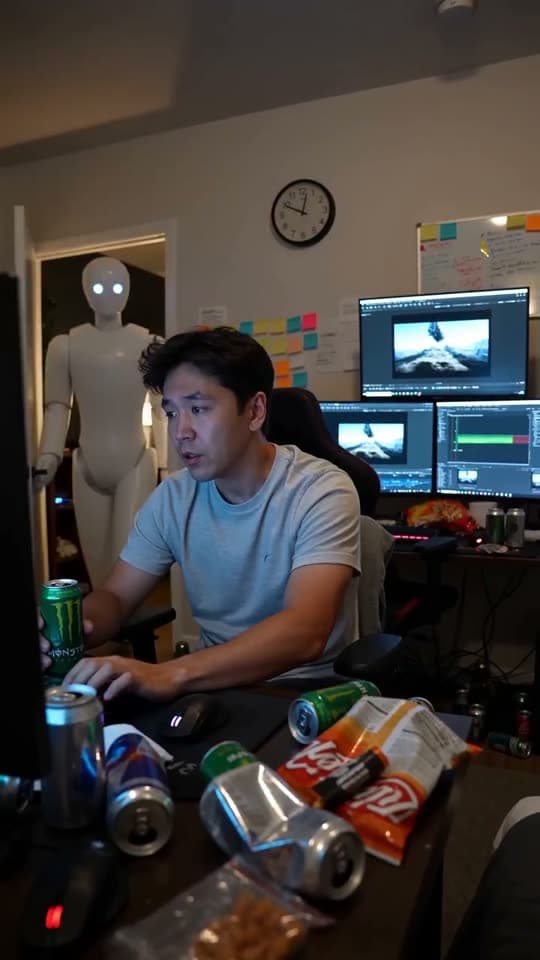
A robot watching over an editor at work
Questions
Can I use AI lip sync on footage I filmed myself?
Yes. Import the clip from your camera roll and drive it with the audio you choose, the same way as a generated clip.
What is the difference between lip sync and dubbing here?
Lip sync re-matches the mouth to an audio track. Dubbing is the whole job — a new voice in a new language, with the mouth re-synced and captions regenerated to match.
Will the timing drift on a long clip?
Sync is generated against the supplied track rather than stretched to fit, and the timeline lets you nudge the result if a specific take needs it.
Your first clip is
a minute away.
Free to download. Nothing to set up.